
Protect Yourself From Unwanted and Scam Calls
Learn how to cut down unwanted calls, spot phone scams, and use your rights and tools to stay safer every time your phone rings.
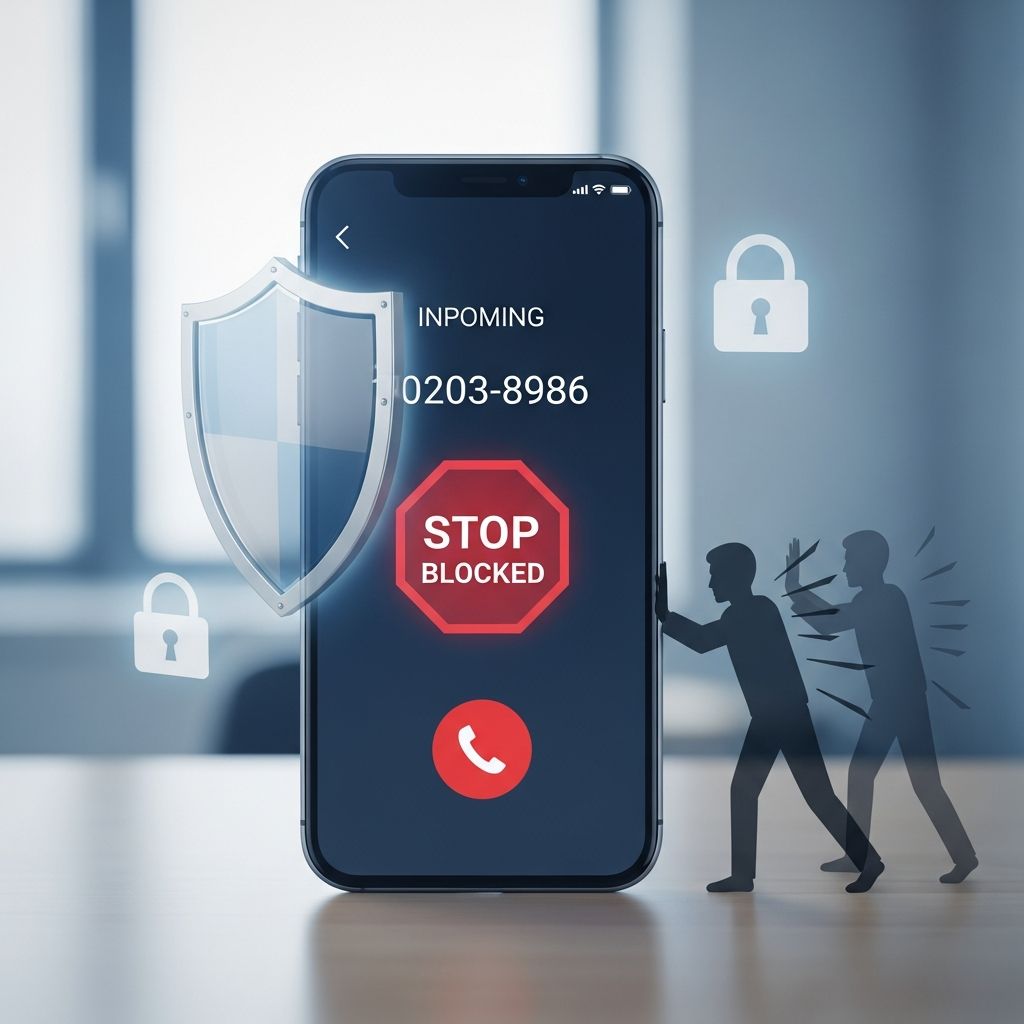
Phone calls can be useful, but they can also be a doorway for scams, harassment, and endless interruptions. Understanding how unwanted calls work, what is legal, and which tools you can use puts you back in control of your phone.
Why You Get So Many Unwanted Calls
Modern callers, especially scammers and aggressive telemarketers, rely on cheap internet-based calling technology to reach millions of numbers in a short time. This makes it easy for them to target you repeatedly, even if they are outside the United States or hiding behind fake caller ID information.
Not every unexpected call is illegal, but many of the most frequent and annoying calls fall into a few categories:
- Illegal robocalls that try to sell you something without your written permission.
- Scam calls that pretend to be from government offices, banks, or well-known companies.
- Unwanted sales calls from telemarketers who ignore the rules, including the National Do Not Call Registry.
Knowing which category a call may fall into helps you decide what to do next — block, ignore, interact cautiously, or report it.
Main Tools to Cut Down Unwanted Calls
You will rarely be able to stop every single unwanted call, but combining several tools will sharply reduce them and make the rest easier to handle.
1. Call Blocking and Call Labeling
Call-blocking and call-labeling tools are available from phone companies, apps, and device makers. These tools use data about known scam numbers, suspicious call patterns, or crowdsourced reports to stop or flag calls before they bother you.
- Call blocking tries to keep certain calls from ringing your phone at all.
- Call labeling lets the call through but marks it with warnings like “spam,” “telemarketer,” or “scam likely.”
Depending on your phone type, you might find these options:
- Built-in settings on smartphones to silence unknown numbers, block specific numbers, or send calls straight to voicemail.
- Carrier services that block high-risk calls at the network level.
- Third-party apps that analyze calls in real time and filter or label them.
2. The National Do Not Call Registry
The National Do Not Call Registry, managed by the U.S. Federal Trade Commission (FTC), lets you register your personal phone numbers to cut down on sales calls.
| What the Registry Does | What the Registry Does Not Do |
|---|---|
| Limits most telemarketing sales calls to registered numbers. | Does not stop calls from scammers who choose to break the law. |
| Creates a list telemarketers must check before calling, with penalties if they ignore it. | Does not block political calls, charity calls, debt collection calls, or informational calls. |
| Gives you a way to complain when you keep getting sales calls after your number is registered. | Does not remove your number from every data broker’s list by itself. |
Registration is free, permanent, and applies to both landlines and mobile phones. It is one part of a broader strategy, not a complete solution.
3. Using Device and App Settings Wisely
Your phone itself can be a powerful filter if you adjust a few options:
- Turn on Do Not Disturb and allow only calls from contacts or favorites during certain hours.
- Block specific numbers that repeatedly bother you.
- Use features like “silence unknown callers” where available.
Internet-based home phone services often include similar controls through online dashboards, letting you set rules for which calls get through and which are rejected or sent to voicemail.
Understanding Robocalls and When They Are Illegal
A robocall is any call where you answer and hear a recorded or artificial voice instead of a live person. Many robocalls are either sales pitches or outright scams, and U.S. law sharply restricts when they are allowed.
When Sales Robocalls Are Against the Law
Robocalls that try to sell you something are generally illegal unless the seller has your prior written consent to call you that way.
- You must have clearly agreed to receive prerecorded sales calls.
- The business cannot force you to agree as a condition of buying a product or service.
- Consent must be specific to robocalls — a generic checkbox for “updates” is not enough.
When a caller ignores these rules and blasts out recorded sales pitches anyway, that is a warning sign that you may be dealing with a scam or a company that is unlikely to treat you fairly.
Robocalls That Are Usually Allowed
Certain automated calls are typically allowed because they are informational rather than sales pitches. Examples can include:
- Flight or appointment reminders.
- School closures or emergency alerts.
- Legitimate healthcare reminders, such as prescription refill notices.
Even when these calls are legal, you can often ask the organization to stop or adjust your communication preferences.
How to Handle an Unwanted Robocall
If you pick up the phone and hear a recording you did not agree to receive, you should:
- Hang up immediately.
- Do not press any numbers or follow menu options, even if the recording says it will remove you from the list; that can confirm that your number is active and may lead to more calls.
- Use your phone’s blocking tools or apps to block that number.
- Report the call to the appropriate authorities (see the reporting section below).
Recognizing Common Phone Scams
Scammers constantly update their scripts, but many of their tricks follow predictable patterns. Learning the red flags will help you hang up faster and avoid financial loss.
Typical Scam Tactics Over the Phone
- Urgent threats or pressure: The caller claims you owe money, your account will be closed, or you will be arrested unless you act right away.
- Unexpected prizes or refunds: You are told you won a lottery, sweepstakes, or government grant that you never entered, but first you must pay a “fee” or “tax.”
- Requests for unusual payment methods: The caller asks for payment by gift cards, wire transfers, cryptocurrency, or payment apps, which are hard to trace and recover.
- Impersonation of trusted organizations: The caller pretends to be from a government agency, a major company, or your bank, using fake caller ID to look convincing.
- Demands for personal or financial data: They ask for your Social Security number, bank account, credit card details, or account passwords.
Simple Rules to Stay Safer
To reduce your risk of falling for a scam:
- Treat unexpected calls that ask for money or data as suspicious, especially if you did not start the contact.
- Refuse to give out sensitive details by phone unless you are the one who placed the call using a verified number from a bill, statement, or official website.
- End the call and contact the organization directly through a trusted channel if you are unsure.
- Be skeptical of caller ID — scammers can easily make the display show a fake name or number.
Reporting Problem Calls and Why It Matters
Reporting unwanted calls, robocalls, and suspected scams does more than help you; it feeds information to agencies that track patterns, bring enforcement actions, and work with phone carriers on better blocking tools.
Where to Report Different Types of Calls
- Unwanted sales calls or robocalls: You can file complaints with federal consumer protection agencies, such as the Federal Trade Commission, often through online complaint forms.
- Scam calls or money losses: If you lost money or gave sensitive information, use official fraud-reporting websites (for example, ReportFraud.ftc.gov in the United States) and also contact your bank or card issuer immediately.
- Telemarketing rule violations: You can also report persistent illegal telemarketing to the National Do Not Call complaint system through official government channels.
When you file a report, include as much detail as you can:
- The number that called you and the number that received the call.
- The date and time of the call.
- Any name the caller gave and any number they told you to call back.
- What the caller said or what the recorded message was about.
Agencies analyze these complaints to identify clusters of illegal calls, target repeat offenders, and support legal actions and technology improvements.
Practical Strategies for Different Types of Phones
The best mix of tools depends on whether you use a mobile phone, a traditional landline, or a home phone that uses internet service (VoIP).
Mobile Phones
On a mobile phone, you can usually combine several techniques:
- Turn on your carrier’s call-blocking or scam-alert service if available.
- Use a reputable call-blocking app from a trusted provider.
- Block specific numbers that bother you more than once.
- Set your phone to silence unknown callers if you rarely need calls from new numbers.
Traditional Landlines
If you still have a copper-based home phone line, options may be more limited but still helpful:
- Ask your phone company what blocking or labeling services it offers for your line.
- Consider a separate call-blocking device that plugs into your phone and can block or screen certain types of calls.
- Use devices that require callers to press a number or speak their name before the call rings through, which can filter out many robocalls.
Home Phones Using Internet Service (VoIP)
Internet-based home phone services often give you more control through online settings:
- Log into your account and look for tools to block suspected spam calls.
- Set up lists of approved numbers or blocked numbers.
- Route calls from unknown or high-risk numbers straight to voicemail.
Everyday Habits That Reduce Future Unwanted Calls
Technology is important, but your everyday choices also affect how often you are targeted.
- Be careful where you share your number. Think twice before writing it on forms, entering it in online contests, or giving it out to sales staff if you do not need follow-up calls.
- Read opt-in boxes. Many sign-up forms ask for permission to call or text you for marketing. Uncheck these boxes if you do not want more calls.
- Limit public exposure. Avoid posting your phone number on open social media or public websites where it can be scraped and added to marketing lists.
- Stay informed. Government agencies and consumer protection sites regularly publish new warnings about emerging phone scams; reviewing these can help you recognize new tricks faster.
Frequently Asked Questions (FAQs)
Q: If my number is on the National Do Not Call Registry, why am I still getting calls?
Being on the registry limits most legitimate sales calls, but it does not stop scammers or organizations that are exempt from the rules, such as political groups, charities, and certain informational or debt collection calls.
Q: Is every robocall illegal?
No. Automated calls that provide information, such as flight changes, appointment reminders, or school closing alerts, can be allowed. But recorded calls that try to sell you something without your written consent are usually illegal.
Q: Should I ever press a button to speak to a live agent or to stop future calls?
It is safer not to press any buttons on unexpected robocalls. Pressing keys can confirm to scammers that your number is active and may lead to more unwanted calls.
Q: What is the best first step if I think a call is a scam?
Hang up without sharing information, then contact the company or agency using an official phone number from a bill, account statement, or their verified website. If the call was a scam attempt, also consider reporting it to a relevant government complaint site.
Q: Can I completely stop all unwanted calls?
No solution can guarantee that you will never get another unwanted call, but using call blocking, the Do Not Call Registry, cautious sharing of your number, and regular reporting can significantly reduce them and make remaining calls easier to ignore or manage.
References
- How To Block Unwanted Calls — Federal Trade Commission. 2023-09-25. https://consumer.ftc.gov/node/77558
- How to Stop Unwanted Calls — Federal Trade Commission, Consumer Advice. 2023-09-25. https://consumer.ftc.gov/features/how-stop-unwanted-calls
- Unwanted Calls, Emails, and Texts — Federal Trade Commission. 2023-09-25. https://www.ftc.gov/unwanted-calls-emails-texts
- Complain about phone and text scams, robocalls, and telemarketers — USA.gov. 2025-11-13. https://www.usa.gov/telemarketer-scam-call-complaints
- National Do Not Call Registry FAQs — Federal Trade Commission. 2023-05-01. https://www.donotcall.gov/faq.html
Similar Articles








Read full bio of medha deb


