
Protect Your Identity Online: 7 Essential Habits To Follow Now
Practical habits that reduce fraud risk and help keep your personal data secure online.
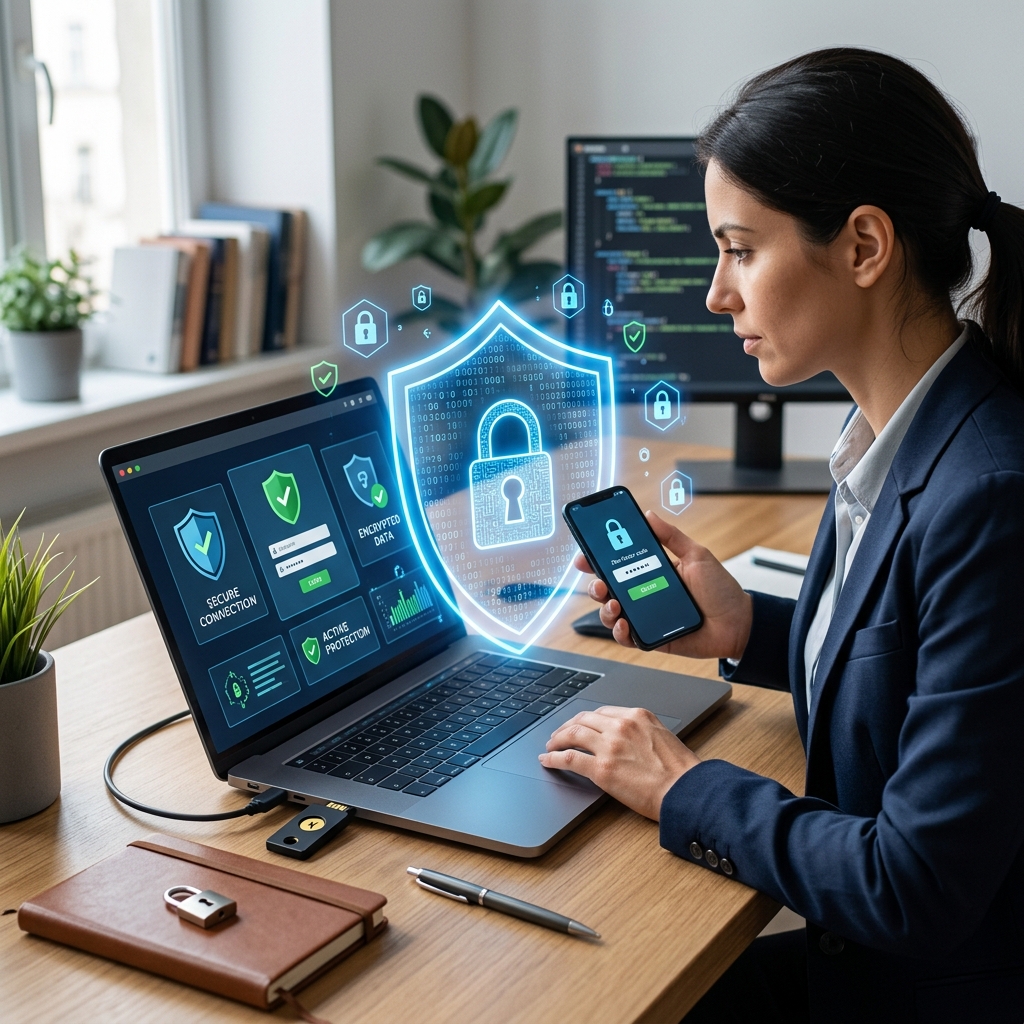
How to Protect Your Identity in a Digital World
Identity theft rarely happens all at once. In many cases, it begins with small exposures: a weak password, a public post, a phishing email, or an unsecured network. Official guidance from the FTC and IRS emphasizes that identity protection works best as a routine, not a one-time fix.
The goal is not to make online life impossible. It is to make it harder for criminals to collect enough information to impersonate you, access your accounts, or open new ones in your name. That means reducing what you share, strengthening account security, and watching for warning signs early.
Start with the accounts and devices you use most
Your most important defenses should cover the places where your personal and financial information already lives. That includes your email account, banking apps, mobile phone, cloud storage, and any shopping or payment platforms linked to your cards. Security experts and consumer agencies consistently note that strong account controls and regular updates are basic but effective layers of defense.
If a criminal gets access to your email, they may be able to reset passwords on other accounts. If they gain access to your phone, they may intercept verification codes. For that reason, protecting email and mobile access often matters as much as protecting a bank login.
Use stronger passwords and avoid repetition
One of the most common mistakes is using the same password across multiple sites. If one company suffers a breach, attackers often try the stolen password on other services. Official consumer advice recommends unique, complex passwords for every account and discourages the use of personal details such as birthdays, pet names, or family names.
A practical method is to create long passphrases that are easy for you to remember but hard to guess. A password manager can help store those credentials securely so you do not need to rely on memory or reuse a favorite password. The key is uniqueness: every account should have its own login.
| Safer practice | Riskier practice |
|---|---|
| One unique password per account | Reusing the same password everywhere |
| Long passphrases with mixed characters | Short passwords based on personal facts |
| Password manager for storage | Writing passwords on easily accessible notes |
Add a second layer of login protection
Two-factor authentication, often called 2FA, makes stolen passwords less useful. The FTC and other official consumer guidance recommend enabling it wherever possible because it requires a second proof of identity beyond a password.
That second proof may be a code from an authenticator app, a text message, a push notification, or a hardware key. Not every method offers the same level of protection, but even a basic second step is usually better than password-only access. For high-value accounts such as email and banking, 2FA is especially important.
Keep software, browsers, and apps updated
Many identity theft incidents begin with malware, phishing, or vulnerabilities in outdated software. Consumer protection guidance advises keeping operating systems, browsers, security tools, and mobile apps updated so known security holes are closed promptly.
Automatic updates are often the safest option because they reduce the chance that you will forget to install a critical patch. This is especially important for devices you use to access financial accounts, store documents, or receive verification codes.
Be cautious with email, texts, and attachments
Phishing remains one of the fastest ways criminals steal identities. A message may look like it came from a bank, delivery company, government agency, or online retailer, but the goal is often to push you into clicking a fake link or opening a harmful attachment. Official advice is to avoid clicking unsolicited links or downloading unknown files, especially when the message creates urgency.
A safer habit is to contact the organization directly using a trusted phone number or website address that you type yourself. If a message asks for passwords, security codes, bank details, or tax information, treat that request as suspicious until you verify it independently.
Limit what you reveal on social media
Social networks can help criminals build a profile of your life. Posts may reveal your birthday, travel plans, workplace, family relationships, or answers to common security questions. University and consumer guidance recommends reviewing privacy settings, limiting visibility, and avoiding oversharing personal information online.
It is also wise to think carefully before allowing tags, check-ins, or public comments that expose your routines or location. Even if a post seems harmless, it can help a scammer personalize a phishing attempt or guess account recovery answers.
Avoid risky connections and shared devices
Public Wi-Fi can be convenient, but it is not the best place for checking bank balances, filing taxes, or entering sensitive data. Consumer guidance warns that untrusted wireless networks may expose data to interception, especially if the connection is not encrypted.
If you must connect in a public place, use a private, secure network or a trusted virtual private network when appropriate. You should also sign out of accounts after use, particularly on shared computers or devices that do not belong to you.
Watch your accounts, credit, and tax records
Protection is strongest when you notice suspicious activity early. The FTC recommends regular monitoring of financial and credit-related accounts so unauthorized charges, new accounts, or sudden changes can be caught quickly.
The IRS also offers an Identity Protection PIN program, which helps prevent someone from filing a tax return in your name. That type of protection is especially useful if your personal information has been exposed in a breach or other incident.
Checking statements only once in a while is not enough. Review bank activity, credit card transactions, email recovery settings, and account login alerts on a routine basis. If anything looks unfamiliar, act immediately.
Know the warning signs of identity theft
Identity theft is often easier to stop when you spot it early. Warning signs may include unfamiliar charges, login alerts you did not trigger, password-reset messages you did not request, missing mail, or notices about accounts you never opened.
More serious signs include being locked out of an account, receiving debt collection letters for unknown obligations, or getting tax-related notices that suggest someone else used your personal information. At that point, time matters because criminals may try to keep using the stolen data.
Take immediate action if something seems wrong
When you suspect misuse, change the affected passwords right away and secure the email account connected to other services. If one password was reused elsewhere, update those accounts too.
Next, contact your financial institution, review recent transactions, and ask about fraud alerts or account freezes where appropriate. If tax information may have been exposed, use the IRS identity protection tools available to eligible taxpayers.
It can also help to document what happened, including dates, messages, and account activity. Clear records make it easier to work with banks, platforms, and government agencies if the situation escalates.
Build a simple long-term identity protection routine
The most effective approach is consistent, not complicated. A realistic routine might include checking account alerts weekly, reviewing statements monthly, updating software as soon as patches appear, and auditing social media privacy settings a few times a year.
That routine does not eliminate every risk, but it lowers the odds that a criminal can turn one careless moment into a larger fraud problem. Identity protection is strongest when your habits make stolen data less useful and suspicious activity easier to catch.
Common identity protection habits worth keeping
- Use a unique, strong password for every important account.
- Enable two-factor authentication on email, banking, and shopping accounts.
- Install software updates promptly on phones, computers, and browsers.
- Avoid opening unexpected links or attachments from unknown senders.
- Keep social media privacy settings tight and reduce oversharing.
- Use secure networks for financial tasks and log out of shared devices.
- Monitor statements, credit activity, and account alerts regularly.
Frequently asked questions
What is the single most important step for protecting identity online?
Using unique passwords with two-factor authentication is one of the strongest first-line defenses because it reduces the value of stolen credentials.
Is public Wi-Fi always unsafe?
Not always, but it is less reliable for sensitive tasks. Official consumer guidance recommends avoiding financial or personal-data transactions on untrusted public networks when possible.
Should I worry about social media if my profiles are private?
Yes, because private settings reduce exposure but do not eliminate risk. Friends, screenshots, platform data sharing, and compromised accounts can still reveal information.
What should I do first if I think my identity has been stolen?
Secure your accounts, change passwords, review financial activity, and contact the relevant institution immediately. If tax identity theft is possible, use IRS identity protection resources.
References
- Identity Theft: What to Know, What to Do — Federal Trade Commission. 2024-10-01. https://consumer.ftc.gov/articles/identity-theft-what-know-what-do
- Get an Identity Protection PIN — Internal Revenue Service. 2026-01-01. https://www.irs.gov/es/identity-theft-fraud-scams/get-an-identity-protection-pin
- Identity protection: how to create strong passwords and use two-factor authentication — CISA. 2025-06-01. https://www.cisa.gov/news-events/news/identity-protection-how-create-strong-passwords-and-use-two-factor-authentication
- Identity protection and social media privacy guidance — University of Veracruz. 2025-02-01. https://www.uv.mx/infosegura/concientizacion/campana/identidad-digital/
- Identity digital and online security — Real Instituto Elcano. 2024-09-01. https://www.realinstitutoelcano.org/analisis/identidad-digital-y-seguridad-online/
- Protecting your identity online — Slack Blog. 2024-05-01. https://slack.com/intl/es-es/blog/transformation/como-se-puede-asegurar-la-proteccion-de-la-identidad
Similar Articles








Read full bio of medha deb


