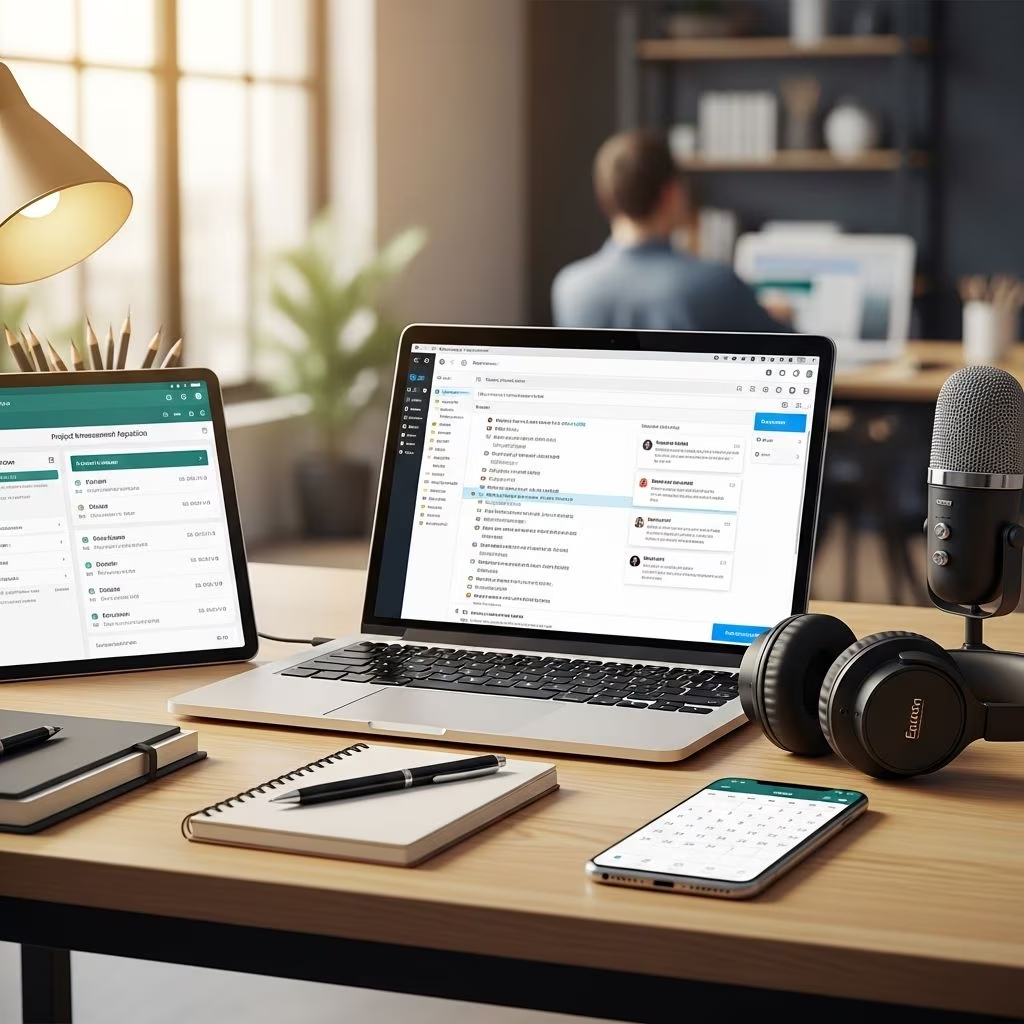
Establishing a strong digital presence starts with the right communication infrastructure. A custom business email address paired with robust collaboration tools not only conveys professionalism but also streamlines daily operations, enhances team coordination, and builds lasting client relationships. This comprehensive guide explores the essentials of setting up professional email systems and integrating collaboration platforms to propel your business forward.
Why Custom Business Emails Matter for Your Brand
Using a custom domain email, such as info@yourcompany.com, immediately sets your business apart from generic free services like Gmail or Yahoo. It reinforces brand consistency and instills confidence in recipients, signaling that your operation is established and reliable.
Businesses with professional emails report higher response rates from clients, as these addresses appear more trustworthy compared to personal ones. For instance, a study on email marketing effectiveness highlights that domain-based emails achieve up to 20% better open rates due to perceived legitimacy.
- Credibility Boost: Clients are more likely to engage with emails from branded domains.
- Brand Reinforcement: Every email sent becomes a marketing touchpoint.
- Security Perception: Custom setups often include advanced spam filters and encryption.
Selecting the Perfect Domain for Your Business Email
Choosing a domain is the foundation of your professional email setup. Opt for something memorable, relevant to your industry, and easy to spell. Popular extensions like .com are ideal, but niche ones such as .io for tech or .co for companies can work well if they align with your brand.
Before purchasing, check availability through registrars like Namecheap or Google Domains. Aim for a domain that matches your business name exactly to avoid confusion. Once secured, link it to an email hosting service for full functionality.
| Domain Type | Best For | Examples |
|---|---|---|
| .com | General businesses | yourbusiness.com |
| .io | Tech startups | appname.io |
| .co | Companies, consultancies | consultco.co |
Step-by-Step Guide to Setting Up Your Business Email
Creating a business email takes minutes with the right provider. Here’s a streamlined process applicable to services like Google Workspace, Zoho Mail, or Namecheap Private Email.
- Purchase Email Hosting: Sign up for a plan that supports your domain. Google Workspace offers integrated tools starting at basic tiers.
- Verify Domain Ownership: Add a TXT record to your DNS settings as instructed by the provider. This confirms control and prevents hijacking.
- Configure DNS Records: Update MX records to point to the host’s servers. Providers supply exact values, e.g., ASPMX.L.GOOGLE.COM for Google.
- Create Accounts: Set up addresses like firstname@yourdomain.com or support@yourdomain.com. Standardize formats across your team for uniformity.
- Enable Security: Activate two-factor authentication (2FA) and SPF/DKIM records to combat phishing and improve deliverability.
Pro Tip: Use setup assistants from providers like Rebel.com for device-specific instructions, covering Outlook, Apple Mail, and mobile apps.
Best Practices for Professional Email Management
Beyond setup, effective management ensures your emails work for you. Avoid common pitfalls like using nicknames or numbers in addresses, which can undermine professionalism.
- Implement email aliases for departments (e.g., sales@, billing@) to organize inquiries without multiple logins.
- Customize signatures with your logo, contact info, and social links for every outbound message.
- Set up filters and unified inboxes to prioritize important communications and reduce clutter.
For teams, shared mailboxes allow collaborative access to client threads, maintaining continuity even if a team member is unavailable.
Integrating Collaboration Tools for Enhanced Productivity
Professional email shines brightest when combined with collaboration suites. Platforms like Google Workspace and Microsoft 365 bundle email with document sharing, video calls, and project management.
These tools enable real-time editing, centralized file storage, and integrated calendars, reducing email overload and fostering teamwork. For example, Google Workspace syncs emails, chats, and docs in one ecosystem.
| Platform | Key Features | Best Suited For |
|---|---|---|
| Google Workspace | Email, Drive, Meet, Docs | Small teams, startups |
| Microsoft 365 | Outlook, Teams, OneDrive | Enterprises, Office users |
| Zoho Workplace | Mail, Cliq, WorkDrive | Budget-conscious SMBs |
Streamlining Teamwork with Shared Digital Workspaces
Collaboration tools transform scattered communications into cohesive workflows. Features like shared calendars prevent scheduling conflicts, while integrated chat apps like Microsoft Teams or Google Chat keep discussions contextual.
Document collaboration allows multiple users to edit files simultaneously, with version history tracking changes. This is invaluable for remote teams, where tools like Slack integrations or Asana links within emails bridge gaps.
Security is paramount: Enterprise-grade encryption and admin controls ensure compliance with standards like GDPR. Regular backups and access logs protect sensitive data.
Advanced Tips for Scaling Your Communication Setup
As your business grows, evolve your setup. Automate responses with rules for common queries, integrate CRM systems like HubSpot for lead tracking, and use analytics to monitor email performance.
For global teams, prioritize tools with strong uptime (99.9% SLA) and mobile apps. Train staff on best practices to maximize ROI—simple habits like concise subject lines can double engagement rates.
Frequently Asked Questions
What is the cost of setting up a business email?
Plans start at $6/user/month for Google Workspace or Zoho Mail, including hosting and tools. Domains cost $10-20/year.
Do I need technical skills to configure DNS records?
No—most providers offer one-click setups or detailed guides with copy-paste values.
Can I use my business email on mobile devices?
Yes, all major platforms support IMAP/POP3 syncing across iOS, Android, Outlook, and more.
How do collaboration tools improve business efficiency?
They reduce email volume by 30-50% through shared docs and chats, per productivity studies.
What if I already have a domain—can I switch providers?
Absolutely; update MX records to migrate seamlessly without downtime.
Overcoming Common Setup Challenges
Issues like email bouncing often stem from incorrect DNS. Double-check MX priorities and wait 24-48 hours for propagation. For deliverability, maintain a clean sender reputation by avoiding spam triggers.
If troubleshooting persists, provider support—available 24/7 in premium plans—resolves most issues quickly.
References
- Business Email Setup Guide — Namecheap. 2023-05-15. https://www.namecheap.com/guru-guides/business-email-setup-guide/
- The 5-Minute Guide to Setting Up Professional Email — Rebel.com Blog. 2024-02-10. https://blog.rebel.com/the-5-minute-guide-to-setting-up-professional-email/
- How to create a business email in 5 minutes — Zoho Mail. 2024-08-20. https://www.zoho.com/mail/how-to/create-business-email-address.html
- How To Create a Professional Business Email — Google Workspace. 2025-01-12. https://workspace.google.com/business/new-business/
- Professional Business Email Address — Microsoft. 2024-11-05. https://www.microsoft.com/en-us/microsoft-365/business/business-email-address