
Practical Ways to Prevent Identity Theft Online
Learn clear, practical steps to protect your personal data and reduce the risk of identity fraud in the digital world.
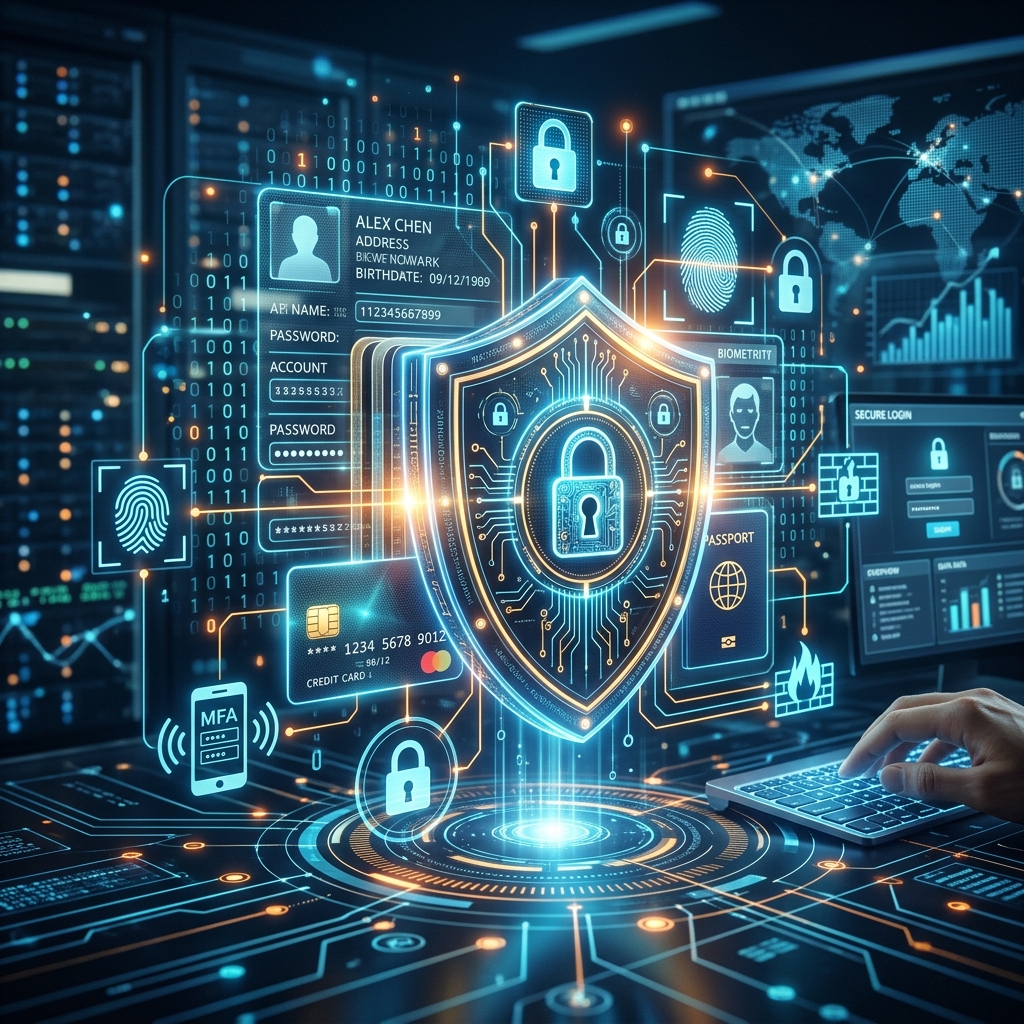
Identity theft happens when someone uses your personal information without permission to commit fraud, open accounts, or steal money. It is one of the fastest-growing crimes and increasingly takes place online where criminals exploit weak passwords, unsecured devices, and social engineering scams. This guide explains how identity theft works, how to reduce your risk, and what to do if you suspect your information has been compromised.
Understanding How Identity Theft Happens Online
To protect yourself effectively, it helps to know the main tactics that criminals use to obtain personal data.
- Phishing and social engineering: Fraudsters send emails, texts, or social media messages designed to trick you into revealing passwords, account numbers, or other sensitive information.
- Malware and device compromise: Malicious software can be installed through unsafe links or attachments, allowing attackers to capture keystrokes or access files.
- Unsecured websites and public Wi‑Fi: Entering card details on non-secure websites or using public Wi‑Fi for sensitive transactions can expose your information to interception.
- Data breaches: Criminals may obtain personal information from hacked companies, then use those details to impersonate you or craft targeted scams.
- Oversharing and social media recon: Public profiles often reveal dates of birth, addresses, or family details that can be used to guess security answers or build convincing scams.
Online identity theft typically involves a combination of these methods. Attackers may gather bits of information from various sources, then piece them together to impersonate you online or open accounts in your name.
Core Principles for Protecting Your Digital Identity
Most effective protection strategies are built on a few core principles. Keeping these in mind makes it easier to decide what is safe and what is risky.
- Minimize exposure: Share and store only the personal information that is truly necessary.
- Strengthen access controls: Use strong, unique passwords and multi-factor authentication for important accounts.
- Verify before you trust: Treat unsolicited messages, links, and requests for information with suspicion until you can confirm they are genuine.
- Monitor regularly: Review financial accounts and online profiles often so you can detect suspicious activity early.
- Respond quickly: If you see signs of fraud, acting immediately greatly improves your chances of limiting the damage.
Securing Devices and Connections
Your devices and internet connection form the foundation of your online safety. If they are not secure, even strong passwords may not be enough.
Keep Software and Security Tools Up to Date
Modern operating systems and apps include security features designed to protect you from known threats. Criminals target outdated software because it is more likely to contain vulnerabilities.
- Turn on automatic updates for your operating system, browser, and security software.
- Use reputable antivirus and antispyware tools to detect malware and malicious files.
- Keep your firewall enabled to help block unauthorized connections.
Use Secure Networks and Public Wi‑Fi Carefully
Unsecured Wi‑Fi can allow others on the network to intercept data sent between your device and websites.
- Prefer trusted, password-protected networks at home and work.
- Avoid entering sensitive information such as banking or tax details while on public Wi‑Fi.
- Consider using a virtual private network (VPN) to encrypt traffic when you must use public networks.
Protect Your Home Router and Devices
Compromised home networks provide criminals with a pathway to all devices connected to them.
- Change default router passwords and use strong Wi‑Fi encryption (such as WPA2 or WPA3).
- Lock devices with PINs, passwords, or biometrics and enable automatic screen locking.
- Be cautious with USB drives or external devices whose origin you do not know.
Creating Strong, Unique Passwords and Using MFA
Passwords are often the first line of defense between criminals and your accounts. Weak or reused passwords make it easier for attackers to access your information.
Characteristics of Strong Passwords
Governments and cybersecurity agencies recommend using complex, unique passwords or passphrases for every important account.
- Use a combination of letters, numbers, and symbols.
- Aim for longer passwords, ideally at least 12 characters.
- Avoid easily guessed information like names, birthdays, or common words.
- Do not reuse passwords across different sites.
Password Management and Multi-Factor Authentication
Remembering many complex passwords can be challenging, but there are safe ways to manage them.
- Use a password manager to generate and store unique passwords securely.
- Enable multi-factor authentication (MFA) on email, banking, and other sensitive accounts wherever possible.
- Never share your passwords with others and be wary of sites or apps that ask for them in unusual ways.
| Aspect | Traditional Password | Passphrase |
|---|---|---|
| Length | Often 8–12 characters | Usually 20+ characters |
| Memorability | Hard to remember when complex | Easier to remember as a sentence |
| Security | Can be strong if unique and complex | Very strong due to length and variety |
Safe Online Shopping and Secure Websites
Online shopping is convenient but can expose payment and identity details if you use unsafe sites or practices.
Recognizing Secure Websites
Before entering card numbers or other sensitive information on a website, confirm that the connection is secure.
- Look for https:// at the beginning of the web address. The “s” indicates that the connection is encrypted.
- Check for a padlock icon near the address bar in your browser.
- Be sure you are on the legitimate site, not a close look-alike with a slightly altered domain name.
Smart Habits for Online Purchases
In addition to checking for secure connections, apply these practices when shopping online.
- Shop with reputable merchants whose security and privacy practices are clear.
- Keep receipts and confirmation numbers to compare with your card statements.
- Regularly review bank and credit card statements for unfamiliar transactions.
- Be cautious of emails promoting extreme discounts or urgent offers—these may be phishing attempts.
Limiting the Personal Information You Share
Your personal details, when combined, can be enough for criminals to convincingly impersonate you. Limiting what you share reduces this risk.
Managing Online Profiles and Social Media
Social media and online services often encourage sharing, but you maintain control over what you reveal.
- Set privacy controls so that only trusted contacts can see sensitive information.
- Avoid posting full dates of birth, home addresses, or details that are commonly used as security questions.
- Review app permissions and privacy policies before providing data to new services.
Offline Practices That Support Online Safety
Identity theft is often a blend of online and offline methods. Physical documents and mail can provide information that criminals then use online.
- Store sensitive items like Social Security cards and birth certificates in a secure place, not your everyday wallet.
- Shred documents that contain personal information before discarding them.
- Keep an eye on your postal mail, and consider holds or locking mailboxes if you travel or live in a high-risk area.
Recognizing Scams and Suspicious Requests
Many identity theft cases begin with a deceptive message or call. Learning to spot red flags is crucial to protecting yourself.
Common Red Flags of Identity Fraud Attempts
- Unexpected messages claiming you won a prize or must act immediately to avoid a penalty.
- Requests for sensitive information such as account numbers, passwords, or tax data via email, text, or social media.
- Links that lead to websites with unusual spellings, poor design, or mismatched addresses compared to the organization they claim to represent.
- Calls or messages claiming to be from government agencies demanding payment or personal data urgently.
Safe Responses to Suspicious Contacts
When in doubt, stop engaging with the communication until you can verify its authenticity.
- Do not click links, open attachments, or provide information in response to unsolicited messages.
- Use official phone numbers or websites to verify contact, rather than numbers or links provided in the suspicious message.
- If you suspect malware, run your antivirus program and update it before scanning.
Monitoring Accounts and Using Credit Protections
Even with strong preventive measures, there is still a risk of identity theft. Ongoing monitoring helps catch problems early.
Regular Account and Credit Review
- Check bank and card statements frequently for unauthorized or unfamiliar transactions.
- Review your credit reports to ensure no new accounts have been opened in your name without your knowledge.
- Use alerts offered by financial institutions to be notified of significant or unusual account activity.
Fraud Alerts and Credit Freezes
In the United States, you can request fraud alerts or credit freezes from major credit reporting agencies to help prevent new accounts being opened in your name.
- A fraud alert tells lenders to take extra steps to verify your identity before granting new credit.
- A credit freeze restricts new creditors from accessing your report, which can stop new accounts from being opened.
What to Do If You Suspect Identity Theft
Quick and organized action is vital when you believe your identity may have been misused.
Immediate Steps
- Stop interacting with anyone you believe is an identity thief—hang up the phone and cease responding to messages.
- Change passwords and security questions on affected accounts and any other accounts that share similar credentials.
- Contact your bank, card issuers, or other institutions to report suspicious activity and close or secure affected accounts.
Reporting Identity Theft to Authorities
Government agencies provide structured processes to help victims of identity theft recover and reduce further harm.
- In the U.S., report identity theft to the Federal Trade Commission at IdentityTheft.gov.
- File a police report if needed and keep a copy for your records and for financial institutions.
- Contact the three major credit reporting agencies to place fraud alerts or credit freezes.
If the theft affects your tax information, follow the IRS guidance for victims, which includes updating your online IRS account, reporting the incident, and following recovery steps outlined by the agency.
Frequently Asked Questions (FAQs) About Online Identity Theft
1. Is it safe to use public Wi‑Fi for banking or shopping?
Public Wi‑Fi is generally not safe for banking, shopping, or any activity that requires entering sensitive information. Government and cybersecurity guidance recommends avoiding such activities on public networks or using a VPN to encrypt your traffic.
2. How often should I check my bank and credit card statements?
It is wise to check your accounts at least monthly, and more frequently if possible. Many banks offer alerts that notify you of transactions, which can help you spot unauthorized activity quickly.
3. Do I really need different passwords for every account?
Yes. Reusing passwords means that if one site is compromised, attackers can use that same password to access other accounts you hold. Using unique passwords and enabling multi-factor authentication greatly reduces this risk.
4. What should I do if I click on a suspicious link by mistake?
Immediately disconnect from the internet if possible and run a full scan with updated antivirus software. Do not enter any credentials on pages opened by that link, and change passwords for key accounts from a separate, trusted device.
5. Is it safe to share my Social Security number online?
You should only share your Social Security number with trusted organizations when absolutely necessary. Ask why it is needed, how it will be stored, and whether there are alternative forms of identification you can use.
References
- Identity theft — USAGov. 2024-03-27. https://www.usa.gov/identity-theft
- Identity theft guide for individuals — Internal Revenue Service. 2023-11-09. https://www.irs.gov/identity-theft-central/identity-theft-guide-for-individuals
- Protecting yourself from identity theft online (ITSAP.00.033) — Canadian Centre for Cyber Security. 2023-04-18. https://www.cyber.gc.ca/en/guidance/protecting-yourself-identity-theft-online-itsap00033
- How Can I Better Protect Against Identity Theft? — Equifax. 2023-08-10. https://www.equifax.com/personal/education/identity-theft/articles/-/learn/how-to-protect-against-identity-theft/
- Protecting yourself from identity theft online — Microsoft Support. 2022-09-21. https://support.microsoft.com/en-us/security/protecting-yourself-from-identity-theft-online
Similar Articles








Read full bio of Sneha Tete


