Organizing Digital Files for a Truly Paperless Law Practice
Build a reliable, searchable digital filing system that supports a secure, efficient, and genuinely paperless law practice.
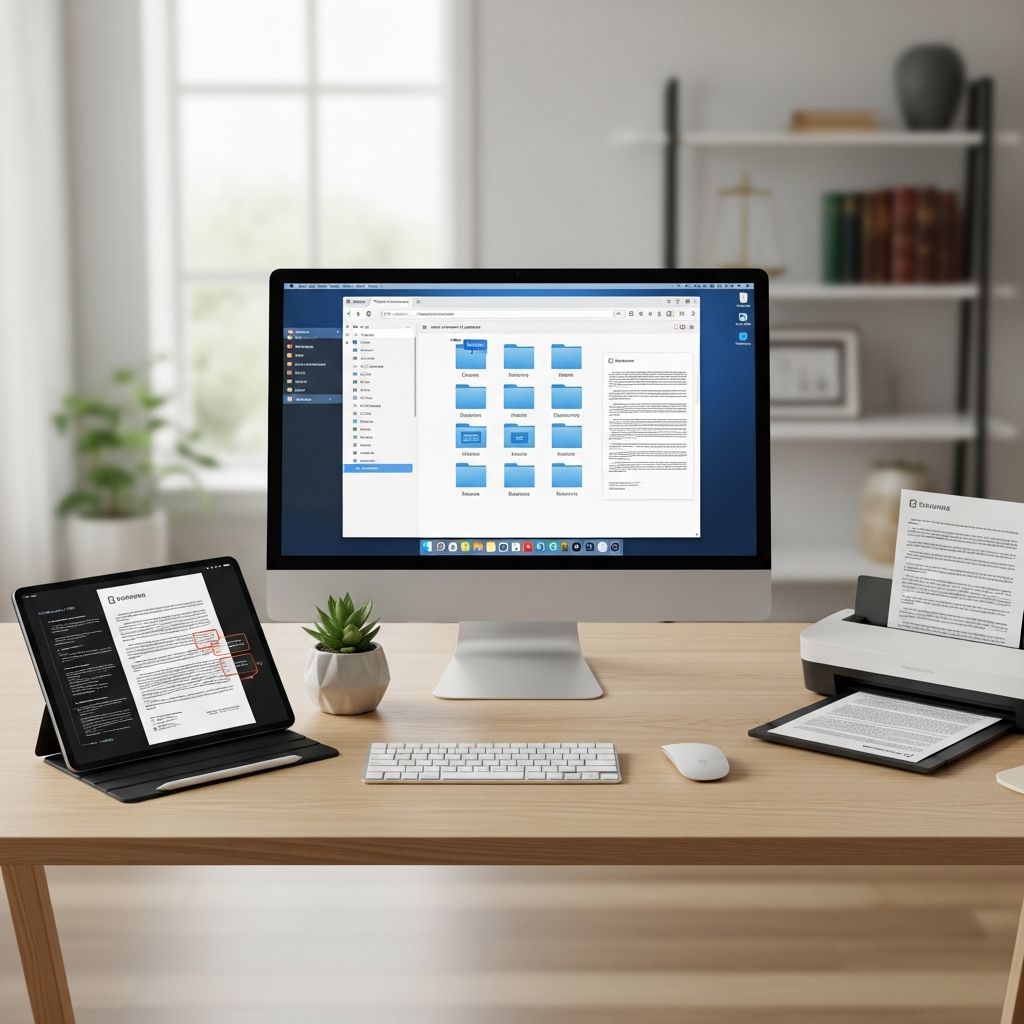
Becoming a paperless law firm is less about buying scanners and more about designing a digital filing system that the entire team can use consistently. A clear structure, predictable naming, and secure access are what turn scattered PDFs into a reliable case record.
This guide walks through how to plan, build, and maintain a digital file system specifically tailored to law practices, from solo attorneys to multi-office firms.
Why Digital Organization Matters in Law Firms
Legal work depends on fast, accurate access to information. Poorly organized digital files increase the risk of missed deadlines, overlooked evidence, and ethical issues related to confidentiality. Research on information management in workplaces shows that professionals lose significant time each week searching for documents when filing systems are inconsistent or poorly labeled.
For law firms, a deliberate digital organization strategy directly supports:
- Competent representation by making relevant information easy to find when needed.
- Risk management through better control of who can see, edit, or share files.
- Business continuity because well-structured, backed-up records are easier to restore after an incident.
- Client service by enabling quick responses and clear status updates.
Step 1: Clarify What “Paperless” Means for Your Firm
Before building structure, define your firm’s end state. Paperless does not always mean zero paper; it typically means that the authoritative record lives in digital form.
Decisions to Make Up Front
- Authoritative copy: Decide whether the digital copy or any remaining paper is the official record once documents are scanned.
- Retention expectations: Align your digital retention with your jurisdiction’s rules on client file retention and ethics guidance. Many bar associations provide opinions on electronic file storage that you should consult.
- Scope: Decide if your system covers only client matters, or also HR, accounting, marketing, and firm administration.
Document these decisions in a short internal policy so everyone understands the goal and constraints.
Step 2: Choose a Primary Storage Location
A common cause of chaos is keeping documents across email, local drives, shared drives, and several cloud tools. Best practice is to designate one primary system as the “source of truth” for your firm’s documents.
Factors to Consider
- Security and compliance: Look for encryption at rest and in transit, granular access controls, and a clear data protection posture. Cloud providers typically describe their security and compliance practices in their official documentation.
- Search capabilities: Systems that support full-text search (including OCR for PDFs) greatly improve retrieval, particularly for scanned pleadings and exhibits.
- Collaboration: Ability to share documents internally with version history and, when appropriate, securely with clients or co-counsel.
- Integration: Whether the storage integrates with your practice management software, email, and e-signature tools.
Once selected, commit to using this primary repository consistently rather than mixing multiple ad hoc solutions.
Step 3: Design a Folder Structure Around Matters
Law firm documents revolve around matters or cases, so your top-level digital structure should reflect that. A clear, uniform hierarchy makes it easier for humans and software to locate information efficiently.
Example High-Level Folder Layout
- 01 Administrative – firm policies, templates, marketing, HR.
- 02 Clients – all active and closed client matters.
- 03 Finance – billing, trust accounting, payables.
- 04 Reference – research, forms, checklists, training.
Client and Matter Folders
Within the clients area, use a consistent pattern:
- Client folder:
ClientNumber_ClientName - Matter folder:
MatterNumber_MatterShortName
Inside each matter, create a standard set of subfolders so that staff can navigate any file in the same way.
| Matter Subfolder | Purpose |
|---|---|
| 00 Intake & Engagement | Conflict checks, intake notes, fee agreements, identification documents. |
| 10 Correspondence | Letters, important emails saved as PDFs, mailed notices. |
| 20 Pleadings & Filings | Complaints, motions, briefs, court orders, stamped copies. |
| 30 Discovery & Evidence | Interrogatories, responses, document productions, exhibits. |
| 40 Research & Strategy | Legal research, memos, internal strategy documents. |
| 50 Client Materials | Documents provided by clients, organized by type or source. |
| 60 Working Drafts | Editable documents not yet filed or sent. |
| 90 Closing & Archival | Closing letters, final settlement documents, closing checklists. |
Limit depth where possible. Organizational guidance from productivity research suggests that two to three levels of folders is usually enough for people to navigate efficiently without getting lost.
Step 4: Create Firm-Wide File Naming Conventions
Once you can find the right folder, the file name must tell you what the document is without opening it. Libraries and research institutions emphasize that names should be human-readable while following a consistent pattern that computers can sort and search easily.
General Naming Principles
- Be descriptive but concise: Indicate document type, key parties, and date where relevant.
- Use a standard date format: For example,
YYYY-MM-DDkeeps files in chronological order. - Avoid spaces and special characters: Prefer underscores or hyphens; this reduces compatibility issues in some systems.
- Include version control where needed: Suffixes like
v01,v02, andFinalhelp track drafts.
Sample Naming Pattern
A practical pattern for many legal documents is:
YYYY-MM-DD_DocumentType_Description_V##.ext
Examples (illustrative only):
2025-03-14_Letter_ClientStatusUpdate_v01.docx2025-05-02_Motion_SummaryJudgment_Final.pdf2024-11-10_Exhibit_BankStatements_2019-2020.pdf
Write these conventions in a one-page quick reference and keep it in your shared reference library.
Step 5: Build a Robust Scanning and Ingestion Workflow
Going paperless requires more than owning a scanner. You need a repeatable way for every physical or emailed document to reach the right digital home.
Scanning Paper Documents
- Centralize intake: Use a designated scanning inbox (physical and digital) where all paper arrives before it is filed.
- Use searchable PDFs: Configure scanners or software to apply optical character recognition so that text in scanned documents can be searched later.
- Apply basic naming at scan time: Enter at least date and document type as you scan; refine the name when saving into the matter folder.
Handling Email and Attachments
- Save key communications: Convert important email threads to PDFs or use your practice management tool’s email capture to store them with the matter.
- Avoid relying on inbox search: If a message would be critical to reconstruct the file later, it belongs in the matter folder.
- Standardize responsibility: Decide who is responsible for saving client communications on each matter (e.g., responsible attorney, assigned assistant, or case manager).
Step 6: Establish Access Controls and Security Practices
Digital organization and digital security go hand in hand. A structured system makes it easier to apply appropriate access controls, which are essential for protecting confidential client information.
Permissions and Confidentiality
- Role-based access: Grant access to client and matter folders based on role (e.g., litigation team, corporate team) rather than arbitrary ad hoc sharing.
- Need-to-know principle: Limit access to especially sensitive matters (e.g., internal investigations) to a smaller group.
- Use read-only where appropriate: For critical records like filed pleadings or signed agreements, set them as read-only to reduce the risk of accidental alteration.
Encryption and Credentials
- Encrypt data in transit and at rest: Most reputable cloud providers do this by default; verify in their security documentation.
- Strong authentication: Require multi-factor authentication for accounts that can access client data.
- Device policies: Apply screen locks, disk encryption, and remote wipe capabilities on laptops and mobile devices that connect to firm systems.
Step 7: Implement Backups and Disaster Recovery
Even with cloud storage, you need a defined backup strategy. Guidance on digital preservation stresses redundancy and regular validation of your backups.
Backup Best Practices for Law Firms
- Multiple copies: Maintain at least one backup separate from your primary system (e.g., a secondary cloud backup or encrypted offline copy).
- Automated schedules: Use automated tools to back up files frequently without relying on manual action.
- Test restores: Periodically restore sample files from backup to ensure your process actually works during an emergency.
- Document your plan: Keep a short disaster recovery plan that lists who to contact, where backups live, and steps to restore critical operations.
Step 8: Create Routines for Maintenance and Cleanup
Even the best-designed system will drift without maintenance. Regular cleanup keeps search results relevant and storage manageable.
Ongoing File Management Tasks
- Weekly: Staff clear personal desktops and downloads, moving any matter-related files into their proper home.
- Monthly: Check for duplicate or obviously obsolete working drafts, and move unnecessary items to an archive or recycle location.
- Quarterly: Review closed matters to confirm that all final documents are present and moved into a designated Closed section.
- Annually: Run a broader review of retention periods and, where rules permit, securely delete or further archive very old files.
Step 9: Train and Support Your Team
A digital file system only works if everyone uses it consistently. Training is essential so that attorneys, paralegals, and support staff understand not only how to file documents, but why the rules exist.
Training Components
- Orientation for new hires: Introduce folder structures, naming rules, and scanning workflows during onboarding.
- Quick reference guides: Provide one-page job aids with screenshots and examples of correct and incorrect file names.
- Periodic refreshers: Use short lunch-and-learn sessions to reinforce habits and share improvements.
- Feedback loop: Invite staff to suggest refinements based on real-world use; small changes can dramatically improve usability.
Step 10: Measure and Improve Over Time
Digital organization is not a one-time project. Build in simple ways to evaluate whether your system is helping or hindering your work.
Useful Indicators
- Search time: How long it takes team members to locate common document types (e.g., a filed complaint from a year ago).
- Error rates: How often files are misfiled or duplicated.
- User satisfaction: Periodic short surveys asking staff whether they can find what they need and what feels confusing.
As technology evolves—especially in areas like AI-powered search and automatic classification—you can incrementally incorporate new tools, but the foundation of clear structure and naming will remain valuable.
Frequently Asked Questions (FAQs)
Q: How many levels of folders should a law firm use?
A: Most firms function well with two to three levels: practice area or department, client, and matter. Deeper hierarchies slow people down and make misfiling more likely.
Q: Should we keep both paper and digital versions of every document?
A: Many firms treat the digital version as the authoritative record and keep paper only when required by law, court rule, or client preference. Check your jurisdiction’s ethics opinions and recordkeeping rules before destroying original documents.
Q: How do we handle massive discovery productions?
A: Use subfolders within the matter’s discovery area organized by source or production set (for example, by producing party or request number) and maintain a consistent naming pattern for Bates ranges and document descriptions. Consider tools that can index and search large document sets efficiently.
Q: What about legacy files stored on old drives and disks?
A: Prioritize active clients and matters first. For older files, migrate them into your new structure gradually, focusing on files that are still within your retention period or likely to be needed. Maintain a log of what was migrated and what was securely destroyed.
Q: Is a paperless system acceptable to courts and regulators?
A: Courts increasingly accept electronic filings and records, and professional bodies in many jurisdictions recognize electronic client files as compliant when they are complete, secure, and accessible. Always confirm current rules and guidance in your jurisdiction and for specific courts.
References
- Digital File Management Tips and Best Practices — Dropbox. 2023-04-18. https://www.dropbox.com/resources/digital-file-management-tips
- Best Practices for Filenaming, Organizing, and Working with Data — Smithsonian Libraries and Archives. 2020-06-01. https://library.si.edu/research/best-practices-filenaming-organizing-and-working-data
- The ULTIMATE Guide to Organize Your Digital Life in 2025 — YouTube (Lea David). 2024-02-10. https://www.youtube.com/watch?v=_OWqZUuMv-U
- Digital Document Filing: 8 Tips for Success — Adobe Acrobat. 2023-07-12. https://www.adobe.com/acrobat/resources/digital-document-filling.html
- 11 Ideas for How to Organize Digital Files — Microsoft 365 Business Insights. 2022-09-20. https://www.microsoft.com/en-us/microsoft-365/business-insights-ideas/resources/11-ideas-for-how-to-organize-digital-files
Similar Articles








Read full bio of Sneha Tete