
Optimal Monitor Size and Resolution Guide
Discover the perfect monitor size and resolution for work, gaming, and productivity to enhance your viewing experience.
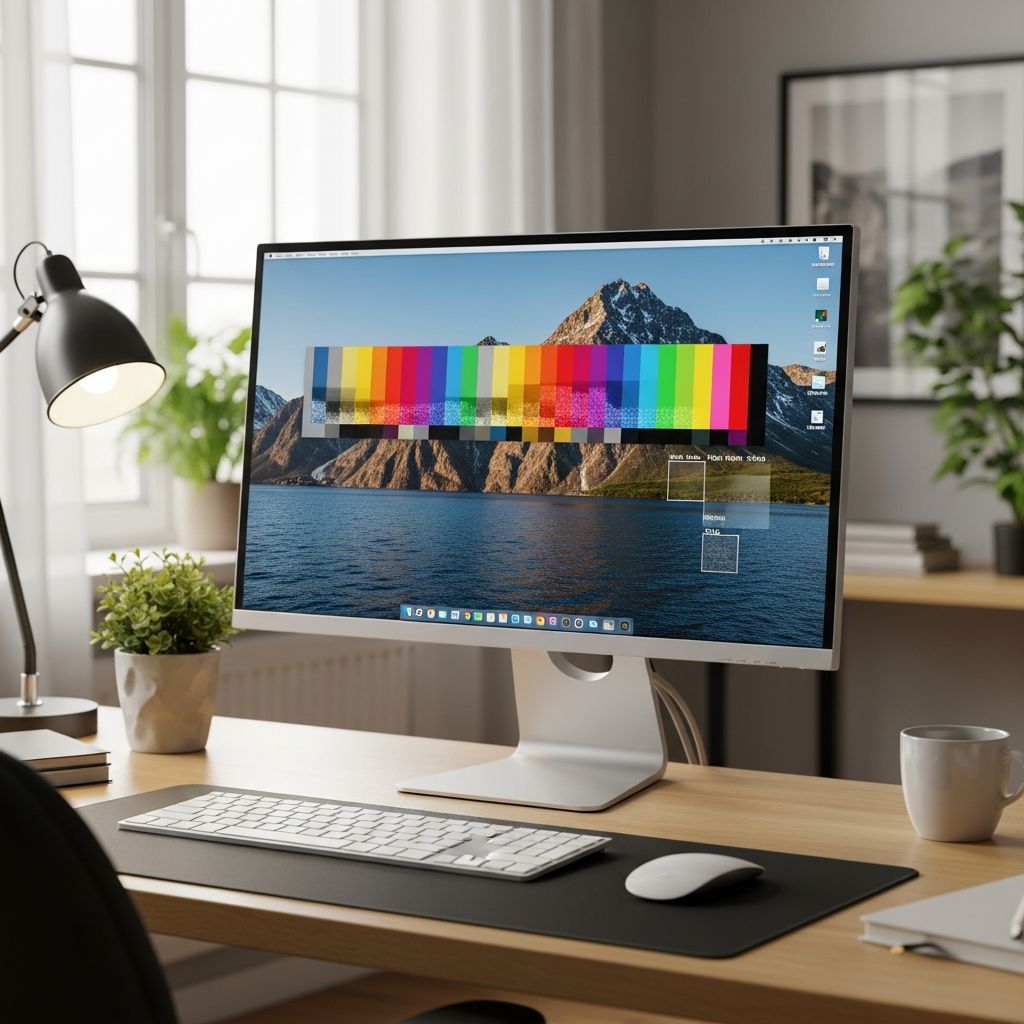
Selecting the right monitor involves balancing screen size, resolution, and your specific usage to achieve sharp visuals and comfortable viewing. This guide breaks down key factors like dimensions, pixel density, and ideal pairings to help you make an informed choice.
Key Factors in Choosing Monitor Dimensions
Monitor sizes are measured diagonally from one corner to the opposite, excluding the bezel. Common ranges span from 22 inches for compact setups to 49 inches for immersive displays. The choice depends on desk space, task type, and personal preference.
- Compact (22-25 inches): Ideal for small desks and basic tasks like browsing or document editing.
- Mid-range (27-32 inches): Versatile for multitasking, gaming, and media consumption.
- Large (34+ inches): Suited for ultrawide productivity, video editing, or gaming immersion.
Physical dimensions matter too. A 27-inch 16:9 monitor typically measures about 23.5 inches wide by 13.2 inches tall, while ultrawides expand horizontally for more workspace.
Understanding Display Resolutions
Resolution defines the number of pixels, directly impacting image sharpness. Higher counts mean crisper details but demand more graphics power.
| Resolution | Pixel Count | Best For | Typical Sizes |
|---|---|---|---|
| Full HD (1080p) | 1920×1080 | Basic tasks, budget gaming | 22-27 inches |
| Quad HD (1440p) | 2560×1440 | Gaming, productivity | 27-32 inches |
| 4K UHD | 3840×2160 | Content creation, high-end gaming | 27+ inches |
| Ultrawide Variants | 3440×1440 / 5120×1440 | Multitasking, immersion | 34-49 inches |
Full HD suffices for smaller screens, but larger displays require 1440p or 4K to avoid pixelation.
Pixel Density and Visual Sharpness
Pixel density, measured in pixels per inch (PPI), determines clarity at typical viewing distances. Calculate it as PPI = √(horizontal² + vertical²) / diagonal size. Aim for 90-110 PPI for comfortable reading without scaling.
- 24-inch 1080p: ~92 PPI – Sharp and efficient.
- 27-inch 1440p: ~109 PPI – Balanced for most users.
- 32-inch 1440p: ~92 PPI – Noticeable pixels up close; prefers 4K.
Maintaining high PPI prevents blurry text and enhances immersion, especially for detailed work.
Aspect Ratios Explained
Aspect ratio is width:height proportion, affecting content fit and desk footprint. Standard 16:9 suits most media, while ultrawides (21:9, 32:9) boost productivity.
| Ratio | Example Sizes | Dimensions (27-inch example) | Use Cases |
|---|---|---|---|
| 16:9 | 24″, 27″, 32″ | 23.5″ x 13.2″ | General, gaming, video |
| 21:9 | 34″, 38″ | ~31″ x 13″ (34″) | Editing, multitasking |
| 32:9 | 49″ | ~47″ x 13″ | Extreme immersion |
Ultrawides reduce bezels in multi-monitor setups and mimic dual displays.
Recommended Viewing Distances
Optimal distance scales with size to minimize eye strain. General rule: 1.5-2 times the diagonal in inches.
| Size | Min Distance | Optimal | Max |
|---|---|---|---|
| 24″ | 24″ (61cm) | 30″ (76cm) | 36″ (91cm) |
| 27″ | 27″ (69cm) | 34″ (86cm) | 40″ (102cm) |
| 32″ | 32″ (81cm) | 40″ (102cm) | 48″ (122cm) |
| 34″ Ultrawide | 34″ (86cm) | 42″ (107cm) | 51″ (130cm) |
Closer for high PPI; farther for larger screens. Adjust based on resolution and content.
Best Pairings for Specific Uses
Office and Productivity
24-27 inches at 1080p or 1440p fits small desks. Ultrawides excel for spreadsheets and coding with ample real estate.
Gaming Setups
27-inch 1440p or 32-inch 4K offers smooth performance with GPUs like RTX 3060+. High refresh rates pair best here.
Creative Professionals
32+ inches at 4K provides color-accurate space for editing. Calibrated panels ensure precision.
Hardware Demands
1440p needs HDMI 2.0/DP 1.2; 4K requires DP 1.4 or HDMI 2.1. Power draw rises 20-30% with resolution.
Desk Space and Ergonomics
Measure your setup: add stand depth (6-10 inches) and width. Ergonomic height aligns top at eye level; VESA mounts aid adjustability. Larger screens demand deeper desks (30+ inches).
- Small desk (<48″ wide): 24-27″.
- Standard (48-60″): 27-34″.
- Expansive (60+”): 34-49″.
Budget and Performance Balance
Entry-level 27″ 1080p starts under $150; premium 34″ 1440p ultrawides reach $700+. Prioritize resolution over size for sharpness.
| Size | Resolution | Price Range |
|---|---|---|
| 24″ | 1080p | $100-200 |
| 27″ | 1440p | $200-400 |
| 34″ | 3440×1440 | $400-700 |
| 49″ | 5120×1440 | $900-1500 |
Frequently Asked Questions (FAQs)
What is the best monitor size for most users?
A 27-inch display strikes a balance for desk space, sharpness at 1440p, and versatility across tasks.
Is 1080p enough for a 27-inch monitor?
It works but shows pixelation; opt for 1440p for better PPI and clarity.
How do I measure my monitor size?
Check the model specs, display settings, or measure diagonally across the screen.
What aspect ratio is best for gaming?
16:9 for broad compatibility; 21:9 ultrawide for immersive fields of view.
Does higher resolution always mean better?
Not without matching hardware; it boosts detail but increases GPU load and cost.
References
- Monitor Size Guide: How To Choose The Perfect Size For Your Needs — RTINGS.com. 2023-10-15. https://www.rtings.com/monitor/learn/monitor-size-guide
- A Complete Guide to Choosing the Right Monitor Size — Acemagic. 2024-05-20. https://acemagic.com/blogs/tips-tricks/monitor-size-guide
- Monitor Sizes Explained: From Standard to Ultrawide — HP Tech Takes. 2024-08-12. https://www.hp.com/us-en/shop/tech-takes/what-are-typical-monitor-sizes
- Find your best monitor size for gaming and work — Samsung. 2024-03-10. https://www.samsung.com/levant/monitors/monitor-buying-guide/best-monitor-size/
- Monitor resolution chart – Your guide to choosing the best display — Riverdi. 2023-11-05. https://riverdi.com/blog/monitor-resolution-chart-a-handy-guide-for-the-best-visual-experience
Similar Articles








Read full bio of Sneha Tete


