
Opt Out of Unwanted Mail and Email Lists
Practical steps to reclaim your inbox and mailbox from spam, promotional emails, and junk mail effectively.
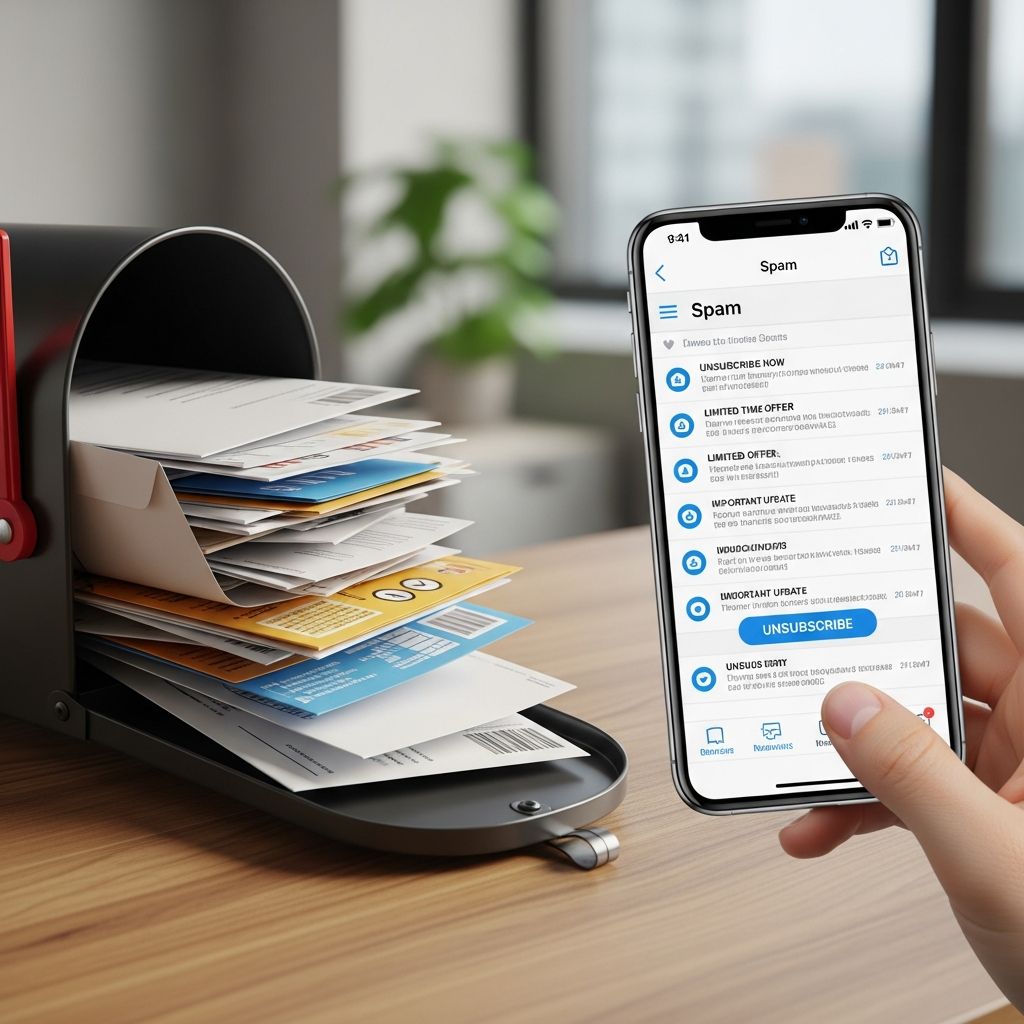
Receiving a flood of unsolicited emails and physical junk mail can overwhelm anyone, wasting time and cluttering personal spaces. Fortunately, various tools, built-in features, and services make it possible to regain control over communications. This guide explores effective strategies to unsubscribe from digital promotions and halt unwanted postal mail, drawing from reliable methods used by millions.
Understanding the Sources of Unwanted Communications
Unwanted emails often stem from online sign-ups, purchases, or data shared with third parties, while junk mail arises from public records, consumer profiles, and marketing databases. Identifying these origins is the first step toward targeted removal. Promotional emails typically include unsubscribe links mandated by laws like CAN-SPAM, and postal services offer opt-out registries to curb presorted ads.
Common culprits include retail newsletters, political campaigns, charity solicitations, and credit offers. Services aggregate these subscriptions, making bulk management feasible without visiting each sender individually.
Mastering Email Unsubscription Techniques
Start with your email provider’s native tools for quick wins. Gmail, for instance, detects subscription emails and offers one-tap unsubscribes. Search for ‘unsubscribe’ to filter relevant messages, then apply labels like ‘Subscriptions’ to organize and process them efficiently.
In Outlook.com, navigate to Settings > Subscriptions to view and remove active lists directly. Select unwanted ones and confirm opt-out, noting that some filtered to junk may require manual handling.
Step-by-Step Gmail Unsubscription Process
- Search ‘unsubscribe’ in your inbox to reveal promotional threads.
- Click the filter icon for advanced options; create a label ‘Subscriptions’ and archive matching emails.
- Open the label folder, hover over emails for auto-detected unsubscribe buttons.
- For bulk action, select all from a sender and mark as spam or delete after review.
This method clears historical clutter and prevents future inbox pollution.
Outlook and Other Providers
Apple Mail and Yahoo users can similarly filter by keywords or use ‘List-Unsubscribe’ headers, which automate opt-outs via email rules. Android Gmail app users tap ‘Unsubscribe’ next to sender names in promotional emails.
Leveraging Automation Services for Bulk Cleanup
Third-party platforms simplify mass unsubscribes by scanning inboxes and handling removals. Tools like Leave Me Alone list all subscriptions in one dashboard; select and opt-out with one click, then roll up keepers into digests. Unroll.Me offers ‘Block,’ ‘Keep,’ or ‘Rollup’ for instant inbox decluttering across major providers.
| Service | Key Features | Supported Providers |
|---|---|---|
| Leave Me Alone | One-click opt-out, newsletter digests | Gmail, Outlook, others |
| Unroll.Me | Block/Keep/Rollup, daily cleanup | Gmail, Yahoo, Outlook |
| Built-in Gmail | Filters, labels, one-tap unsubscribe | Gmail/Android |
These services process hundreds of lists rapidly, often completing in minutes, though review permissions carefully as they access email data.
Advanced Filtering and Rules for Prevention
Beyond unsubscribes, set rules to divert future spam. In Office 365, create rules targeting ‘List-Unsubscribe’ headers or body links to redirect marketing emails. Gmail filters can auto-archive or label based on keywords like ‘offer’ or ‘sale.’
- Rule 1: Detect unsubscribe headers and move to folder.
- Rule 2: Scan email body for links and apply actions.
- Combine with block lists for persistent senders.
For marketing platforms like HubSpot, senders can implement list-specific unsubscribes, allowing preferences per category without full opt-out.
Stopping Physical Junk Mail Effectively
Postal junk mail requires different tactics. Register with DMAchoice.org for $6 to suppress most national promotional mail for 10 years; it targets presorted ads but not all local or political pieces.
Additional steps include:
- Opt out of credit offers via OptOutPrescreen.com (5-year or permanent).
- Contact senders directly using provided opt-out addresses.
- Return mail marked ‘Refused – Return to Sender.’
For catalogs, use services like Catalog Choice to request removals from specific companies.
Legal Protections and Best Practices
CAN-SPAM Act requires unsubscribe options in commercial emails, enforceable by the FTC. Report non-compliant spam at ftc.gov/complaint. Do-not-mail lists vary by state, but national options cover broad categories.
Best practices:
Common Pitfalls and Troubleshooting
Some unsubscribes redirect to sites requiring logins or fail silently. If persistent, mark as spam to train filters. Resubscriptions occur if data brokers repopulate lists; repeat opt-outs annually. Political and nonprofit mail often bypasses standard lists due to exemptions.
Frequently Asked Questions
What if unsubscribe links don’t work?
Reply directly to the email requesting removal, mark as spam, or use provider block features. Persistent issues warrant FTC reports.
Can I unsubscribe from all emails at once?
Services like Unroll.Me and Leave Me Alone enable bulk actions across providers.
How long does opt-out take effect?
Email: Immediate to 10 days. Mail: 30-90 days for DMAchoice.
Is my data safe with cleanup services?
Reputable ones like those cited limit access; review privacy policies before granting permissions.
Do VPNs or new emails help?
Yes, but address root subscriptions first for complete relief.
Maintaining a Clean Inbox Long-Term
Combine unsubscribes with habits like immediate opts during sign-ups and periodic audits. Tools evolve, so check updates from providers like Google and Microsoft for enhanced features. A proactive approach ensures sustained digital hygiene.
References
- Leave Me Alone: Easily Unsubscribe from Unwanted Emails — Leave Me Alone. 2026. https://leavemealone.com
- How to manage email subscriptions in Outlook.com — Microsoft Support. 2026-02-09. https://support.microsoft.com/en-us/office/how-to-manage-email-subscriptions-in-outlook-com-26c8f447-2141-4bff-8781-80a4e6b7f0c8
- Unsubscribe from the single list subscription — HubSpot Community. 2026. https://community.hubspot.com/t5/Email-Marketing-Tool/Unsubscribe-from-the-single-list-subscription/m-p/1241759
- How To Unsubscribe ALL Emails in Gmail (FREE) – Inbox Zero — YouTube (Transcript). 2026. https://www.youtube.com/watch?v=-npPT8TWLq0
- What is the best way to massively unsubscribe from mailing lists? — Spiceworks Community. 2026. https://community.spiceworks.com/t/what-is-the-best-way-to-massively-unsubscribe-from-mailing-lists/788407
- Unsubscribe from an email – Android – Gmail Help — Google Support. 2026. https://support.google.com/mail/answer/15433283?hl=en&co=GENIE.Platform%3DAndroid
- Unroll.Me: Block emails, instantly — Unroll.Me. 2026. https://unroll.me
- How To Stop Junk Mail — Federal Trade Commission (FTC). 2026-02-09. https://consumer.ftc.gov/node/77522
Similar Articles








Read full bio of Sneha Tete


