Mastering Your Digital Workspace for Focused, Efficient Work
Cut digital clutter, streamline tools, and design an online workspace that supports deep focus and sustainable productivity.
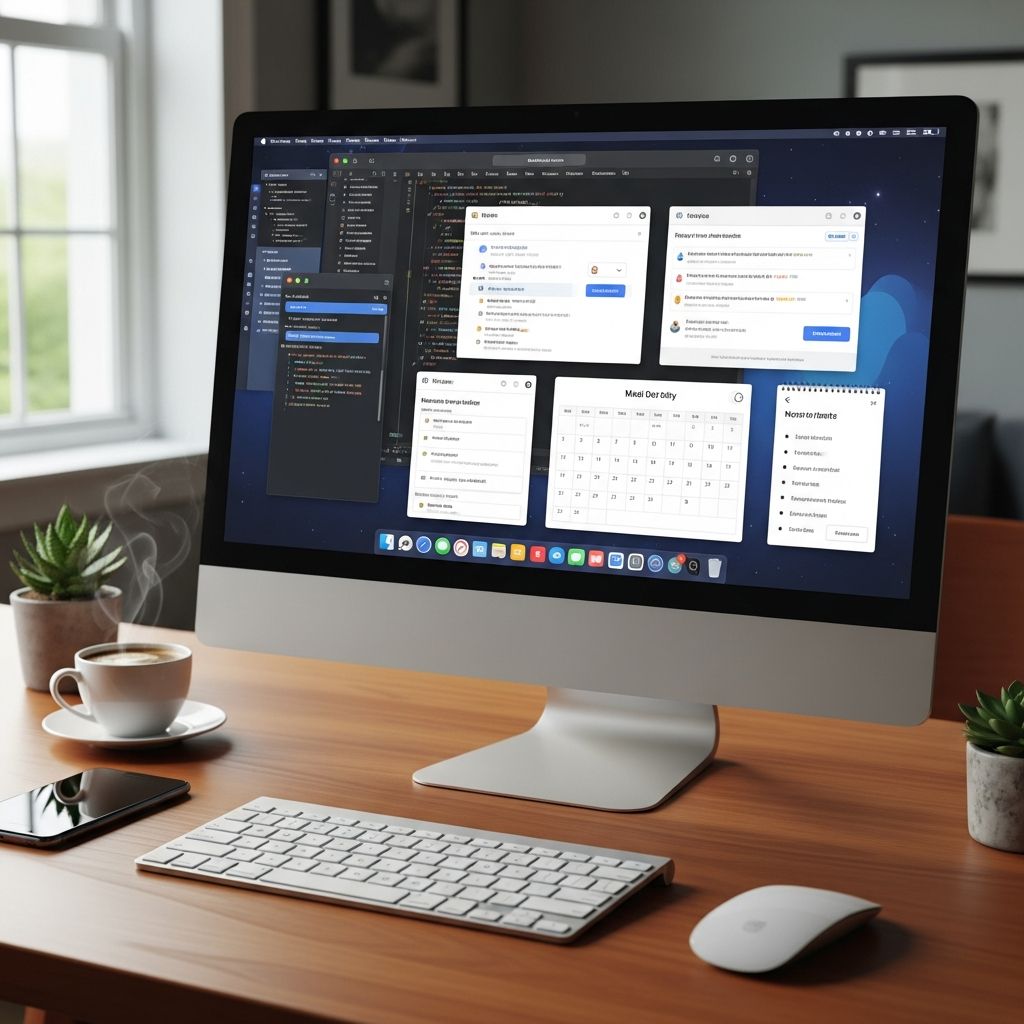
Your digital workspace is the modern equivalent of a physical desk. If it is overloaded with apps, notifications, and scattered files, your attention and productivity suffer. Research has shown that employees can spend up to 20% of their time just searching for internal information, which is essentially one full day each week lost to digital disorganization. A clear, intentional digital workspace helps reclaim that time and reduces cognitive overload.
This guide walks through practical ways to organize your digital environment so that the tools, files, and information you need are easy to find and distraction-free. The focus is on realistic systems that work in hybrid, remote, and traditional office settings alike.
Why an Organized Digital Workspace Matters
An organized digital workspace is not about perfection; it is about lower friction in your daily work. When your systems are designed around how you actually work, you make fewer decisions, encounter fewer interruptions, and can dedicate more energy to deep work.
- Reduced context switching: Jumping between tools and tabs drains mental energy and increases the time needed to complete tasks.
- Faster information access: A unified, well-structured digital environment makes it easier to locate documents, messages, and decisions.
- Lower stress levels: Cluttered, noisy digital spaces contribute to a sense of overwhelm and decision fatigue.
Studies from organizations like Gartner and Forrester show that thoughtful digital workplace design can significantly reduce time spent searching for information and decrease employee fatigue when it centers around how people truly work.
Step 1: Define Your Core Digital Workspace
Most professionals use dozens of apps, but only a few are truly essential for day-to-day work. Start by identifying what belongs in your core workspace and what should remain in the background.
Identify Your Essential Tool Categories
Instead of starting with specific apps, think in terms of functions:
- Communication (e.g., email, chat, video calls)
- Task and project management
- File storage and document creation
- Knowledge reference (wikis, manuals, SOPs)
- Focus and scheduling (calendar, time-blocking tools)
Then map each function to one primary tool where possible. Integration-focused strategies, where tools are consolidated into a coherent ecosystem, consistently outperform scattered tool stacks in productivity and engagement.
Limit Parallel Apps
Using two or three tools for the same purpose generates confusion and duplication. Aim for clear defaults:
- One primary chat app for quick questions
- One official location for project tasks
- One shared storage space for team documents
When people know which platform to check for which type of information, communication improves and errors decrease.
Step 2: Create a Clean, Intentional Desktop and Home Screen
Your desktop and primary home screen are visual command centers. Clutter here often reflects and reinforces clutter in your workflows.
Design a Minimalist Layout
- Clear your desktop of all files, moving them into a structured folder system.
- Keep only shortcuts to the 3–6 applications you use every day.
- Organize remaining app shortcuts into clearly labeled folders (e.g., “Admin,” “Creative,” “Meetings”).
Digital workplaces that emphasize simplicity and reduced friction see higher adoption and more consistent use, particularly when interfaces are intuitive and uncluttered.
Use Wallpapers and Layouts to Support Focus
- Choose a simple, neutral background to avoid visual noise.
- Position frequently used windows in consistent locations to reduce micro-decisions.
- If you use multiple monitors, assign each screen a purpose (e.g., communication, active work, reference).
Step 3: Standardize File Naming and Folder Structures
Even the best storage platform fails if files cannot be found quickly. A predictable naming and folder system is one of the highest-leverage changes you can make.
Build a Logical Folder Hierarchy
Think of folder structures like a table of contents. Start broad and move to specific. For example:
| Level | Example Name | Purpose |
|---|---|---|
| Top Level | Clients / Departments / Products | Broad categories you work with regularly |
| Second Level | Project Name or Year | Groups related work into projects or time periods |
| Third Level | Deliverables, Research, Contracts, Reports | Types of documents or workflows |
Adopt Consistent File Naming Conventions
Good file names make search faster and reduce version confusion. Combine elements like:
- Date in a sortable format (e.g.,
2025-03-15) - Project or client name
- Document type or purpose
- Version indicator when needed (e.g.,
v01,final,approved)
Example: 2025-03-15_clientA_marketing-brief_v02.docx
When entire teams agree on naming and folder rules, it becomes far easier to onboard new members, maintain continuity, and locate historical information.
Step 4: Tame Email and Communication Channels
Unmanaged communication is one of the biggest drivers of digital chaos. Industry research notes that tool overload and fragmented communication are central challenges in digital workplaces. You can reduce this by setting clear boundaries and habits.
Set Communication Norms (Even for Yourself)
- Decide what belongs in email, chat, or project tools. For instance, use email for external or formal messages; use chat for quick questions; use project tools for work-related decisions and tasks.
- Batch communication checks at specific times instead of responding instantly all day.
- Use status messages (e.g., “Heads-down work, back at 3 PM”) to set expectations.
Use Email Structure to Your Advantage
- Create a small set of high-value folders or labels (e.g., “Action Today,” “Waiting,” “Reference”).
- Filter newsletters or automated alerts into separate folders to reduce inbox noise.
- Regularly archive older messages so that only current conversations remain visible.
Organizations that intentionally design communication flows and channel usage report clearer expectations and better cross-team collaboration.
Step 5: Centralize Tasks and Projects
Many professionals track tasks in too many places: email flags, sticky notes, notebooks, chat messages, and multiple apps. This fragmentation makes it easy for important work to slip through the cracks.
Choose a Single Source of Truth for Tasks
Pick one primary place where all actionable tasks live, even if they originate elsewhere. That could be a digital task manager, a project management tool, or a structured document.
- Convert emails into tasks rather than leaving them in your inbox.
- Turn chat decisions into tasks with clear owners and due dates.
- Link tasks to relevant files or project spaces so context is easy to find.
Integrated digital workplaces that align tools, processes, and culture often rely on shared project hubs where tasks, documents, and discussions coexist in one place.
Organize Work by Time and Priority
- Use due dates and priority levels to triage what must be done today versus later.
- Group related tasks into projects or themes (e.g., “Reporting,” “Planning,” “Client B”).
- Schedule blocks of focused time on your calendar for deep work tasks.
Step 6: Optimize Notifications and Reduce Digital Noise
Notifications can be useful, but unmanaged alerts create constant interruption. Human-centric digital workplace strategies that protect focus and reduce fatigue have been shown to lower employee exhaustion significantly.
Audit and Reset Your Notifications
- Review notification settings for each app on your devices.
- Turn off non-essential alerts (likes, reactions, marketing messages, non-urgent channels).
- Keep only time-sensitive alerts, such as direct messages from key collaborators, calendar reminders, or critical system notifications.
Use Focus Modes and Boundaries
- Leverage built-in focus modes or “Do Not Disturb” to block notifications during deep work.
- Communicate focus times to colleagues so they know when to expect responses.
- Consider having recurring focus blocks at the same time each day for consistency.
Step 7: Build a Sustainable Maintenance Routine
Organizing your digital workspace once is helpful, but the true benefits come from maintaining it. Leading organizations treat digital workplace design as an ongoing practice, not a one-time project, continuously refining their environment based on data and feedback.
Weekly Reset Ritual
Set aside 20–30 minutes once a week to reset your environment:
- Clear your desktop and downloads folder, filing or deleting as needed.
- Archive completed emails and close out finished projects or tasks.
- Review your calendar and task list for the upcoming week and make adjustments.
Quarterly System Review
- Evaluate which tools you actually use and remove or consolidate the rest.
- Refine folder structures or naming conventions where you notice friction.
- Ask yourself: “Where am I losing time?” and adjust your system to reduce that friction.
Practical Checklist for a Streamlined Digital Workspace
Use this checklist as a quick reference to guide your next cleanup:
- Core tools are defined for communication, tasks, files, and reference.
- Desktop and home screen contain only essential apps and are visually uncluttered.
- Folder structures follow a clear, logical hierarchy that others can understand.
- File names include dates, project names, and version details where needed.
- Email is filtered with a few meaningful folders and minimal inbox clutter.
- Tasks are consolidated into a single primary system, not scattered across tools.
- Notifications are limited to truly important alerts that support, not disrupt, focus.
- Weekly and quarterly routines exist to keep everything in order over time.
Frequently Asked Questions (FAQs)
Q1: How often should I reorganize my digital workspace?
Perform a light reset weekly and a more thorough review every few months. The weekly routine handles clutter, while quarterly reviews let you refine tools and structures based on how your work has evolved.
Q2: Is one all-in-one platform better than multiple specialized tools?
Both approaches can work. Platform-first strategies (using a unified hub) reduce context switching and simplify governance, while best-of-breed setups provide more specialized features. The key is intentional design and clear rules about where information lives.
Q3: How do I get my team to adopt shared digital organization practices?
Involve people in designing the system, explain the benefits, and start with small, visible wins like a shared folder structure or consistent naming rules. Change management research suggests that pilot programs and clear communication greatly improve adoption.
Q4: What if my job requires many different apps?
When you cannot reduce the number of tools, focus on reducing decision points. Define which tool is used for what, keep your most-used apps easily accessible, and integrate systems where possible so information flows smoothly between them.
Q5: How does an organized digital workspace impact remote or hybrid work?
Remote and hybrid teams rely heavily on digital systems for collaboration, knowledge sharing, and culture-building. A clear, consistent digital workspace makes it easier to onboard new team members, maintain alignment across locations, and keep work moving during disruptions.
References
- Digital Workplace Strategy: Why It Matters and How to Build One — eXo Platform. 2024-05-10. https://www.exoplatform.com/blog/digital-workplace-strategy/
- The Digital Workplace in 2025: Benefits & Best Practices — Firstup. 2024-03-15. https://firstup.io/blog/what-is-the-digital-workplace/
- What Is the Digital Workplace? Definition, Benefits, Best Practices — Reworked. 2024-02-01. https://www.reworked.co/digital-workplace/what-is-a-digital-workplace-definition-benefits-best-practices/
- Digital Workspace Priorities for 2025 — World Wide Technology (WWT Research). 2024-11-01. https://www.wwt.com/wwt-research/digital-workspace-priorities-for-2025
- 2025 Digital Workplace Trend Predictions — Deloitte Dbriefs Webcast. 2024-09-18. https://www.deloitte.com/us/en/dbriefs-webcasts/2025-digital-workplace-trend-predictions.html
Similar Articles







Read full bio of medha deb