
Mastering Holiday Auto-Replies: Pro Tips
Expert strategies for crafting professional holiday out-of-office messages that maintain client trust and ensure smooth operations.
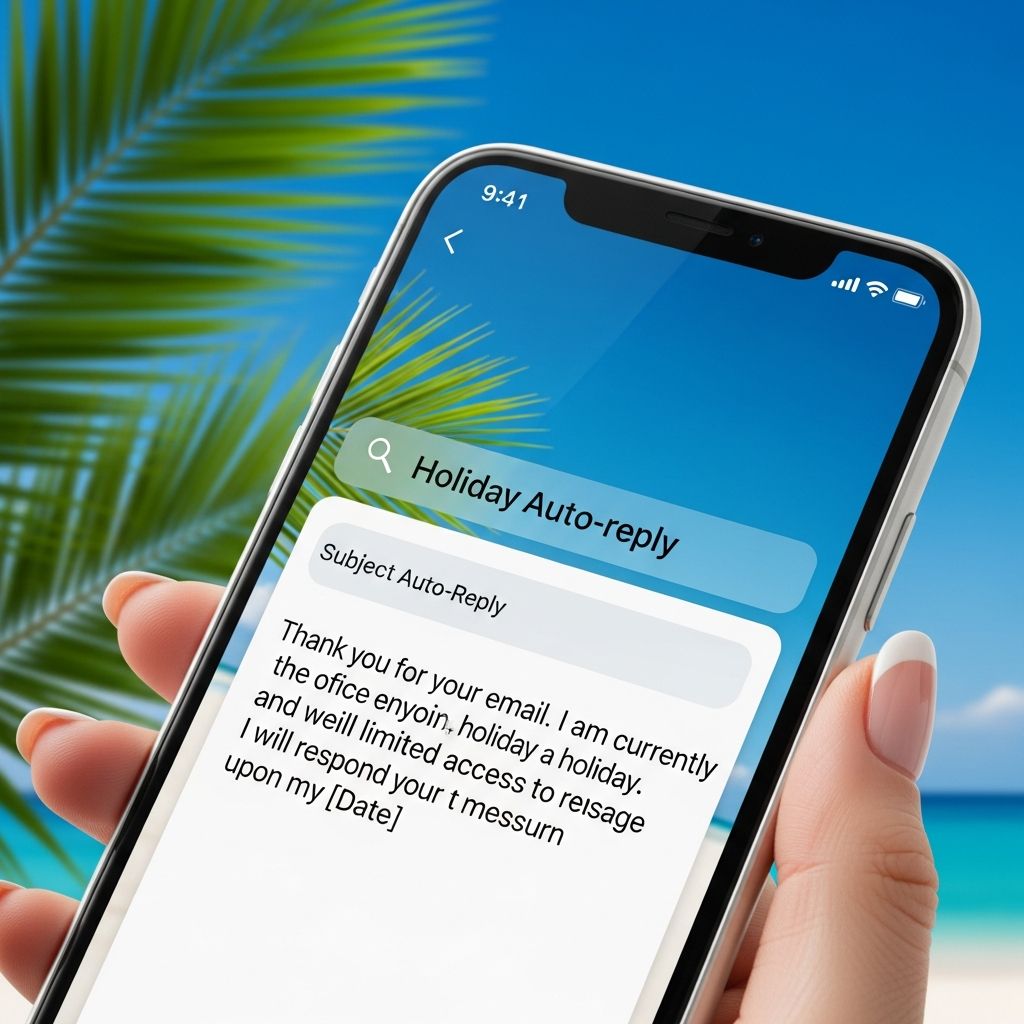
During holiday seasons, professionals across industries step away from their desks to recharge, but staying connected virtually requires smart communication strategies. An well-crafted out-of-office (OOO) auto-reply serves as your digital deputy, informing senders of your absence, managing expectations, and directing urgent matters appropriately. This guide explores comprehensive approaches to designing and implementing these messages, drawing from established email etiquette to help you project professionalism while safeguarding your downtime.
Why Effective Auto-Replies Matter in Professional Settings
OOO messages are more than polite notifications; they are crucial for upholding your professional reputation. When clients or colleagues receive a prompt response acknowledging their email, it reassures them that their concerns are noted, even if delayed. Research from productivity experts highlights that clear absence communication reduces follow-up inquiries by up to 40%, allowing teams to focus on coverage rather than constant checks.
In high-stakes fields like law or consulting, where timely responses can influence client retention, a thoughtful auto-reply prevents misunderstandings. It sets boundaries, provides alternatives, and maintains trust. Poorly designed messages, however, can frustrate recipients or imply disorganization, potentially harming relationships.
Core Elements of a Strong Holiday OOO Message
Every effective auto-reply shares foundational components that ensure clarity and utility. Start with a concise subject line, such as “[OOO Until Jan 5] Holiday Break,” to grab attention immediately. Follow with a personalized greeting like “Hello” or “Dear Sender” to add warmth without familiarity.
- Absence Timeline: Specify exact dates, e.g., “I’m away from December 23 to January 5.” Include return time if relevant, like “back online at 9 AM on January 6.”
- Backup Contacts: List colleagues handling urgent issues, with emails or phones. For example, “For immediate assistance, contact Jane Doe at jane@company.com.”
- Response Expectations: State when replies will occur, such as “Non-urgent emails answered within 48 hours of return.”
- Call to Action: Guide users, e.g., “Resend with ‘URGENT’ for priority triage.”
These elements transform a simple notice into a functional tool, minimizing inbox overload upon return.
Tailoring Messages for Different Audiences
One size doesn’t fit all—customize replies for internal teams versus external clients. Internal messages can be casual and detailed: “Team, I’m off for holidays. Project files shared in Drive; reach out to Alex for approvals.” External ones demand formality: “Thank you for your email. Our offices are closed until January 3; direct emergencies to support@firm.com.”
Consider occasion-specific tweaks. For vacations, add cheer: “Wishing you joyful holidays!” For conferences: “Attending [Event]; limited access until [date].” Parental leave might note: “On family leave; team covers all matters.” This personalization enhances relatability while staying professional.
| Audience Type | Tone | Key Inclusions | Example Phrase |
|---|---|---|---|
| Internal Team | Casual, Collaborative | Shared resources, specific handoffs | “Check the shared folder for updates.” |
| External Clients | Formal, Reassuring | Contacts, timelines, disclaimers | “Your inquiry is important; expect response post-holidays.” |
| Vendors/Partners | Direct, Action-Oriented | Escalation paths, SLAs | “Urgent orders to procurement@company.com.” |
Step-by-Step Setup Guides for Popular Platforms
Implementing auto-replies is straightforward across major email systems. Here’s how to configure them precisely.
Gmail Vacation Responder
- Log into Gmail settings via the gear icon.
- Navigate to “See all settings” > “General” tab.
- Scroll to “Vacation responder,” enable it, and set dates.
- Draft your message, opt for external-only if desired, and save.
Test by emailing yourself from another account to verify activation.
Microsoft Outlook Automatic Replies
- Open Outlook, go to File > Automatic Replies.
- Toggle “Send automatic replies,” select time period.
- Enter inside/outside organization messages separately.
- Apply rules for status updates if advanced needs arise.
Outlook’s desktop and web versions sync reliably, ensuring consistency across devices.
Apple Mail and Other Clients
For Apple users, use macOS Mail’s Rules: Preferences > Rules > Add rule for OOO subject triggers. Enterprise tools like Slack or Microsoft Teams offer status integrations: Set “OOO” with custom messages linking to emails.
Advanced Strategies: Urgency Triage and No-Contact Policies
Not all absences allow full disconnection. For partial availability, instruct: “For emergencies only, reply with ‘CRITICAL’—responses within 24 hours.” No-contact policies state firmly: “No replies until return; all matters deferred.” Balance accessibility with rest to avoid burnout.
Incorporate humor sparingly for creative fields: “Chasing sunsets in Hawaii—emails on hold till reality bites!” But err formal in conservative sectors. Always align with company policy to avoid compliance issues.
Pre-Departure Preparations for Seamless Coverage
Auto-replies shine when paired with proactive steps. Delegate tasks via handover notes, update shared calendars, and archive inbox. Inform stakeholders early: “Heads up—OOO next week; here’s coverage plan.”
- Complete pending deliverables.
- Flag priorities for substitutes.
- Secure devices and enable forwarding if needed.
- Schedule post-return triage time.
These habits ensure returns are productive, not chaotic.
Common Mistakes to Avoid
Steer clear of vagueness like “away for a bit”—it breeds anxiety. Overloading with details buries essentials. Forgetting to disable post-return leads to embarrassment. Neglecting mobile checks can miss urgents. Always proofread for typos, as they undermine credibility.
Frequently Asked Questions (FAQs)
What if I need to extend my holiday absence?
Update your responder immediately with new dates and notify contacts to prevent misinformation.
Can I make OOO messages fun and festive?
Yes, for internal or brand-aligned audiences, but keep external professional to maintain trust.
How do I handle confidential information in replies?
Avoid specifics; use generic backups and comply with data policies like GDPR.
Should I set replies for short breaks like one day?
Reserve for multi-day absences; brief ones warrant manual responses for relationship building.
What about team-wide holidays?
Coordinate uniform messages with collective contacts, e.g., “Office closed; inquiries to central@firm.com.”
Seasonal Examples for Inspiration
Here are adaptable templates:
Basic Professional: “Thank you for emailing. I’m on holiday December 24-January 2. Contact support@company.com for urgents. Responses resume January 3. Happy Holidays!”
With Humor: “Out spreading holiday cheer (and calories). Back January 6—unless elves need legal advice! Direct urgents to team@firm.com.”
Strict No-Contact: “OOO until January 5. No monitoring; all addressed upon return. For crises, call emergency line: 555-0123.”
Adapt these to your voice and needs for maximum impact.
Mastering holiday auto-replies empowers you to disconnect confidently. By prioritizing clarity, preparation, and policy adherence, you protect your professional image and personal well-being. Implement these today for holidays that truly refresh.
References
- How to set up out of office automatic replies in Outlook — Microsoft Support. 2023-10-01. https://support.microsoft.com/en-us/office/how-to-set-up-out-of-office-automatic-replies-in-outlook-9742f476-5348-4f9f-997f-5e208513bd67
- 25 Ways To Write Your Holiday “Out-of-Office” Message — Indeed Career Guide. 2024-05-15. https://www.indeed.com/career-advice/career-development/holiday-out-of-office-messages
- 6 Tips for Crafting an Effective Out of Office Message — Hive Blog. 2023-11-20. https://hive.com/blog/out-of-office-message/
- 10 Out-of-Office Message Examples: Tips for OOO — Grammarly Blog. 2024-02-10. https://www.grammarly.com/blog/emailing/out-of-office-message/
- 5 Holiday Out Office Tips — VertexCore. 2023-12-01. https://awstest-small-a-02.isc-seo.upenn.edu/holiday-out-of-office-message
Similar Articles








Read full bio of Sneha Tete




