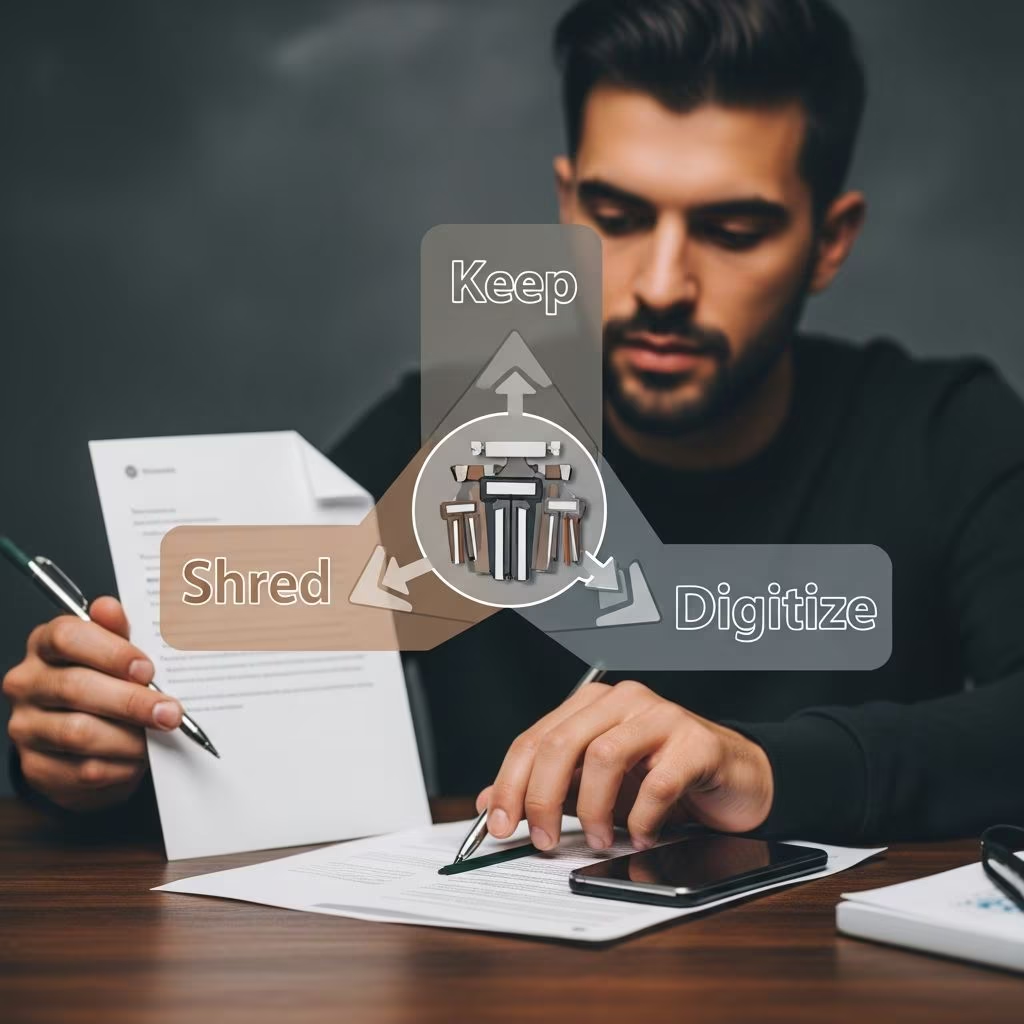
Overwhelmed by stacks of papers, digital files, and receipts? Effective document management balances accessibility, security, and space savings. This guide empowers you to evaluate every paper’s value, establish retention rules, and build a streamlined system for physical and digital records.
Assess Your Document Inventory First
Begin by conducting a full audit of your paperwork. Collect items from desks, drawers, bags, and digital devices to create three categories: essentials to retain, sensitive items for shredding, and trash. This initial sort prevents ongoing clutter buildup.
- Gather from high-traffic spots like kitchen counters, entry tables, and vehicle glove boxes.
- Separate mail, bills, statements, and memorabilia into keep/shred/discard piles immediately upon receipt.
- Prioritize scanning incoming digital attachments into a central hub before deletion.
Designate a temporary “inbox” zone—a tray or folder—for new arrivals, processing weekly to maintain control. Tools like fireproof safes or labeled bins accelerate this foundational step.
Vital Records: Safeguard Indefinitely
Certain documents demand permanent storage due to their irreplaceable nature in legal, identity, or inheritance matters. Retain originals in waterproof, fire-resistant containers.
| Document Type | Why Keep Forever | Storage Recommendation |
|---|---|---|
| Birth, marriage, death certificates | Prove identity and relationships | Fireproof safe or bank box |
| Passports, Social Security cards | Government ID verification | Laminated copies + originals locked |
| Wills, trusts, powers of attorney | Estate planning enforcement | With attorney + personal safe |
| Property deeds (current ownership) | Real estate title proof | Digital scan + physical original |
Update copies annually and inform family of access locations. For digital versions, use password-protected cloud services with two-factor authentication.
Financial Papers: Time-Bound Retention Rules
Tax authorities and lenders dictate specific hold periods for monetary records. Exceed these to avoid audits, but purge excess to free space.
- Tax returns and supporting docs (W-2s, 1099s, receipts): Keep 7 years from filing date for IRS audits.
- Bank/credit statements: 1 year for routine review; 7 years if deductions involved.
- Investment records (stocks, bonds sold): 7 years post-transaction.
- Pay stubs: 1 year or until reconciled with annual statements.
Organize chronologically within labeled folders: e.g., “Taxes-2025” subfolders for each form type. Digitize via apps like Evernote for searchable PDFs, discarding originals post-scan except for signed returns.
Medical and Insurance Documentation
Healthcare providers often supply digital portals, but retain key papers for disputes or claims.
- Bills and EOBs (Explanations of Benefits): 1-2 years or until insurance settled.
- Policies (health, auto, home): Duration of coverage + 3 years post-expiration.
- Vaccination/immunization records: Lifetime for children; update adult versions periodically.
- Claims files: 7 years after resolution.
Scan into categorized digital notebooks (e.g., “Medical-2026”). Retain physical copies of prescriptions or test results needing originals. Coordinate with patient portals for automated updates.
Property, Vehicle, and Home Files
Asset-related papers track ownership, warranties, and maintenance for resale or claims.
| Category | Retention Period | Examples |
|---|---|---|
| Homeownership | While owned + 7 years sold | Mortgage docs, renovation receipts, warranties |
| Vehicles | While owned | Titles, registration, repair invoices |
| Appliances/Utilities | Warranty period + 1 year | Bills, manuals, service logs |
Maintain vehicle folders per make/model. For homes, compile binders by room or system (e.g., HVAC records). Digital inventories with photos aid insurance appraisals.
Transitioning to a Paperless Workflow
Embrace scanning to slash physical storage by 90%. Centralize in tools like Evernote or Google Drive with folder hierarchies mirroring physical categories.
- Capture: Scan mail/receipts into an “Inbox” folder immediately.
- Process: Tag by type/date (e.g., #Tax2025 #Medical).
- Archive: Move to year-specific folders; delete after retention expires.
- Backup: Multiple copies across devices/cloud/external drives.
Verify file readability yearly; migrate formats every 5 years to prevent obsolescence. Password-protect folders and enable version history for edits.
Secure Storage and Backup Strategies
Distribute copies geographically: home safe, relative’s house, cloud. Fireproof/waterproof options protect against disasters.
- Physical: Acid-free boxes, labeled spines for quick retrieval.
- Digital: Encrypted drives; refresh media every 5 years.
- Hybrids: Scan originals, store physically only irreplaceables like deeds.
Create a master index document detailing locations, categories, and access codes—store separately with trusted contacts.
Disposal: Shredding for Privacy Protection
Never toss sensitive papers whole. Cross-cut shredders or services obliterate identity theft risks.
- Shred expired statements, duplicate forms, junk mail with pre-printed info.
- Wait full retention periods before disposal.
- Log shredded items for audit trails if needed.
For businesses or high-volume, follow compliance shredding rules.
Family and Emergency Access Planning
Document your system in a “Rosetta Stone” guide: folder maps, passwords, key contacts. Share digitally via secure shares or printed copies in safes.
Review annually or post-life events (marriage, moves). Teach household members the process for sustainability.
Frequently Asked Questions
How long should I keep utility bills?
One year for disputes; longer if tax-deductible (e.g., home office). Digitize and shred originals.
Can I shred tax documents after 3 years?
No—retain 7 years for IRS audits on income underreporting.
What’s the best app for digital filing?
Evernote or OneNote for scanning/tagging; integrate with cloud backups.
Do I need originals for everything?
No—only vital records like titles/deeds; scans suffice for most financial/medical.
How often to back up digital files?
Weekly syncs; annual media refresh; store in 3+ locations.
References
- Personal Digital Records – Personal Archiving — Library of Congress. 2023-05-15. https://digitalpreservation.gov/personalarchiving/records.html
- A Practical Guide to Organizing Important Documents — Harvey Investment Management. 2024-08-22. https://harveyinvestmentmanagement.com/blogs/insights/a-practical-guide-to-organizing-important-documents-2
- How To: Organize Your Personal Records — Record Nations. 2024-11-10. https://www.recordnations.com/articles/steps-organize-personal-records/
- The Office Organizer: 10 Tips — Business Management Daily. 2023-02-14. https://training.businessmanagementdaily.com/3027/the-office-organizer-10-tips
- The Ultimate Guide to Going Paperless in 2026 — Just a Girl and Her Blog. 2026-01-05. https://justagirlandherblog.com/going-paperless/
- A Beginners Guide To Organizing Important Documents — Elegantsi. 2024-03-20. https://elegantsi.com/blog/organizing-important-documents
- 11 Ideas for How to Organize Digital Files — Microsoft. 2025-09-12. https://www.microsoft.com/en-us/microsoft-365/business-insights-ideas/resources/11-ideas-for-how-to-organize-digital-files