Mandatory E-Filing in Cook County: A Practical Guide
Understand Cook County’s mandatory e-filing rules, tools, deadlines, and best practices so you can file court documents confidently and efficiently.
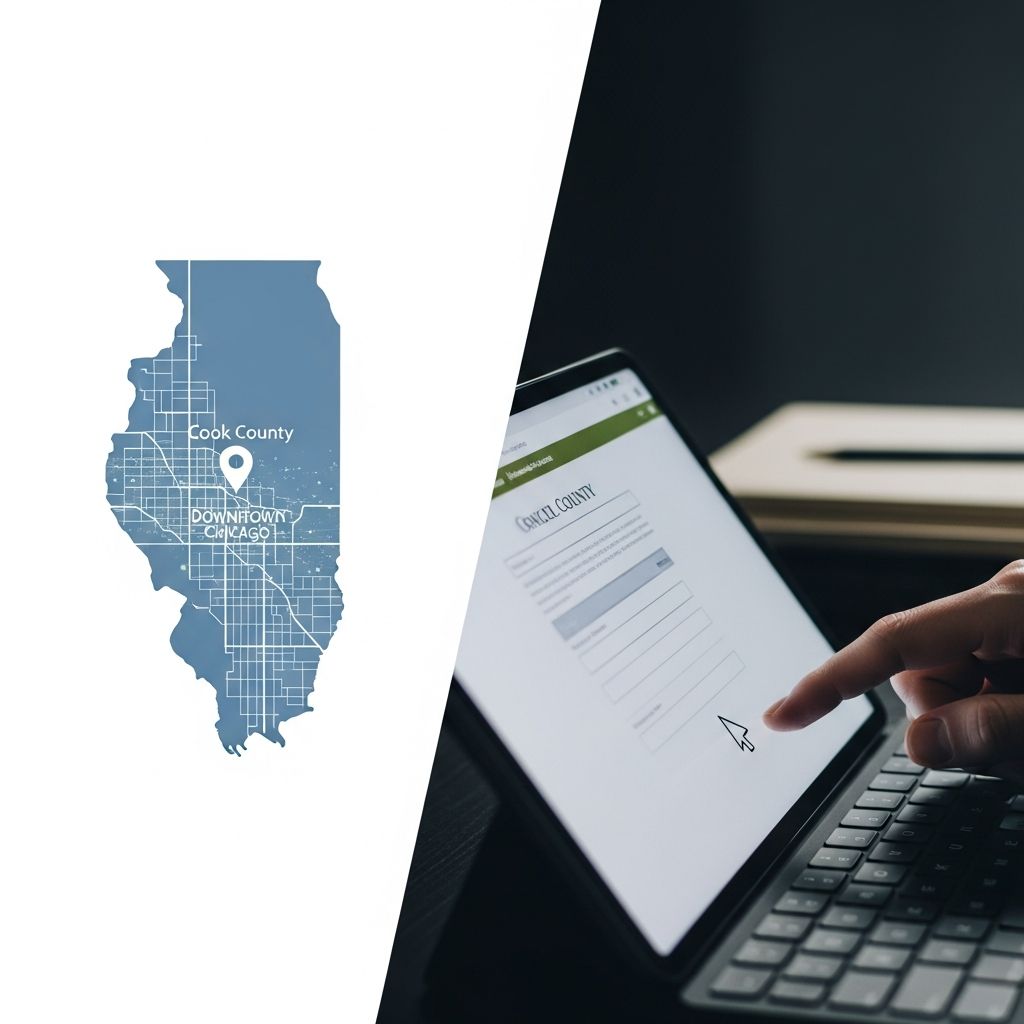
Mandatory Electronic Filing in Cook County: What Legal Professionals Need to Know
Electronic filing has transformed how lawyers and self-represented litigants submit documents to the courts. In Cook County, Illinois, this transformation is no longer optional: for most civil matters, e-filing is mandatory and paper filing is the rare exception. Understanding how the system works is essential to avoid rejections, missed deadlines, or ethical issues when representing clients.
This guide explains the essentials of Cook County’s e-filing requirements, the statewide eFileIL platform, practical steps to get started, and strategies to integrate e-filing into an efficient law practice.
1. How Mandatory E-Filing Came to Cook County
Illinois adopted a statewide policy to standardize and expand electronic filing in its courts. Under an Illinois Supreme Court order, all Illinois circuit courts must participate in a unified e-filing program called eFileIL. Cook County, the largest judicial circuit in the state, had to migrate from its locally managed systems to the statewide platform.
Key milestones relevant to Cook County include:
- Statewide mandate: The Illinois Supreme Court required all civil case filings to be made electronically through eFileIL, subject to specific exceptions.
- Cook County transition: The Circuit Court of Cook County and its Clerk implemented administrative orders and technical rules to govern how filings are submitted, stamped, served, and stored electronically.
- Uniform experience: The Supreme Court selected a single electronic filing manager (Tyler Technologies) to provide a consistent user experience across all participating courts in Illinois.
The result is a system where filers in Cook County use the same underlying platform as other Illinois courts, while still complying with local rules and procedures.
2. Where E-Filing Is Required — and Where It Is Not
In Illinois, including Cook County, electronic filing is mandatory for most civil case types, with some carve-outs.
| Category | General Rule in Illinois / Cook County* |
|---|---|
| Most civil case types (e.g., law, chancery, domestic relations, probate) | Must be filed electronically via eFileIL. |
| Certain specialized or quasi-criminal matters | May be excluded from mandatory e-filing or governed by different rules. |
| Documents with confidential or protected information | Often excluded from e-filing or subject to special procedures under Illinois Supreme Court rules. |
| Self-represented litigants (SRLs) | Generally required to e-file but may request an exemption allowing paper filing in some circumstances. |
*Always consult the most recent Illinois Supreme Court rules, Cook County General Administrative Orders, and local standing orders for updates.
2.1 Attorneys vs. Self-Represented Litigants
- Attorneys licensed in Illinois are expected to file electronically in covered case types. Many courts no longer accept in-person conventional filings from attorneys for these matters.
- Self-represented litigants are also directed to use e-filing in most circumstances, but statewide rules allow a judge or clerk to grant an exemption if e-filing would impose an undue hardship.
3. Understanding the eFileIL System and EFSPs
Cook County does not operate its own proprietary e-filing portal. Instead, all filings flow through the statewide eFileIL system, which is managed by Tyler Technologies on behalf of the Illinois courts.
3.1 eFileIL as the Statewide Hub
The eFileIL platform acts as the electronic filing manager (EFM) for Illinois courts, handling the secure transmission of documents, metadata, and fees between filers and the various circuit clerks’ case management systems.
Core functions of eFileIL include:
- Receiving uploaded documents and data from filers through approved service providers.
- Routing filings to the correct court and case based on information entered by the filer.
- Applying an electronic file stamp with the court name, clerk, date, and time once accepted.
- Returning confirmation or rejection notices to filers, along with any error messages.
3.2 Electronic Filing Service Providers (EFSPs)
Filers do not log directly into eFileIL. Instead, they select an Electronic Filing Service Provider (EFSP), which acts as a secure front-end interface. The Illinois courts maintain an approved list of EFSPs that are certified to connect to eFileIL.
Different EFSPs may offer:
- Web-based portals tailored to law firms, solo practitioners, or self-represented litigants.
- Features such as payment wallets, template forms, or integration with law practice management software.
- Customer support, online training, and knowledge bases explaining the filing process.
In Cook County, registration with an EFSP is a prerequisite to submitting any electronic filing.
4. Getting Ready to E-File in Cook County
Setting up your practice for e-filing is much simpler when approached systematically. The following steps reflect common requirements in Cook County and general Illinois guidance.
4.1 Register with an EFSP
- Choose an approved EFSP that supports Cook County civil filings (examples include providers that connect via the statewide eFileIL infrastructure).
- Create a user account and verify your email address.
- For attorneys, ensure you have any firm or attorney codes required by Cook County to identify your practice.
- Set up payment methods (credit card, e-check, or firm payment account) for filing fees and service charges.
4.2 Collect Required Case Information
Cook County rules and administrative orders specify certain data elements that must accompany every electronic filing.
Before initiating a filing, confirm that you have:
- The case number (for existing matters).
- The case type (e.g., law, chancery, domestic relations).
- The exact names of the parties as they appear on the docket.
- Your role in the case (attorney for plaintiff/defendant, self-represented litigant, etc.).
- The correct document type to select in the EFSP menu (complaint, motion, appearance, etc.).
4.3 Prepare Documents in the Correct Format
To be accepted, an electronically filed document must comply with both technical and procedural requirements.
- File format: Follow the electronic formats authorized by the clerk (commonly PDF). Many EFSPs offer PDF conversion tools for word processing files.
- Size limits: Cook County imposes maximum file-size limits, and larger filings may need to be split into multiple parts.
- Legibility: Scanned documents must be clear, properly oriented, and free of shadows that obscure text.
- Redaction: Remove or mask personal identity information and other protected data in compliance with Illinois Supreme Court Rules on confidentiality.
5. The Lifecycle of an Electronic Filing
Once you press “submit” in your EFSP, your document goes through several stages before it becomes an official part of the court record.
5.1 Submission and Initial Receipt
- The EFSP transmits your filing to the eFileIL manager, which validates basic formatting and routing data.
- The Cook County Clerk’s office receives the filing electronically. A notice of receipt is typically sent back through your EFSP, confirming that the submission reached the clerk’s system.
5.2 Clerk Review and Acceptance
The clerk then reviews each submitted document for compliance with court rules, fees, and basic case information.
- If accepted, the document receives an electronic file stamp that includes the name of the Circuit Court of Cook County, the clerk, and the date and time of filing.
- The file stamp is merged into the PDF so that it appears whenever the document is printed or viewed online. An electronically stamped filing has the same legal effect as a paper document stamped at the courthouse counter.
- If rejected, the filer receives a notice explaining the reason for rejection, such as incomplete party information, incorrect document selection, unreadable scans, or missing fees.
5.3 Filing Deadlines and Timeliness
Electronic filing does not change substantive filing deadlines. Illinois rules treat timely electronic submissions as equivalent to timely paper filings.
- Documents are generally considered filed on the date and time indicated on the electronic file stamp, assuming acceptance by the clerk.
- Filers remain responsible for allowing enough lead time to correct any rejections that might occur before a critical deadline.
- Local rules may address situations where technical failures or system outages interfere with timely filing; check those rules and consider documenting any such issues.
6. Confidential and Excluded Documents
Not every document belongs in the e-filing system. Illinois Supreme Court rules and Cook County administrative orders carve out categories of documents that are excluded from electronic filing or subject to special protections.
These may include, for example:
- Filings that contain certain types of confidential information defined by statewide rules (such as specific personal identifiers).
- Materials protected by statute, including communications or reports relating to specific health or tax information.
- Documents ordered sealed or impounded by the court.
For such documents, conventional paper filing or special submission protocols may still apply. Filers must carefully review both Illinois Supreme Court rules and Cook County’s current administrative orders before deciding how to proceed.
7. Practical Tips for Successful E-Filings
To make the most of Cook County’s mandatory e-filing system, legal professionals can adopt a set of practical habits.
7.1 Build an Internal E-Filing Checklist
- Confirm case number and division before each filing.
- Verify party names and roles in the EFSP interface.
- Check document naming conventions required by the court or division.
- Review each document for redaction and legibility prior to upload.
- Double-check fee assessments and exemptions.
7.2 Train Staff and Use Support Resources
- Use available court-sponsored training, web-based tutorials, and guides on e-filing in Illinois.
- Leverage your EFSP’s help center or live support for technical questions, especially when filing in unfamiliar case types.
- Designate one or more staff members as e-filing coordinators responsible for staying current on rule changes.
7.3 Manage Risk Around Deadlines
- Submit critical filings at least several hours before the legal deadline to allow for technical issues or rejection corrections.
- Keep copies of receipt and acceptance emails, as well as file-stamped PDFs, organized by client and matter.
- Monitor for system outage announcements or scheduled maintenance that may affect filing windows.
8. Benefits and Ongoing Challenges
Mandatory e-filing has both advocates and critics, but over time it generally leads to more consistent and accessible court records.
8.1 Commonly Cited Benefits
- Time savings: Filers no longer need to travel to the courthouse for routine filings or wait in line at the clerk’s counter.
- 24/7 access: eFileIL portals accept filings outside normal courthouse hours, subject to system availability.
- Improved record quality: Electronic documents are easier to search, distribute, and store compared to paper files.
- Cost efficiencies: Over time, courts can reduce storage and manual data entry costs, and firms can reduce courier expenses.
8.2 Persistent Challenges
- Access to technology: Some self-represented litigants and small firms face barriers relating to hardware, internet access, or digital literacy.
- Learning curve: Navigating EFSP interfaces and understanding document type mappings or fee structures can be confusing.
- Integration issues: Interfaces between eFileIL and local case management systems may periodically require updates and troubleshooting.
Despite these challenges, state courts and local clerks continue to refine training materials, improve help desks, and adjust rules in response to user feedback.
9. Frequently Asked Questions About Cook County E-Filing
Q1: Do I have to e-file every document in a Cook County civil case?
Most civil filings must be submitted electronically through an approved EFSP connected to eFileIL, subject to specific exclusions such as certain confidential or protected documents. Always review current Illinois Supreme Court rules and Cook County administrative orders before assuming a document is exempt.
Q2: How do I know if my e-filed document was successfully filed?
After you submit a document through your EFSP, you should receive an electronic notice of receipt, followed by a notice of acceptance or rejection from the clerk. If accepted, the document will bear an electronic file stamp showing the Circuit Court of Cook County, the clerk, and the date and time of filing.
Q3: What if I experience technical problems close to a filing deadline?
Illinois rules do not extend substantive deadlines simply because a filer waited until the last minute to submit a document electronically. Filers are encouraged to file well before deadlines and document any significant system outages or EFSP failures. Local rules or standing orders may address relief in limited circumstances, so check current guidance and consider raising the issue promptly with the court if necessary.
Q4: Can self-represented litigants still file on paper in Cook County?
Self-represented litigants are generally directed to use e-filing, but they may seek an exemption when using electronic systems would pose a substantial hardship. The availability and process for such exemptions are governed by statewide rules and local court procedures, so SRLs should consult the clerk or legal aid resources for up-to-date instructions.
Q5: Where can I find official training and support for e-filing?
The Illinois courts and Cook County provide online information about e-filing procedures, training opportunities, and lists of approved EFSPs. Many EFSPs also offer their own tutorials, help centers, and customer support to guide users through the process.
References
- eFile — Clerk of the Circuit Court of Cook County. 2018-07-01. https://www.cookcountyclerkofcourt.org/eFile
- Court eFiling — Cook County Government. 2018-07-01. https://www.cookcountyil.gov/service/court-efiling
- E-FILING — Chicago Volunteer Legal Services. 2020-04-21. https://www.cvls.org/2020/04/21/e-filing/
- GENERAL ADMINISTRATIVE ORDER NO. 2013-08: ELECTRONIC FILING (eFiling) OF COURT DOCUMENTS — Circuit Court of Cook County. 2013-07-15. https://www.cookcountycourtil.gov/order/general-administrative-order-no-2013-08-electronic-filing-efiling-court-documents
- E-filing in Illinois — Illinois Legal Aid Online. 2024-01-01 (last updated, approximate). https://www.illinoislegalaid.org/legal-information/how-e-file-illinois
- eFileIL – Statewide eFiling — Illinois Courts. 2023-06-01. https://www.illinoiscourts.gov/eservices/efileil/
- Cook County e-filing guidelines — Green Filing. 2019-10-01. http://www.greenfiling.com/illinois/cook-county-efiling-guide
Similar Articles








Read full bio of Sneha Tete