
Mac vs PC: Optimal Computing for Legal Professionals
Discover why attorneys are choosing Macs over PCs for superior reliability, security, and efficiency in legal practice.
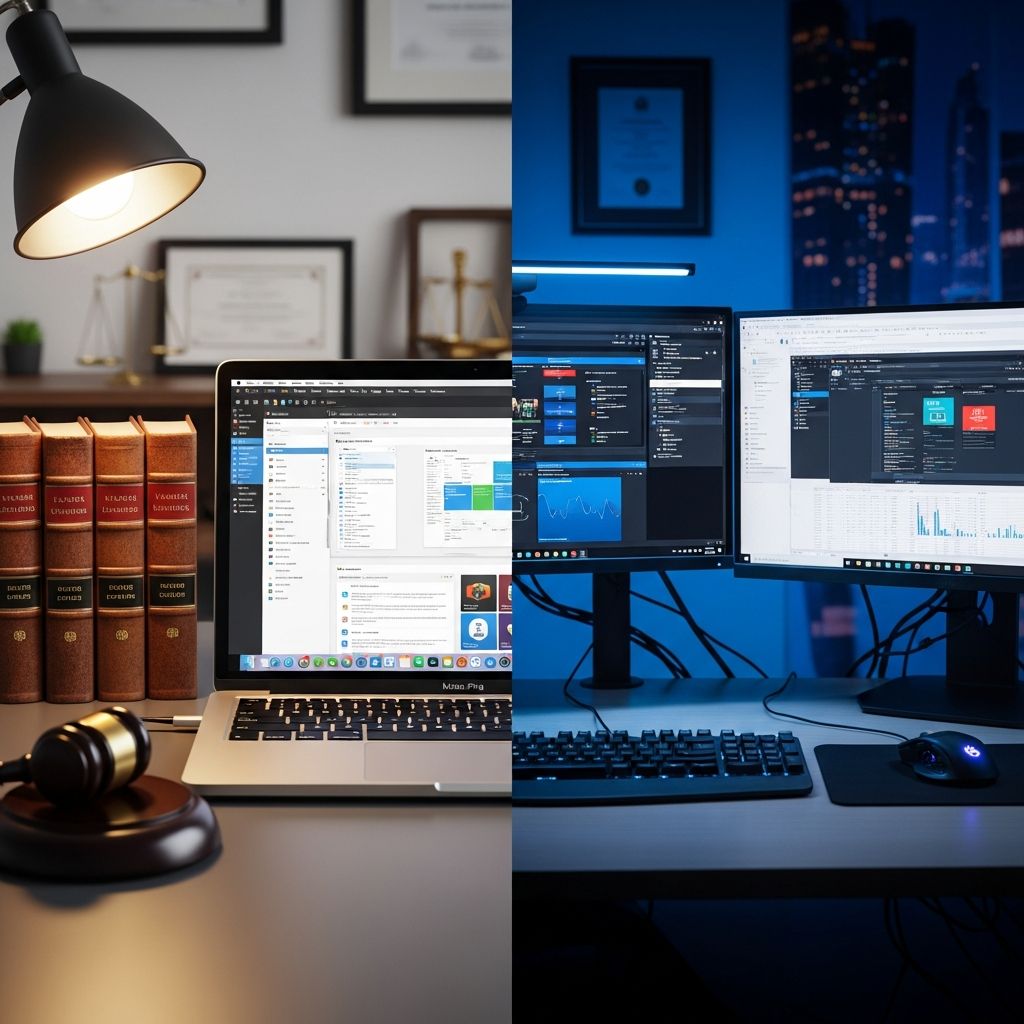
Legal professionals face unique demands for computing power, including secure document handling, seamless collaboration, and reliable performance during high-stakes work. Selecting between Mac and PC involves weighing factors like operating system stability, software availability, hardware longevity, and integration with legal tools. This analysis draws from surveys, expert opinions, and industry reports to guide attorneys toward the best choice for their practice.
Understanding the Core Needs of Legal Computing
Attorneys require machines that handle word processing, case management, e-discovery, video conferencing, and secure file sharing without interruptions. Both Mac (macOS) and PC (Windows) platforms support these tasks, but differences emerge in reliability, maintenance, and ecosystem integration. For instance, a Clio survey of 886 legal professionals found 52% preferred Macs for enhanced reliability and security, enabling focus on billable work over troubleshooting.
Key priorities include:
- Performance under pressure: Long battery life for court appearances and quick boot times for urgent filings.
- Security: Protection against malware, ransomware, and data breaches common in legal environments.
- Compatibility: Running essential tools like Microsoft Office, PDF editors, and practice management software.
- Cost efficiency: Balancing upfront costs with long-term savings on IT support and hardware replacement.
Reliability and Uptime: Minimizing Downtime in Demanding Schedules
Reliability is paramount for lawyers juggling deadlines. Macs consistently outperform PCs in user satisfaction for ‘it just works’ dependability. IBM’s deployment of 290,000 Macs across enterprises revealed 5% help desk calls for Macs versus 40% for PCs, translating to substantial time savings. Legal firms report similar gains; one 13-attorney practice switched to Macs, citing reduced IT costs and energy expenditure.
Windows PCs, while robust, suffer from forced updates and compatibility issues that can halt workflows. macOS updates are less intrusive, and older Macs (up to 5 years) support the latest versions, unlike Windows 11’s restrictions on hardware. This longevity means fewer upgrades, critical for solo practitioners or small firms watching budgets.
| Aspect | Mac | PC |
|---|---|---|
| Help Desk Calls | 5% (IBM data) | 40% (IBM data) |
| Hardware Lifespan | 5+ years on latest OS | Often 2-3 years before obsolescence |
| Daily Uptime | High (fewer crashes) | Variable (update disruptions) |
Attorneys using MacBook Airs praise portability and consistent performance from park benches to courtrooms, eliminating learning curves.
Security Considerations for Sensitive Legal Data
Client confidentiality demands ironclad security. Macs’ closed ecosystem and smaller market share make them less attractive to hackers—fewer viruses target macOS. Features like Gatekeeper and XProtect provide built-in defenses, reducing ransomware risks prevalent in Windows environments.
Windows relies on frequent patches, but forced updates can expose vulnerabilities during rollout. Legal software provider TimeNet Law highlights Macs’ privacy advantages, noting Microsoft’s data-harvesting model as a liability for attorneys. Pairing Macs with antivirus adds layers without performance hits.
- Macs: Integrated security, rare malware targeting.
- PCs: Broader attack surface, but robust enterprise tools like BitLocker.
Software Ecosystem: Running Legal Applications Seamlessly
Compatibility concerns deter some lawyers, but modern solutions bridge gaps. Microsoft Office runs natively on Mac via Office 365, including Word, Excel, Outlook, and OneDrive integration—vital for cross-platform collaboration.
For Windows-only tools like certain case management or HotDocs, virtualization shines. Parallels Desktop or VMware Fusion lets Macs run full Windows environments without rebooting, unlike Boot Camp. Cloud-based legal software (e.g., Clio, PracticePanther) works identically on browsers, neutralizing platform differences.
PDF handling is robust on both: Adobe Acrobat Pro or PDFpen Pro on Mac match Windows counterparts. Litigators benefit from Mac-native apps for evidence presentation, while bankruptcy specialists may prefer PC for niche software.
| Software | Mac Support | PC Support | Notes |
|---|---|---|---|
| Microsoft Office | Native (Office 365) | Native | Full feature parity |
| Legal Case Mgmt (Cloud) | Browser-based | Browser-based | No emulation needed |
| HotDocs/niche tools | Via Parallels | Native | Minimal usage for most |
| Adobe Acrobat | Native Pro | Native Pro | Essential for filings |
Over 90% of U.S. firms reportedly use Macs for these reasons, per older surveys, with adoption growing.
Hardware Options Tailored for Legal Work
Top Mac Recommendations
- MacBook Pro (M-series): Exceptional battery (20+ hours), Retina display for document review, ports for peripherals.
- MacBook Air: Lightweight for travel, fanless design for silent court use.
- iMac/Mac Studio: Powerful desktops for e-discovery processing.
Leading PC Alternatives
- Dell XPS 15: Versatile ports, high-res screen, Windows flexibility.
- Lenovo ThinkPad: Durable build, enterprise security features.
- Custom Builds: Tailored specs for heavy computation.
Apple’s ecosystem syncs seamlessly with iPhones/iPads, enhancing mobile legal work via Continuity features.
Financial Analysis: Long-Term Value Over Initial Price
Macs carry a premium but deliver ROI through savings. IBM calculated $273-$543 per Mac over four years versus PCs, driven by less IT support and higher productivity (22% more likely to exceed goals). Firms avoid forced upgrades, as Macs age gracefully.
Subscription models like Office 365 ($70/year) work on both, but Macs reduce total ownership costs. Solo attorneys save on self-support headaches.
Real-World Experiences from the Legal Community
Lawyers echo these benefits. A Michigan Bar Journal piece notes Macs’ ease, with native support for core tools. Paralegals adapt to both but note office PCs dominate, while partners favor MacBooks for personal efficiency. Law students find no difference for exams (SofTest supports both).
“Macs allow me to work from anywhere with zero friction—more time practicing law.” — Mac-using attorney
Frequently Asked Questions (FAQs)
Can lawyers run Windows software on Macs?
Yes, via Parallels or VMware for seamless virtualization, or cloud alternatives for most tools.
Are Macs secure enough for client data?
Absolutely—lower malware risk and built-in protections make them ideal, enhanced by antivirus.
Which is cheaper long-term: Mac or PC?
Macs, per IBM: $273-$543 savings over 4 years due to reliability and longevity.
Do law firms prefer PCs or Macs?
Many U.S. firms (up to 60%) use Macs; offices often have PCs, but attorneys bring Macs.
Best laptop for court in 2026?
MacBook Pro for battery/portability or Dell XPS for ports—depends on ecosystem.
Choosing Your Platform: A Decision Framework
Solo/litigators: Lean Mac for mobility/security. Large firms/transactional: PC for legacy integration. Test via Apple Stores or trials. Hybrid setups (Mac + VM) offer best of both.
References
- Lawyers Who Use Macs: Why They Do It and How — Attorney at Work. 2023. https://www.attorneyatwork.com/lawyers-who-use-macs/
- Best Laptops & Desktops for Lawyers: A Computer Buying Guide — Lawyerist. 2023. https://lawyerist.com/news/faq-what-computer-should-i-buy/
- Mac or Windows for Your Law Practice? Get Some Answers — State Bar of Wisconsin. 2016-10-01. https://www.wisbar.org/NewsPublications/InsideTrack/pages/article.aspx?Volume=8&Issue=18&ArticleID=25084
- Mac for Lawyers | Why Attorneys Choose Apple — TimeNet Law. 2024. https://www.timenetlaw.com/mac-for-lawyers/
- Mac vs PC — 7Sage Forum. 2013. https://7sage.com/discussion/13275/mac-vs-pc
- Paralegal Tech – PC or Mac (Full Disclosure Friday) — YouTube (Arrow Consultants). 2023. https://www.youtube.com/watch?v=Isiq9ZeK2vc
- The Benefits of Working on Mac for Law Firms — Jarvis Legal. 2023. https://www.jarvis-legal.com/en/the-advantages-of-working-on-mac-for-law-firms/
- It’s Easier than Ever to Go Mac — Michigan Bar Journal (State Bar of Michigan). 2018-05-01. http://www.michbar.org/file/barjournal/article/documents/pdf4article3378.pdf
Similar Articles








Read full bio of medha deb




