Libsyn, short for Liberated Syndication, has powered podcasts since 2004, offering creators a reliable platform for hosting, distribution, and growth. This guide walks you through every step to create, launch, and monetize your show using Libsyn’s comprehensive tools.
Defining Your Podcast Vision and Niche
Success begins with a clear concept. Identify a topic you’re passionate about that also fills a market gap. Research popular shows in your niche using podcast directories to spot trends and underserved areas.
- Brainstorm Ideas: List 5-10 themes based on your expertise, hobbies, or audience pain points.
- Audience Analysis: Define your ideal listener’s age, interests, and challenges to tailor content.
- Unique Angle: Differentiate with personal stories, expert interviews, or unconventional formats.
Refine by testing episode outlines with potential listeners via social media polls for feedback.
Selecting the Perfect Podcast Format
Choose between solo monologues, interviews, co-hosted discussions, or narrative storytelling based on your strengths and resources. Interviews build networks, while solo shows offer flexibility.
| Format | Pros | Cons | Best For |
|---|---|---|---|
| Solo | Low prep, full control | Can feel monotonous | Beginners, thought leaders |
| Interviews | Rich content, guest promo | Scheduling challenges | Networkers, experts |
| Co-hosted | Dynamic banter | Coordination needed | Fun personalities |
| Narrative | Engaging stories | High production | Storytellers |
Start simple and evolve as your skills grow.
Gearing Up with Essential Equipment
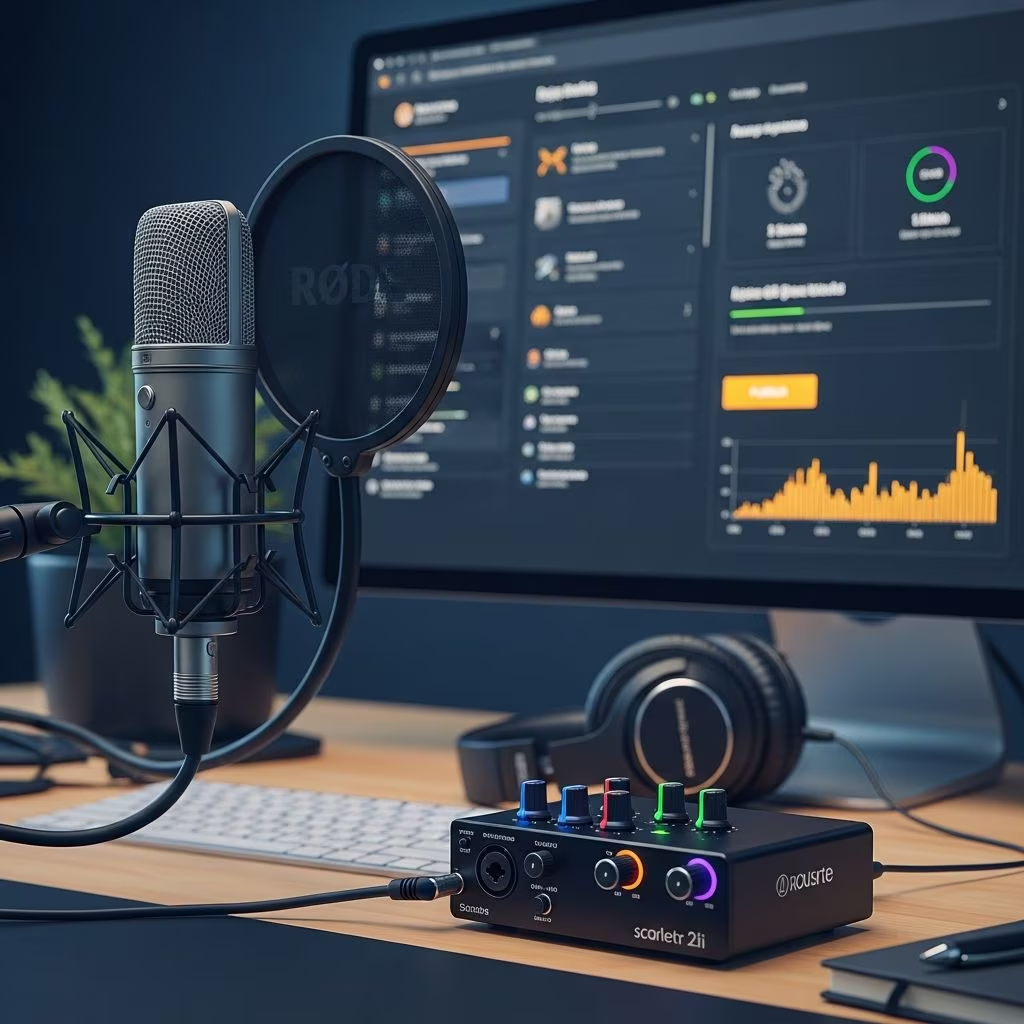
Invest in quality audio gear without overspending. A USB microphone like the Audio-Technica ATR2100x, headphones, and pop filter form the core setup. Use free software like Audacity for editing.
- Microphone: Dynamic mics reject room noise effectively.
- Headphones: Closed-back for monitoring without bleed.
- Interface: Optional for multi-mic setups.
- Software: GarageBand (Mac) or Reaper (cross-platform) for pro results.
For remote guests, tools like Libsyn Connect enable high-quality recordings.
Recording Professional-Quality Episodes
Create a quiet space with acoustic treatment like blankets. Script intros/outros but speak naturally. Record in 24-bit/48kHz WAV for best quality, aiming for -16 to -12 LUFS loudness.
- Prep Script: Outline key points, timestamps for segments.
- Test Levels: Peak at -6dB to avoid clipping.
- Multi-Track: Separate tracks for host/guest editing ease.
- Backup: Save raw files securely.
Practice consistency in tone and pacing to build listener loyalty.
Mastering Audio Editing Techniques
Edit ruthlessly: trim silences, remove ums/ahs, add intro music (royalty-free from Libsyn’s Universal Music access). Normalize levels, apply light compression, and EQ for clarity—boost 2-5kHz for presence.
- Noise Reduction: Use spectral editing tools.
- Effects: Subtle reverb for intimacy.
- Export: MP3 at 128-192kbps for podcasts.
Preview on multiple devices to ensure compatibility.
Libsyn Account Creation and Plan Selection
Sign up at libsyn.com, choosing from plans starting at $5/month based on upload hours (e.g., 162 hours/year on basic). Higher tiers unlock advanced analytics and video support. New users get promotional free months.
Key factors:
- Storage/Bandwidth: Unlimited on all plans.
- Features: Analytics, monetization scale with tiers.
- Teams: Pro plans support multi-user access.
Configuring Your Podcast Profile on Libsyn
Enter show title, description (SEO-optimized with keywords), category, language, and artwork (1400x1400px, 3000x3000px max). Explicit content flags help directories.
Customize RSS feed with iTunes tags for Apple Podcasts approval. Libsyn generates a unique feed URL for submission.
Uploading and Scheduling Episodes Seamlessly
Upload MP3/M4A files via drag-and-drop. Add titles, show notes (with timestamps/chapters), artwork, and schedule releases. One-click publishing distributes to Apple, Spotify, YouTube Music.
- Video Podcasts: Auto-convert audio to MP4 for YouTube.
- Scheduling: Set future dates for consistent drops.
Distributing to Major Platforms Effectively
Libsyn connects to 20+ directories. Prioritize Apple Podcasts (submit RSS via Apple Podcasts Connect), Spotify (via dashboard), and YouTube Music. Custom destinations allow selective publishing.
Monitor approval (1-5 days for Apple) and promote new episodes socially.
Unlocking Libsyn’s Powerful Analytics Dashboard
IAB-compliant stats track downloads, subscriber growth, geography, devices, and episode performance. Use 7/30/90-day views, date ranges, and exports for insights.
- Top Episodes: Double down on winners.
- Audience Geo: Tailor content regionally.
- Platform Breakdown: Optimize for top referrers.
Implementing Monetization Strategies Early
Libsyn Ads automates dynamic insertions, earning from back catalog ($112M+ paid since 2017). Integrate Apple Subscriptions, Podroll promotions, or Glow.fm for donations.
| Method | Requirements | Potential Earnings |
|---|---|---|
| Ads | 5k+ downloads/episode | CPM-based |
| Subscriptions | Premium content | Recurring |
| Promotions | Any size | Per slot |
Enhancing Reach with Marketing Tools
Libsyn’s social scheduler posts to X, Facebook, Instagram. Embed customizable players on websites for SEO-boosting dwell time. Canva integration crafts branded graphics.
- Player Features: Skippable colors, download buttons, playlists.
- OnPublish: Tease clips pre-release.
Building and Embedding Custom Players
Generate embed codes for show/episode players. Customize size, colors, autoplay, and thumbnails to match branding. Mobile-responsive for all devices.
Boosts SEO as listeners stay longer.
Scaling with Advanced Libsyn Pro Features
For teams/enterprises: Multi-user logins, custom apps, deeper stats. Libsyn Connect for remote recording. Ideal for growing shows.
Frequently Asked Questions
What makes Libsyn stand out for podcast hosting?
Unlimited bandwidth, video support, IAB stats, monetization, and 20+ years reliability power top shows like Dave Ramsey.
How much does Libsyn cost?
Plans from $5-$20/month based on upload hours, with free trials and no hidden fees.
Can I host video podcasts on Libsyn?
Yes, auto-publish to YouTube Music with MP4 conversion.
Is Libsyn good for beginners?
Absolutely—intuitive dashboard, free resources, and support make it accessible.
How do I migrate to Libsyn?
Full content ownership allows easy RSS/portability with five-star support.
Growing Your Audience Sustainably
Release weekly, cross-promote via Podroll, engage on socials, and analyze stats to refine. Collaborate for guest swaps. Patience yields compounding growth.
Libsyn equips you for long-term success—start today and liberate your voice.
References
- Libsyn: Podcasting Hosting Made Easy — The Podcast Haven. 2024. https://thepodcasthaven.com/libsyn-podcasting-hosting-made-easy-2/
- How to Start a Podcast: Complete Step-by-Step Guide — Libsyn. 2025. https://libsyn.com/how-to-start-a-podcast/
- The Best Podcast Hosting Platform | Libsyn Podcasting — Libsyn. 2026. https://libsyn.com
- Reviewing podcast hosting platform: Libsyn — Resonate Recordings. 2024. https://resonaterecordings.com/equipment-reviews/libsyn-review/
- Libsyn review: The OG hosting platform leading the pack — Whop. 2025. https://whop.com/blog/libsyn-review/