
Keeping Kids Safe Online: Family Rules, Controls, And Tips Now
Practical steps parents can use to reduce online risks and build safer digital habits.
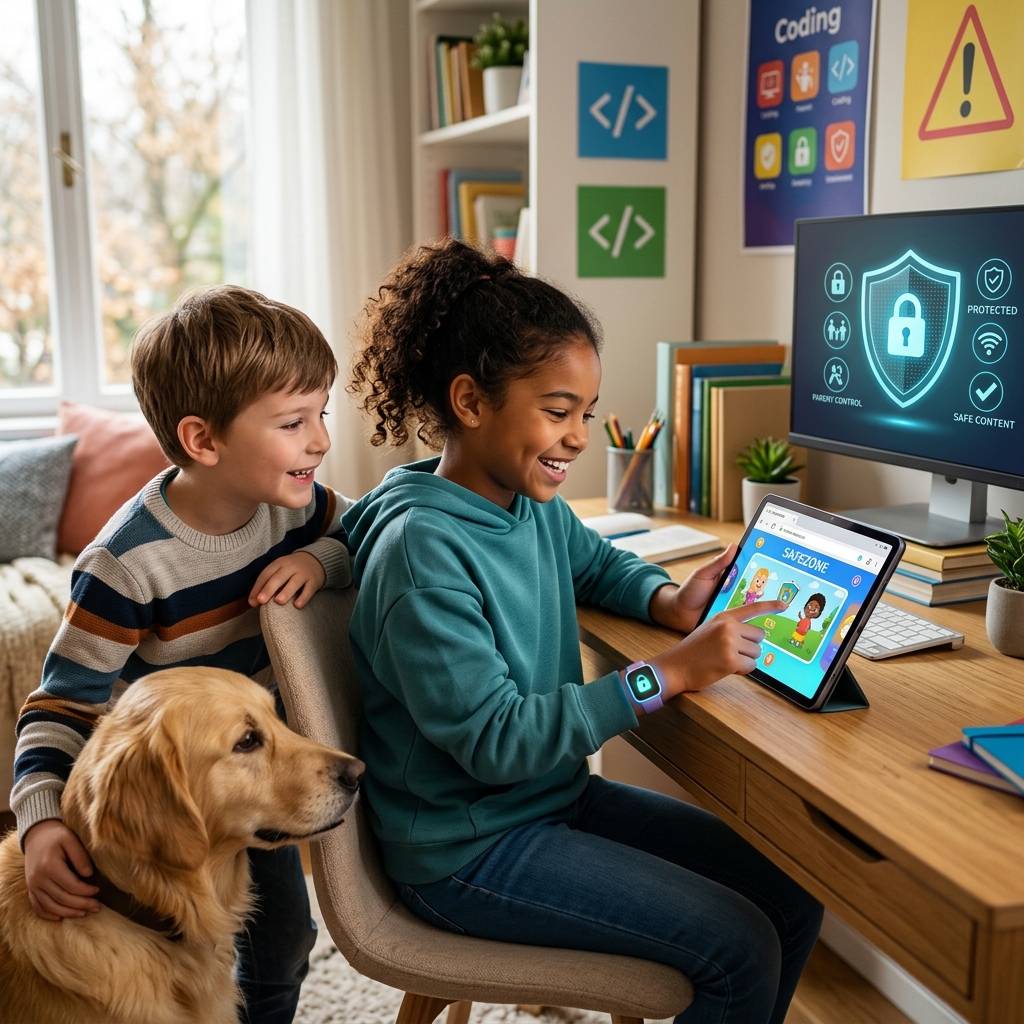
Children spend more of their lives online than ever before, and that makes digital safety a regular parenting task rather than a one-time setup. A safer online experience depends on a mix of clear family rules, age-appropriate tools, open conversations, and calm responses when something goes wrong. The goal is not to eliminate technology, but to help kids use it with confidence and guardrails.
The most effective protection is usually layered. Technical controls can block some risks, but they work best when children also understand why certain behaviors are unsafe and know they can come to an adult without fear of punishment. Families that combine rules, supervision, and communication are better positioned to reduce harm and build trust.
Start with a family plan, not a last-minute reaction
Online safety works best when it is discussed before a problem appears. A family plan gives children clear expectations and gives adults a consistent way to respond. It also removes confusion about what is allowed and what is off-limits.
Good plans do not need to be complicated. They should answer basic questions such as when devices can be used, which apps are allowed, where devices can be used, and what kinds of conversations should be reported immediately. The younger the child, the simpler the rules should be.
- Set time limits for school days and weekends.
- Keep devices in shared spaces when possible.
- Choose which apps, games, and websites are appropriate.
- Explain what information should never be shared online.
- Agree on what happens if a child encounters a scam, stranger, or upsetting message.
Family plans should also evolve as children get older. A middle schooler may need very different guardrails from a teenager who uses social media, messaging apps, and video platforms daily. Changing rules in response to maturity helps children practice independence without losing support.
Teach children what privacy means in real life
Many online risks begin with oversharing. Children often do not see personal details as sensitive, especially when apps reward posting and quick replies. Adults should explain that privacy online is not only about passwords; it also includes names, school details, locations, schedules, photos, and anything that could identify or track a child.
Children need concrete examples. Instead of saying “be careful,” show them how a photo can reveal a school logo, street sign, or regular routine. Explain that seemingly harmless details can be combined by strangers to learn more than the child intended to share.
| Information to protect | Why it matters | Safer habit |
|---|---|---|
| Full name, birthday, school | Helps strangers identify or target a child | Use only what is necessary and avoid public profiles |
| Location and daily routine | Can reveal where a child is and when | Turn off location sharing and avoid live posting |
| Photos and videos | May expose surroundings, faces, or personal items | Check background details before posting |
| Passwords and codes | Can lead to account takeover or impersonation | Keep them private and use strong combinations |
Use device and app controls as backup protection
Parental controls are most useful when they support a clear family plan. They can help limit exposure to inappropriate content, manage screen time, and reduce the chance that a child stumbles into unsafe settings or purchases. These tools are not perfect, but they are a valuable part of a broader safety routine.
Families should review the controls available on phones, tablets, game consoles, streaming services, browsers, and social media accounts. Many platforms let parents restrict downloads, hide mature content, set age filters, or approve purchases. In some cases, the default settings are far more permissive than parents realize.
- Turn on age-based content filters where they are available.
- Require permission for new app installs or purchases.
- Use screen-time schedules for school nights and bedtime.
- Review privacy options in each app, not just on the device itself.
- Keep software updated so safety features and security fixes stay current.
For older children, controls work best when adults explain the reason behind them. Kids are more likely to cooperate when they understand that boundaries are about safety, not surveillance for its own sake.
Make communication the center of your approach
Technology can block some threats, but communication helps children respond to the ones that get through. Kids need to know they can mention a weird message, a suspicious friend request, a strange video, or a mistake without instantly losing access to their devices.
Open communication should sound calm and practical. If a child gets in trouble online, the adult response matters. A harsh reaction can teach children to hide problems, while a steady response makes future disclosure more likely. The best conversations are regular, brief, and part of ordinary family life.
- Ask what apps, games, and creators your child likes.
- Talk about scams, dares, fake offers, and pressure tactics.
- Encourage children to say “no” and leave chats that feel wrong.
- Practice what to do if someone asks for a photo, money, or secrecy.
- Reassure children that telling an adult is the right choice.
Questions should be specific. “Did anything weird happen online today?” often leads to more useful answers than “Was everything fine?” Specific prompts make it easier for children to remember details they may otherwise dismiss.
Help kids recognize common digital traps
Many online harms rely on pressure rather than technical trickery. Children may be urged to click quickly, keep secrets, move to a different app, or trust someone who appears friendly at first. Teaching patterns is more effective than trying to memorize every possible scam.
One important lesson is that urgency is often a warning sign. Messages that demand immediate action, promise a reward, or threaten consequences can be designed to override judgment. Children should learn that they do not need to rush when something online feels suspicious.
- Beware of messages that demand instant action.
- Question offers that seem too good to be true.
- Avoid sharing images, codes, or personal details with strangers.
- Check whether a sender or account looks legitimate before responding.
- Stop and ask an adult if a message feels confusing, secretive, or intense.
Children should also know that not everything they see is authentic. Images, audio, and video can be edited or generated to look convincing. Even older children and teens may need help understanding that a message appearing to come from a familiar person may not actually be from that person.
Protect accounts with strong login habits
Safe devices are only part of the picture. Account security matters because a weak password or reused login can expose chats, photos, schoolwork, and personal data. Families should treat passwords as part of basic digital hygiene.
Children should use unique passwords for important accounts and avoid obvious choices such as birthdays, pet names, or school mascots. Where available, two-step verification adds another layer of protection. Parents can help children understand that keeping an account secure is similar to locking the front door: it is a routine habit, not an optional extra.
- Create different passwords for different services.
- Do not share passwords with friends or classmates.
- Use a password manager if the family is ready for one.
- Turn on extra verification for email, gaming, and social accounts.
- Review recovery options so accounts can be regained if needed.
Check social media with a safety-first mindset
Social platforms can be useful for creativity and connection, but they also create opportunities for oversharing, unwanted contact, and social pressure. Parents do not need to read every post to be involved. They should understand which platforms their child uses, how privacy settings work, and what type of audience the child is reaching.
It is also important to talk about posting habits. Once something is shared, control over it decreases. A child may delete a post later, but screenshots, downloads, and re-shares can keep it circulating. This is why careful posting is better than damage control after the fact.
- Review privacy settings together.
- Check whether profiles are public or limited to approved contacts.
- Discuss follower requests and unfamiliar accounts.
- Talk about reputation, kindness, and permanence before posting.
- Encourage children to pause before posting when they are upset, excited, or pressured.
Build habits that make safety easier over time
The safest families are usually the ones with steady habits rather than occasional crackdowns. That includes regular check-ins, shared device routines, and a willingness to update rules as children mature. It also includes modeling the behavior adults expect from kids.
Children notice whether grown-ups set down their own phones during meals, respect privacy, and verify information before reacting. When adults model thoughtful habits, safety becomes part of the family culture rather than a list of restrictions imposed from above.
- Keep devices out of bedrooms overnight when possible.
- Review app lists and screen-time settings periodically.
- Talk about new trends, platforms, and risks as they appear.
- Model respectful posting and careful sharing.
- Revisit family rules as children gain more responsibility.
What to do when something goes wrong
Even careful families may face a bad message, a scam attempt, or an unwanted contact. In those moments, the best response is usually practical and calm. The first goal is to stop further harm, preserve evidence, and decide whether a platform, school, or law enforcement should be contacted.
Adults should avoid deleting evidence too quickly if a serious issue is involved. Screenshots, usernames, timestamps, and message history can help with reporting and investigation. If the child is frightened or in immediate danger, urgent help should be sought right away.
- Stop contact with the suspicious person or account.
- Save screenshots and note key details.
- Report the account to the platform.
- Tell the school if the issue involves classmates or school devices.
- Contact local authorities if there is credible danger or exploitation.
After the immediate situation is handled, revisit the family plan. The aim is not to shame the child, but to improve the response for next time and restore confidence in the home as a safe place to report problems.
Frequently asked questions
What is the most important thing parents can do?
The most important step is to keep communication open. Tools and rules help, but children are more likely to stay safe when they can tell an adult about a problem without being punished for speaking up.
Are parental controls enough on their own?
No. Controls are useful, but they work best alongside conversation, supervision, and age-appropriate expectations. A child who understands the risks is less likely to bypass safeguards or hide problems.
Should parents check every message or post?
That depends on the child’s age and maturity, but constant checking is usually less effective than a shared routine and transparent expectations. The goal is to guide, not create a relationship built only on monitoring.
What should I do if my child sees something upsetting online?
Stay calm, ask what happened, save the evidence if needed, and decide whether the app, school, or authorities need to be informed. A calm response helps children feel safer coming to you next time.
How can I talk about online safety without sounding dramatic?
Use everyday examples, short conversations, and practical questions. Focus on problem-solving rather than fear. Children learn more from steady guidance than from lectures.
References
- Protecting Kids Online — Federal Trade Commission. 2025-10-01. https://consumer.ftc.gov/identity-theft-and-online-security/protecting-kids-online
- How to keep your child safe online — UNICEF Parenting. 2024-11-14. https://www.unicef.org/parenting/child-care/keep-your-child-safe-online
- Tools for Keeping Children Safe Online — New York City Public Schools. 2024-09-18. https://www.schools.nyc.gov/learning/digital-learning/applications-and-platforms/tools-for-keeping-children-safe-online
- Family Guide to Parental Controls — ConnectSafely. 2024-06-20. https://connectsafely.org/controls/
- Online Safety Tips: A Guide for Parents — North Carolina State University. 2026-01-12. https://cface.chass.ncsu.edu/news/2026/01/12/online-safety-tips-a-guide-for-parents/
Similar Articles








Read full bio of Sneha Tete


