How to Avoid Venmo Scams When Selling Online
Practical steps sellers can use to spot fake payments, overpayment tricks, and phishing attempts.
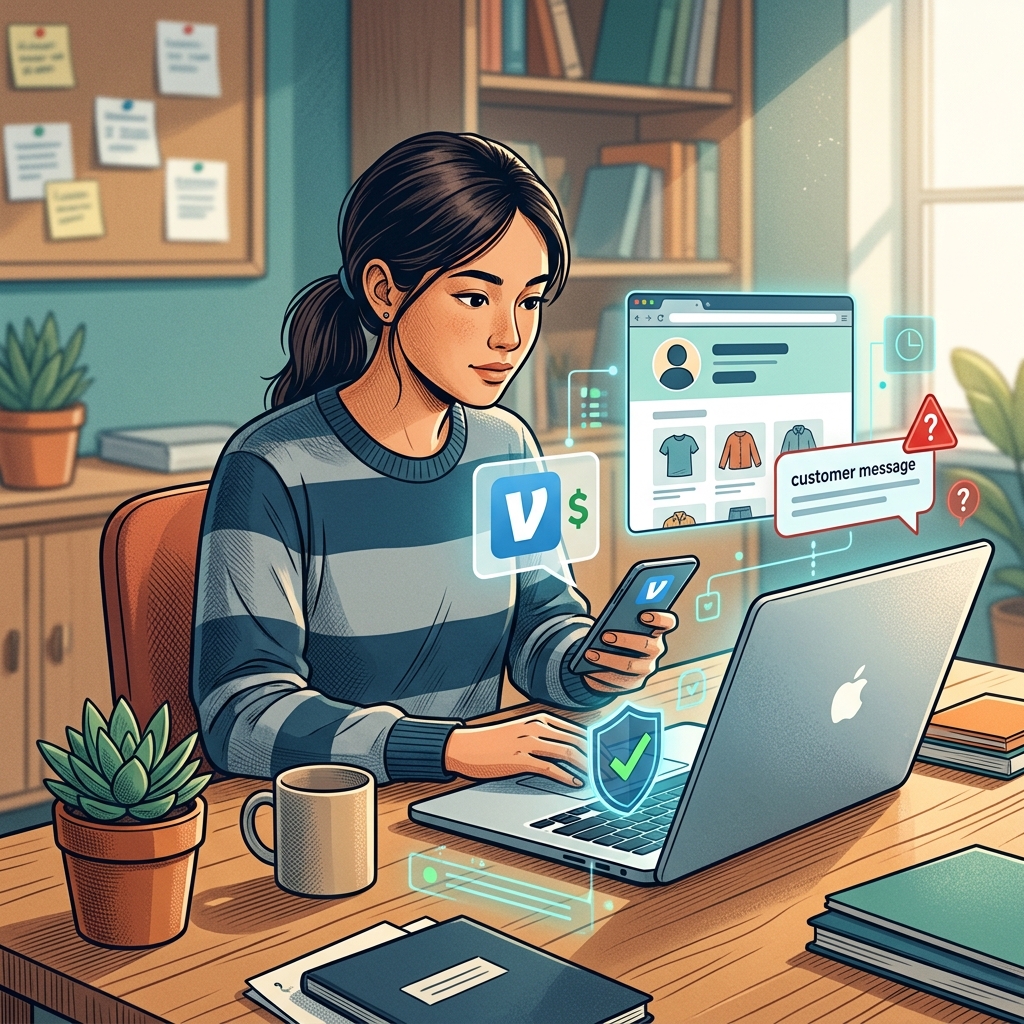
What online sellers need to know about Venmo fraud
Venmo can be a convenient way to get paid, but it also creates opportunities for scammers who target people selling items online. Fraudsters often rely on speed, confusion, and social pressure to make a seller act before checking whether a payment is real. Security guidance from Venmo-focused cybersecurity sources consistently warns that sellers should be cautious with unexpected payments, urgent messages, and requests to move money outside normal platform rules.
The safest approach is to slow everything down. If a buyer says they paid, do not ship, hand over the item, or issue a refund until you have verified the transaction inside the app and confirmed that the money is truly in your account. That simple habit can prevent many common scams.
Why scammers focus on sellers
Sellers are attractive targets because they often want to close a deal quickly. A scammer may pretend to be a genuine buyer, send a fake payment notice, or claim that there was a mistake and money must be returned immediately. Some fraudsters also use stolen or compromised accounts to make the interaction look legitimate.
These scams work because they exploit normal seller behavior. When someone is waiting to be paid, a message that sounds confident and urgent may feel believable. In reality, urgency is often the warning sign. Consumer cybersecurity guidance repeatedly notes that pressure tactics are a classic fraud signal, especially when the sender pushes you to ignore normal verification steps.
Common Venmo scam patterns used in online sales
Several scam formats appear again and again in online marketplaces. Knowing the pattern makes it easier to stop the fraud before money or goods leave your hands.
| Scam pattern | How it looks | Why it is dangerous |
|---|---|---|
| Fake payment confirmation | You receive a screenshot, text, or email claiming payment was sent. | Scammers can forge messages or images that look convincing. |
| Overpayment scam | The buyer “accidentally” sends too much and asks for the extra back. | The original payment may be fake, reversed, or never completed. |
| Phishing message | You get a link asking you to log in or “verify” your account. | It may steal your password or authentication code. |
| Chargeback or reversal pressure | The buyer says the payment will fail unless you act now. | The urgency is meant to push you into sending money first. |
| Fake support impersonation | Someone claims to be Venmo support and requests account details. | Legitimate support will not ask for sensitive login information in that way. |
Security and fraud-prevention sources warn that fake payment screenshots, unsolicited payment requests, and suspicious communications are all common in Venmo-related fraud. Buyers who insist on communicating through unofficial channels, or who avoid normal verification, should be treated carefully.
How to verify a payment before releasing an item
The most important rule for sellers is to verify the payment in the Venmo app itself. Do not rely on a screenshot, a forwarded email, or a text message saying that funds are on the way. Those can be fabricated or intercepted.
- Open the Venmo app directly and check the transaction history.
- Confirm that the payment appears in your account balance, not just as a message or email.
- Match the buyer’s name, username, and payment amount to the sale.
- Wait for the payment to clear before handing over the item.
- If anything looks unusual, pause the sale and contact the buyer through a separate trusted channel.
This verification step matters because scammers often try to make the seller act on incomplete information. A message can claim that payment was sent, but unless the app shows the transaction in your account, the claim is not reliable.
Red flags that should make you stop and check
Certain behaviors appear frequently in payment scams. A single warning sign may not prove fraud, but several together should prompt caution.
- The buyer urges you to ship immediately or meet right away.
- The buyer says the payment is “pending” but wants the item anyway.
- The buyer sends extra money and asks you to refund the difference.
- The buyer refuses to speak outside a suspicious message thread.
- The buyer asks for your email, login, or verification code.
- The buyer insists that customer support told them to use a special link.
- The buyer uses poor grammar, mismatched names, or inconsistent details.
Fraud prevention sources note that urgent language, requests for personal information, and pressure to act fast are common social engineering tactics. If a buyer seems unusually eager to control the timing or method of payment, that is a good reason to step back.
What to do if you receive an unexpected payment
An unexpected payment can be part of a scam. Fraudsters sometimes send money and then ask for it back, hoping the seller will send a new payment before the original transfer is investigated. Guidance from multiple consumer-protection and cybersecurity sources recommends that you not refund money directly to the sender without confirming the situation through official channels.
Instead, take these steps:
- Do not spend, move, or send the funds immediately.
- Screenshot the transaction, message thread, and profile details.
- Check whether the payment is fully reflected in your account.
- Contact Venmo support through the app if you suspect a problem.
- Monitor your linked bank account and payment activity closely.
If the sender claims it was an accident, do not assume the story is truthful. Scam warnings repeatedly advise sellers to avoid sending money back to a stranger who says they overpaid, because the original transaction may not be secure.
Safer habits for online marketplace sales
Good selling habits reduce the chance of falling for a scam. These habits are especially useful when you are selling on social platforms, local marketplaces, or peer-to-peer apps where you may not know the other person.
- Prefer face-to-face exchange in a public place when possible.
- Use a strong, unique password for your payment account.
- Turn on multi-factor authentication if available.
- Review recent transactions regularly.
- Keep your phone locked and do not let strangers handle it.
- Use privacy settings to limit public visibility of your transfers.
- Trust only confirmations you can see directly in the app.
Security guidance also recommends using Venmo for trusted, small-scale payments rather than high-risk or unfamiliar transactions. For larger purchases, extra care is wise, especially when the buyer is unknown or the item is expensive.
How to respond if you think you were targeted
If something feels off, act quickly. Fast reporting can help reduce losses and prevent the scammer from using your account or identity again.
- Stop the transaction and do not send any refund.
- Take screenshots of all messages, payment records, and usernames.
- Change your Venmo password and secure your email account.
- Check whether any other financial accounts show suspicious activity.
- Report the incident through Venmo’s support channels.
- If money or identity theft is involved, consider filing a report with the FTC and local law enforcement.
Cybersecurity sources recommend documenting the event immediately and monitoring related accounts afterward, since scams may be part of a broader attempt to access your money or personal information.
Why verification codes and login links are so risky
One especially important warning concerns verification codes. If someone asks for a code sent to your phone or email, that request is a major red flag. Fraud prevention guidance indicates that scammers may use the code to take over an account, complete an unauthorized login, or bypass security protections.
For the same reason, do not click links in messages that claim to be from Venmo unless you have independently confirmed the source. Some phishing messages imitate official branding or use misleading sender addresses. Experts advise opening the app directly instead of using a link in a message.
Frequently asked questions
How do I know if a Venmo payment is real?
Check the transaction directly in the Venmo app and confirm that the funds appear in your account before releasing the item. Screenshots and emails are not enough.
Should I refund a buyer who says they overpaid?
Not right away. Scam guidance warns that overpayment requests are often fraudulent, and you should confirm the original payment through official channels before sending anything back.
What if a message says Venmo support needs my code?
Do not share it. Requests for verification codes are a common takeover tactic and should be treated as suspicious.
Is it safe to use Venmo for local online sales?
It can be, but only if you verify payments carefully, avoid pressure tactics, and follow basic security practices such as strong passwords and multi-factor authentication.
What is the fastest way to reduce damage after a scam?
Stop communicating with the scammer, document everything, secure your accounts, and report the incident to Venmo and other relevant authorities as soon as possible.
Final practical takeaway for sellers
When selling online, the safest rule is simple: trust what you can verify, not what you are told. Scammers depend on urgency, fake confirmation, and confusion, but those tactics lose power when you slow down and check the transaction yourself.
If you make verification a habit, keep your account secure, and treat unexpected payment behavior as a warning, you can reduce the chance of becoming a victim while still using Venmo as a convenient payment tool.
References
- Venmo scams are on the rise: Here’s how to keep your money and data safe — ESET. 2024-03-14. https://www.eset.com/blog/en/home-topics/cybersecurity-protection/venmo-scams-money-data-safe/
- Venmo 101: Making Safer Payments with the App — McAfee Blog. 2024-02-27. https://www.mcafee.com/blogs/tips-tricks/is-venmo-safe-how-to-prevent-scams/
- Identify and prevent today’s most common Venmo scams — Eftsure US. 2024-01-18. https://www.eftsure.com/blog/cyber-crime/identify-and-prevent-todays-most-common-venmo-scams/
- Stay Alert to These 5 Venmo Scams — AAA Club Alliance. 2024-04-09. https://cluballiance.aaa.com/the-extra-mile/advice/budget/stay-alert-to-these-5-venmo-scams
- What is a Venmo Scam? — Microblink. 2024-05-02. https://microblink.com/resources/glossary/venmo-scam/
- Calls Pretending To Be Venmo Don’t Press “1” – It’s a Scam You Might Get an Automated … — Prince William County Police Department. 2024-06-11. https://www.facebook.com/PWCPolice/posts/calls-pretending-to-be-venmodont-press-1-its-a-scam-you-might-get-an-automated-c/1301703658654224/
- Purchase Protection for Buyers and Sellers — Venmo. 2026-07-10. https://venmo.com/purchaseprotection
Similar Articles








Read full bio of Sneha Tete