
Greenville Social Security Office: Practical Guide for Visitors
Learn how to contact, visit, and get help from the Greenville, South Carolina Social Security office efficiently and confidently.
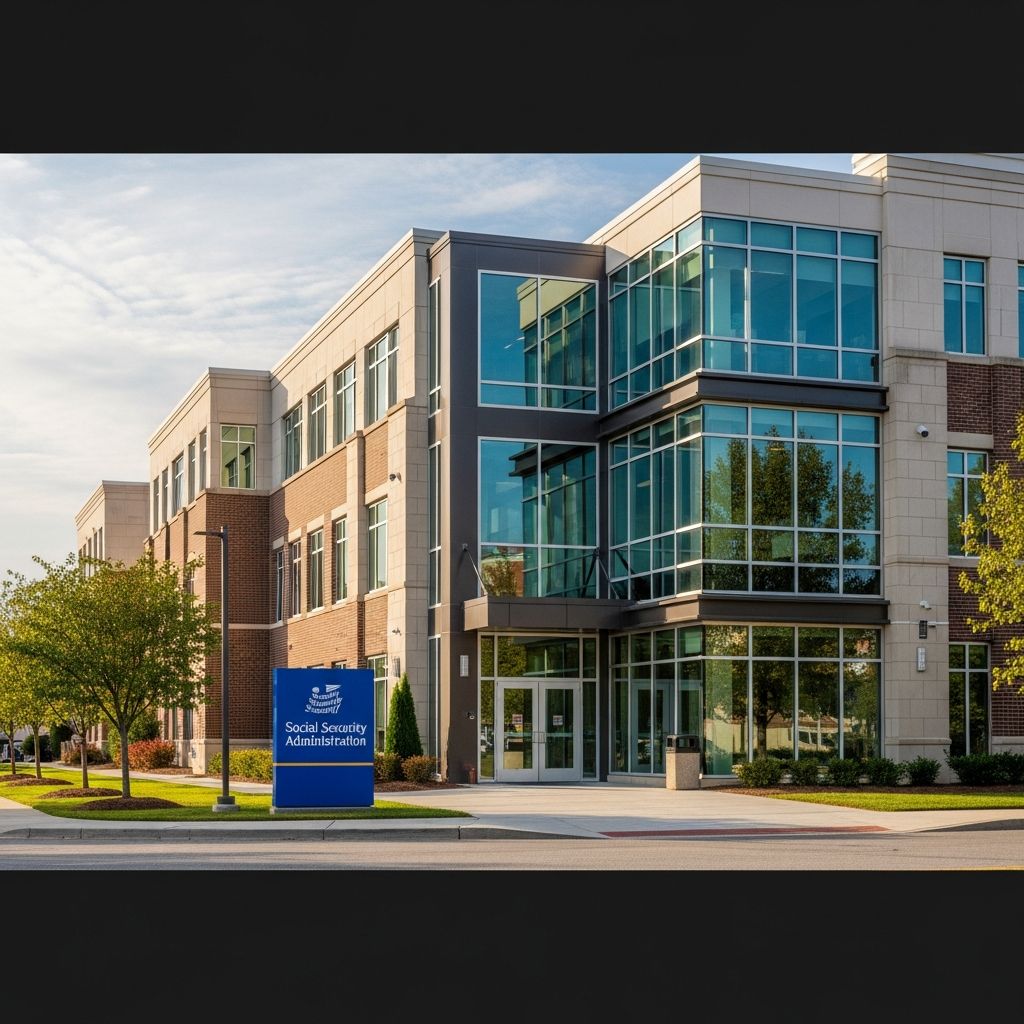
The Social Security Administration (SSA) serves residents of Greenville, South Carolina by helping them apply for benefits, replace Social Security cards, and manage existing benefits. This guide explains how to contact the Greenville field office, what services are available, ways to prepare for your visit, and how to use online tools to save time and avoid unnecessary trips to the office.
Understanding the Role of Social Security in Greenville
The Greenville Social Security office is part of the national Social Security Administration, the federal agency that assigns Social Security numbers and administers retirement, disability, survivors, and Supplemental Security Income (SSI) programs. These programs provide crucial income and support to older adults, people with disabilities, and certain family members of deceased workers.
- Retirement benefits for eligible workers and, in some cases, their spouses and dependents.
- Disability benefits for people who can no longer work due to a qualifying medical condition expected to last at least one year or result in death.
- Survivors benefits for certain family members of deceased workers who paid Social Security taxes.
- Supplemental Security Income (SSI) for people with limited income and resources who are 65 or older, blind, or have a disability.
The Greenville office exists to offer local, in-person support with these federal programs while also directing residents to online tools that can handle many common requests.
Contact Details for the Greenville Social Security Office
According to LawHelp.org, the Greenville Social Security field office is located at 319 Pelham Road, Greenville, SC 29615, with published local and toll-free numbers for the office. For broad questions, or if you are unsure which office serves you, you can also use Social Security’s national contact channels.
National Social Security Contact Options
The SSA recommends starting with its main website and National 800 Number for many issues, especially if you do not yet need in-person assistance.
- National toll-free number: 1-800-772-1213 (TTY 1-800-325-0778).
- Website: Official SSA site at ssa.gov, where you can apply for benefits, check claim status, and more.
- Field office locator: SSA’s online locator helps you confirm your nearest office by ZIP code.
When calling the national line, you can usually reach a representative on weekdays during extended business hours. The SSA notes that many questions can be answered by phone or online, which may save you an in-person visit.
Services Available Through the Greenville Office
While the Greenville office details on LawHelp focus on contact information and basic organizational data, those services fit into SSA’s broader offerings. Below is an overview of services you can typically access at a local Social Security office, including Greenville.
| Service Category | Examples of What You Can Do | Often Available Online? |
|---|---|---|
| Benefit Applications | Apply for retirement, disability, or Medicare benefits | Yes, many applications can be completed online via my Social Security. |
| Supplemental Security Income (SSI) | Start an SSI claim or get information on income/resource rules | Partially; some steps require phone or in-person support. |
| Social Security Numbers & Cards | Request a replacement card or correct your record | Yes in many states, but some changes must be handled in person. |
| Account & Payment Changes | Report address changes, update direct deposit, or adjust tax withholding | Often; direct deposit and certain updates are available through online accounts.[10] |
| Appeals & Decisions | File appeals or review a denial decision | Many appeal steps can be started online or by mail. |
Common Reasons People Visit the Greenville Office
Residents often contact or visit the Greenville office for tasks such as:
- Applying for retirement or disability benefits when they prefer in-person help rather than applying online.
- Updating their name or other personal details after a marriage, divorce, or legal name change.
- Requesting a replacement Social Security card when online or mail options are not available.
- Getting explanations of benefit notices or assistance with overpayment letters.
- Seeking help with appeals after a denial of benefits.
Although many people still associate Social Security with office visits, SSA actively encourages using online services or phone assistance whenever possible to reduce wait times and improve access for those who truly need in-person support.
Accessibility and Special Considerations
The LawHelp entry for the Greenville Social Security office includes limited accessibility details and indicates whether the site is wheelchair accessible or has accommodations for people who are hearing impaired. Individual offices vary in layout and equipment, so it is wise to confirm accessibility needs in advance.
Accessibility Tips Before Your Visit
- Call ahead: Ask about wheelchair access, accessible parking, and building entry.
- Hearing accommodations: Inquire whether they use assistive listening devices, TTY, or video relay services.
- Language needs: SSA provides free interpreter services for many languages; request help when you call the national number.
- Support person: If you need help with mobility, communication, or understanding paperwork, consider bringing a trusted family member, friend, or advocate.
For people who face significant barriers leaving home, many issues can be handled by phone, mail, or online, reducing the need to go to the office in person.
Using Online Services Instead of Visiting the Office
Much of what the Greenville office does in person can now be handled through SSA’s online services, especially for people who create a personal my Social Security account. This secure account allows you to view and manage your Social Security information from home.
What You Can Do With a my Social Security Account
- Apply for retirement, disability, and Medicare benefits online.
- Check the status of a pending application or appeal.
- Request a replacement Social Security card in participating areas.
- Download or print a benefit verification letter, often needed for housing or other assistance applications.
- Review your earnings history and estimated future benefits.
- Update direct deposit information for your monthly benefit payments.[10]
SSA notes that to create this account, you must first set up a Login.gov or ID.me sign-in and then link it to Social Security, offering two secure sign-in choices depending on your preference.
When Online Services Are Not Enough
Even with robust online tools, certain topics still require direct interaction with SSA staff:
- Complex disability or SSI cases that involve detailed income, resources, or medical evidence.
- Situations where identity verification cannot be completed online.
- Issues involving potential fraud, misuse of benefits, or identity theft that merit speaking with an SSA representative directly.
In these cases, the Greenville office or the national number can coordinate next steps and, if needed, schedule an appointment.
Appointments, Walk-Ins, and Wait Times
SSA urges people to use online services or call before visiting an office and emphasizes that appointments are often required or recommended for in-person help. This helps manage wait times and ensures staff can devote enough time to more complex cases.
How to Make or Change an Appointment
The SSA provides a standard process for scheduling visits to local offices:
- Start with the SSA website to see if your issue can be resolved online.
- If not, call the National 800 Number (1-800-772-1213) or your local office to request an appointment.
- For some services, after you sign in to your online account, the site may prompt you to schedule an appointment for specific changes such as updating certain records.[10]
- If you need to change or cancel an appointment, call as soon as possible to free the time slot for others.
While some offices may accept limited walk-ins, policies can change, and demand may be high. Contacting the Greenville office or the national number in advance is generally safer than assuming walk-in service will be available.
Preparing for a Visit to the Greenville Office
Careful preparation can make your visit to the Greenville Social Security office shorter and more productive. Many delays occur when people arrive without necessary documents or with incomplete forms.
Documents You May Need
Depending on your situation, SSA may request documents such as:
- Government-issued photo identification (e.g., driver’s license, state ID, or passport).
- Birth certificate or other proof of age.
- Social Security card or a record of your Social Security number.
- Proof of U.S. citizenship or lawful immigration status, when relevant.
- Recent pay stubs, tax returns, or bank statements for SSI or disability claims.
- Medical records and contact information for doctors, clinics, and hospitals if applying for disability.
SSA often lists specific evidence requirements on its official forms and online application pages, so reviewing those instructions ahead of time is helpful.
Practical Tips Before You Go
- Review your issue: Write down your questions and the main outcome you are seeking (for example, “start a retirement claim” or “fix earnings record”).
- Complete forms early: If you have access to a printer, download and fill out any requested forms before your visit to speed things up.
- Arrive early: If you have an appointment, plan to arrive a few minutes early to pass through any security or check-in procedures.
- Bring a notebook: Take notes on what the representative explains, including any deadlines or next steps.
Greenville in the Context of South Carolina’s SSA Network
The Greenville office is one of several Social Security field offices serving South Carolina residents. SSA’s Atlanta Region webpage lists multiple offices across the state, including Greenville, Columbia, Charleston, and others. All of these offices share the same federal rules but serve different geographic areas.
Regardless of which office you use, many basic inquiries are handled through the same national phone system and online tools. The local office mainly affects where you would go for in-person matters and which staff handle your field office–level questions.
Frequently Asked Questions (FAQs)
Q1: Do I have to visit the Greenville office to apply for retirement benefits?
No. Most people can apply for retirement benefits online through SSA’s official website, which allows you to complete the application at home and check its status later. You would typically visit the Greenville office only if you need in-person assistance or cannot apply online.
Q2: How can I confirm that the Greenville office still serves my address?
Use SSA’s online field office locator to enter your ZIP code and verify which office is assigned to you. This tool indicates your designated office and provides up-to-date contact options.
Q3: Can I replace my Social Security card without going to the Greenville office?
In many locations, you can request a replacement Social Security card online using your my Social Security account. However, some types of card changes, such as name corrections or certain immigration-related updates, may still require an in-person visit with original documents.
Q4: How do I get help if I have trouble creating a my Social Security account?
SSA provides phone assistance for people who need help setting up their online account. You can call the National 800 Number at 1-800-772-1213 and say “Help Desk” to be routed to staff who assist with account creation during business hours.
Q5: Who should I contact for general questions about Social Security in South Carolina?
For general questions, call the SSA National 800 Number or visit ssa.gov for online help. If your question concerns in-person services, the South Carolina area page and the field office locator can help you find and contact the appropriate local office, including Greenville.
References
- Social Security Administration – Greenville — LawHelp.org South Carolina. 2014-06-17. https://www.lawhelp.org/sc/organization/social-security-administration-greenville
- Social Security Administration (SSA) — USAGov. 2023-05-23. https://www.usa.gov/agencies/social-security-administration
- Online Services — Social Security Administration. 2024-01-05. https://www.ssa.gov/onlineservices/
- Contact Social Security — Social Security Administration. 2024-02-08. https://www.ssa.gov/agency/contact/
- Social Security Atlanta Region – South Carolina Area — Social Security Administration. 2023-08-11. https://www.ssa.gov/atlanta/southeast/sc/south_carolina.htm
- Field Office Locator — Social Security Administration. 2024-01-19. https://www.ssa.gov/locator/
- Make or change an appointment — Social Security Administration. 2023-11-03. https://www.ssa.gov/manage-benefits/make-an-appointment
- Update direct deposit — Social Security Administration. 2023-10-16. https://www.ssa.gov/manage-benefits/update-direct-deposit
- The United States Social Security Administration — Home — Social Security Administration. 2024-03-01. https://www.ssa.gov
Similar Articles








Read full bio of medha deb


