
Top Free Apps for Mobile Project Management in Law
Discover essential free mobile apps that empower lawyers to manage cases, tasks, and teams efficiently while working remotely.
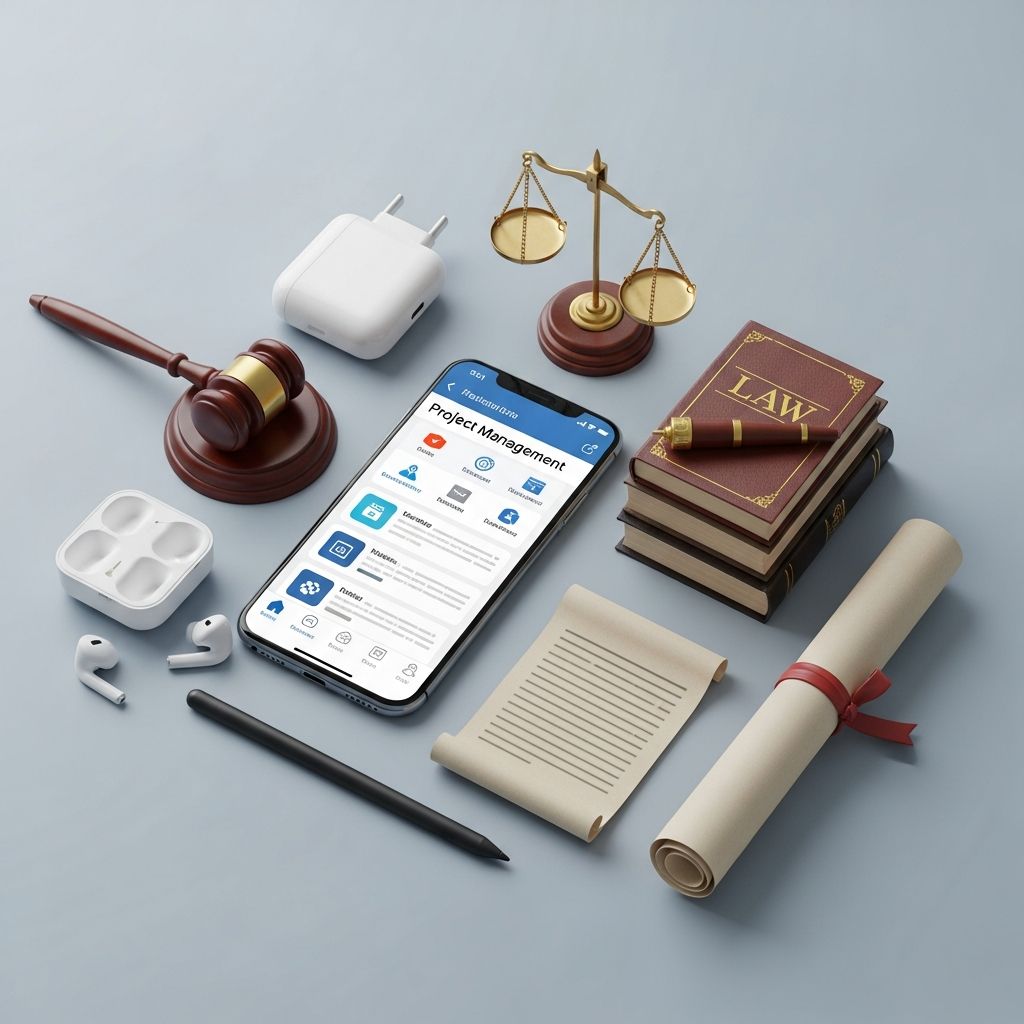
Lawyers today face relentless demands, juggling multiple cases, deadlines, and team collaborations often while away from the office. Free mobile apps have emerged as game-changers, offering robust project management capabilities without cost barriers. These tools enable attorneys to organize workflows, track progress, and communicate effectively from smartphones or tablets. This article delves into the best no-cost options, highlighting their features, benefits for legal practice, and practical implementation tips to enhance mobility and efficiency.
Why Mobile Project Management Matters for Legal Professionals
In the fast-paced legal world, mobility is key. Court appearances, client meetings, and travel disrupt traditional desktop workflows. Mobile apps bridge this gap by providing real-time access to project data. According to industry insights, legal teams using digital tools report up to 30% higher productivity due to reduced administrative overhead. Free apps democratize this advantage, allowing solo practitioners and small firms to compete with larger operations.
Key advantages include:
- Instant task updates from any location.
- Seamless team collaboration via shared boards and notifications.
- Deadline reminders to prevent missed filings or hearings.
- Integration with calendars and email for unified workflows.
Selecting the right app depends on firm size, case complexity, and specific needs like time tracking or document sharing.
Essential Free Apps Revolutionizing Legal Workflows
Several standout free apps cater specifically to lawyers’ project management needs. Below, we explore top recommendations, focusing on their mobile prowess and legal applicability.
Trello: Visual Task Mastery on the Move
Trello’s kanban-style boards transform chaotic case loads into visual pipelines. Lawyers create boards for individual matters, with lists representing stages like ‘Discovery,’ ‘Motions,’ and ‘Trial Prep.’ Cards hold details such as due dates, checklists, and attachments.
Mobile excellence shines through drag-and-drop functionality, push notifications for updates, and offline access. Small firms praise its simplicity for tracking low-volume caseloads alongside other systems.
| Feature | Legal Benefit |
|---|---|
| Customizable boards | Tailor to case phases |
| Integrations (Slack, Google Drive) | Centralize legal docs |
| Mobile app ratings | 4.7/5 on app stores |
Start with Trello’s free tier, which supports unlimited cards and up to 10 boards per workspace—ample for most practices.
ClickUp: All-in-One Powerhouse for Complex Cases
ClickUp goes beyond basics, offering hierarchies with spaces, folders, lists, and tasks. Legal teams manage dependencies, like linking depositions to motion filings, with subtasks and multiple assignees.
Free plan includes time tracking, crucial for billable hours, and customizable dashboards for matter overviews. Its mobile app handles complex workflows without lag, ideal for teams needing extensive customization.
- Supports Gantt charts for timeline visualization.
- Automation rules, e.g., notify on status changes.
- Unlimited free users and tasks.
Lawyers handling multifaceted litigation find ClickUp’s flexibility invaluable, reducing tool-switching.
Toggl Track: Precision Time Management for Billables
While primarily a time tracker, Toggl excels in project oversight. Lawyers start timers per task or case, with mobile one-tap entry and idle detection. Detailed reports generate timesheets for invoicing.
Free version covers essentials: unlimited tracking, project tagging, and 100+ integrations like Trello. Browser extensions and mobile widgets ensure on-the-go logging without disruption.
Benefits for lawyers:
- Automatic profitability reports.
- Export to PDF for client billing.
- Cross-device sync for seamless transitions.
Notion: Custom Databases for Legal Knowledge Hubs
Notion’s versatility shines as a free wiki-database hybrid. Build case databases with properties like client name, status, and linked notes. Embed calendars and kanban views for holistic project views.
Mobile editing keeps wikis updated during travel. Templates for legal workflows accelerate setup, fostering knowledge sharing in firms.
Advanced Strategies: Combining Apps for Optimal Results
No single app fits all; integration amplifies power. Pair Trello with Toggl for visual tasks plus time logs. Use Notion as a central hub linking to ClickUp dashboards.
Consider this sample stack for a mid-sized firm:
| App | Role | Integration |
|---|---|---|
| Trello | Task boards | Toggl, Google Calendar |
| ClickUp | Complex projects | Slack, Drive |
| Toggl | Time tracking | All above |
| Notion | Knowledge base | Embed boards |
Automation via Zapier (free tier available) connects apps, e.g., new Trello card triggers Toggl project.
Best Practices for Implementation in Legal Settings
Adopt these steps for smooth rollout:
- Assess Needs: Map current workflows to app features.
- Train Team: Use built-in tutorials; start with pilots.
- Secure Data: Enable 2FA; review privacy policies compliant with legal standards.
- Migrate Gradually: Import emails/calendars first.
- Monitor Usage: Weekly reviews to refine setups.
Common pitfalls: Over-customization leading to complexity; stick to core features initially.
Overcoming Limitations of Free Tiers
Free plans cap storage or users but suffice for starters. Trello limits boards; upgrade only for scale. Toggl restricts reports; export manually. Focus on mobile-first to maximize value.
Frequently Asked Questions (FAQs)
Are these apps secure for sensitive legal data?
Yes, all feature encryption and comply with GDPR/CCPA. Use enterprise features if needed for HIPAA.
Can solo practitioners benefit?
Absolutely; simple interfaces suit individuals tracking personal caseloads without team overhead.
How do they handle offline access?
Trello and ClickUp sync changes upon reconnection; Toggl logs locally.
What’s the learning curve?
Minimal: 15-30 minutes per app via intuitive mobile UIs.
Do they integrate with Clio or MyCase?
Many do via Zapier; check native options for seamless legal practice management.
Evolving Trends in Legal Tech for 2026
AI enhancements loom large, with apps like ClickUp adding predictive deadlines. Mobile-first design dominates, per recent analyses. Expect deeper calendar and research tool fusions, like Fastcase time-tracking.
Lawyers embracing these free apps gain competitive edges in efficiency and client satisfaction, proving high-value tools need not cost a fortune.
References
- 15 Best Project Management Tools for Lawyers in 2026 — Streamline AI. 2026. https://www.streamline.ai/blog/project-management-tools-for-lawyers
- Top Personal Productivity Apps for Busy Lawyers — Attorney at Work. 2023. https://www.attorneyatwork.com/top-10-personal-productivity-apps-for-busy-lawyers/
- Top 11 apps for lawyers to boost productivity & work on the go — RingCentral. 2023. https://www.ringcentral.com/us/en/blog/apps-for-lawyers/
- 18 Best Apps for Lawyers To Improve Productivity — Clio. 2023. https://www.clio.com/blog/apps-for-lawyers/
- 15 Apps for Lawyers That Make Daily Work Easier in 2026 — Legal Soft. 2026. https://www.legalsoft.com/blog/apps-for-lawyers
Similar Articles








Read full bio of medha deb




