
Tech Gadgets For Lawyers: Essential Tools To Boost Productivity
Discover must-have gadgets and accessories that boost productivity, streamline workflows, and enhance client interactions for modern legal professionals.
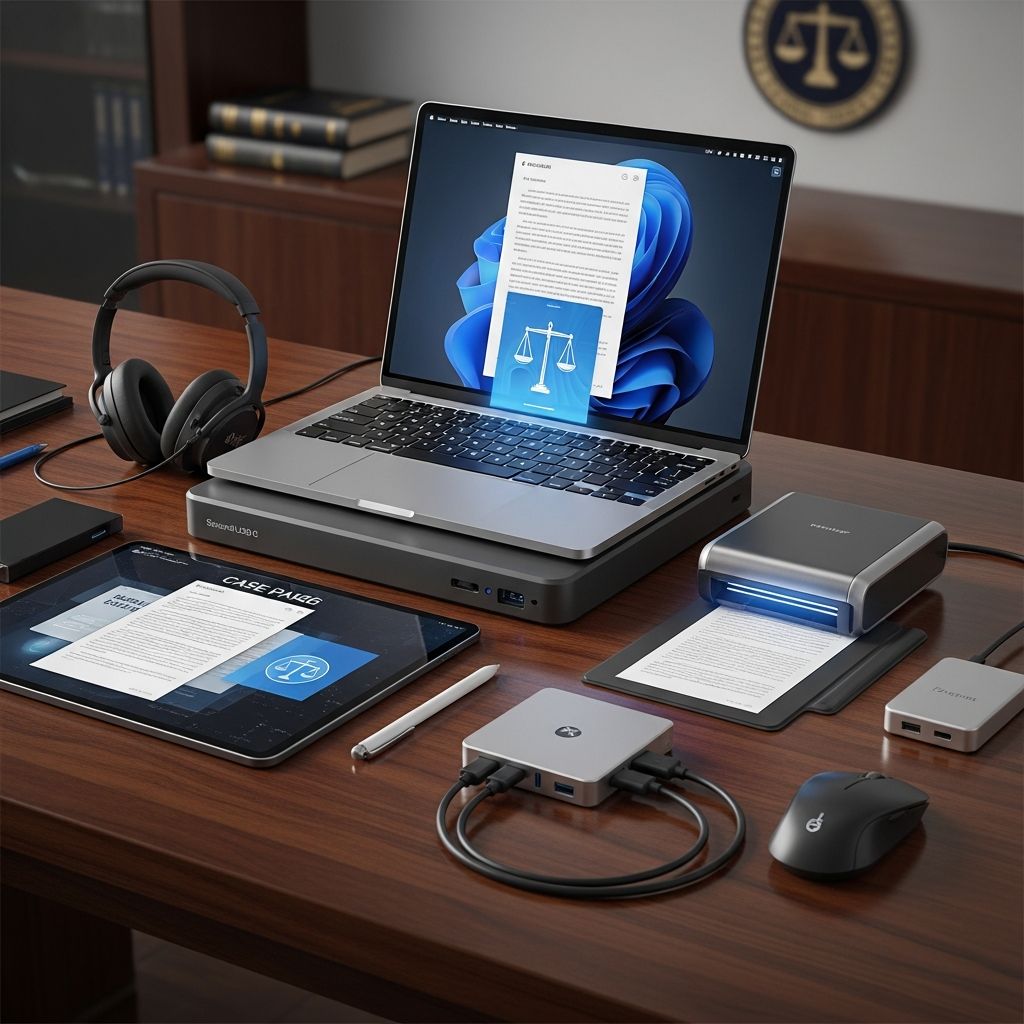
In the fast-paced world of legal practice, technology serves as a critical ally, enabling attorneys to manage caseloads, prepare presentations, and handle documents with unprecedented efficiency. From digitizing handwritten notes to delivering professional video calls, the right gadgets can transform chaotic workflows into streamlined processes. This article delves into a curated selection of indispensable tech tools tailored for lawyers, drawing on innovations that address common pain points like time-consuming data entry, mobility challenges, and collaboration hurdles.
Streamlining Document Creation and Editing
Legal documents demand precision, and repetitive tasks such as inserting symbols or formatting clauses can eat into billable hours. Specialized input devices revolutionize this aspect of legal work by minimizing keystrokes and mouse movements.
Consider keyboards engineered for legal terminology. These devices feature dedicated modes that grant instant access to symbols like §, ¶, and case citations, reducing the need for cumbersome shortcuts or copy-paste operations. Users report significant time savings, with one study noting up to 30% faster document drafting in high-volume practices. Such tools integrate seamlessly with standard software, switching effortlessly between general and legal layouts via a single key.
Key Benefits of Legal Keyboards
- Speed:** Direct keys for frequent symbols eliminate multi-step insertions.
- Ergonomics:** Custom layouts reduce strain during long drafting sessions.
- Compatibility:** Works with Word, case management systems, and legal research platforms.
Beyond keyboards, smartpens bridge the gap between traditional note-taking and digital editing. These pens record handwriting and audio simultaneously on specialized paper, converting inputs into searchable PDFs or text via companion apps. Ideal for depositions or client meetings, they ensure no detail is lost, with cloud syncing for team access.
Enhancing Mobility and Presentations
Lawyers often work on the go, from courtrooms to client sites. Portable projection and scanning solutions make impromptu demonstrations and document capture effortless.
Mini projectors fit in a pocket yet project crisp images up to 100 inches, turning any wall into a presentation canvas. Battery-powered models last 2-3 hours, supporting HDMI connectivity for laptops or phones. They’re invaluable for pitching cases visually, displaying timelines or evidence without bulky AV equipment.
Paired with portable pen scanners, these gadgets handle hybrid paper-digital workflows. Pen scanners glide over text like a highlighter, capturing lines instantly as editable digital content via OCR technology. No more wrestling with flatbed scanners; results upload directly to DMS or email, saving minutes per document.
| Gadget | Portability | Battery Life | Key Use Case |
|---|---|---|---|
| Mini Projector | Pocket-sized | 2-3 hours | Client pitches, evidence review |
| Pen Scanner | Pen form | Hours of scanning | Quick text digitization |
Building a Robust Mobile Workstation
A modern lawyer’s office is wherever they are. Tablets with styluses emerge as versatile hubs for annotation, e-signing, and research, often outperforming laptops in weight and flexibility.
Opt for models with low-latency styluses for natural writing—perfect for marking up contracts or sketching arguments. Integrated PDF tools allow highlighting, commenting, and secure sharing, with e-signature capabilities closing deals remotely. Pair with encrypted cloud storage for compliance with data protection standards.
Docking stations expand connectivity, turning single-port devices into multi-monitor setups. Thunderbolt docks support external displays, Ethernet, and peripherals via one cable, ideal for MacBook users transitioning to hybrid work. Features like 85W power delivery keep laptops charged during extended use.
Top Tablet Features for Legal Use
- Low-latency stylus for precise annotations.
- Robust PDF and e-signature apps.
- Secure sync with enterprise-grade encryption.
Powering Seamless Collaboration
Remote hearings and team huddles demand crystal-clear audio-video. Noise-canceling headphones and directional mics minimize distractions, while 4K webcams with AI lighting adjustments ensure professional appearances.
Multi-device charging stations consolidate cables, powering phones, tablets, and laptops simultaneously. Modular designs accommodate various connectors (USB-C, Lightning), preventing dead batteries mid-negotiation.
Video kits include soft front lights and neutral backdrops, countering poor lighting in home offices. These setups rival studio quality, boosting credibility in virtual courtrooms.
Integrating Software for Maximum Impact
Hardware shines brightest with complementary software. Case management platforms track deadlines, automate documents, and enable client portals. Time-tracking apps log hours across devices, while legal research tools provide AI-powered citations.
Workflow example: Scan a contract with a pen scanner, annotate on tablet, automate clauses via software, e-sign, and bill—all in under 10 minutes.
Choosing and Implementing Tech Upgrades
Start small: Pilot 2-3 gadgets over 30 days, measuring time saved and error reduction. Prioritize compatibility with existing systems and vendor support. Budgets range from $50 pen scanners to $500 docks, with ROI via billable efficiency.
In 2026, cybersecurity is paramount—seek tools with biometrics, encryption, and audit logs to meet ABA standards.
Frequently Asked Questions (FAQs)
What is the best keyboard for lawyers?
Legal-specific keyboards with symbol shortcuts excel, boosting drafting speed by 30%.
Are mini projectors useful for attorneys?
Yes, they enable presentations anywhere, ideal for mobile lawyers.
How do smartpens benefit legal note-taking?
They digitize handwriting and audio, making notes searchable and editable.
Why invest in a tablet for law practice?
Tablets with styluses support annotation, e-signing, and portability.
What docking station suits Mac users?
Thunderbolt 3 docks like OWC expand ports and power delivery.
Is a multi-charging station worth it?
Absolutely, for powering diverse devices without cable clutter.
Adopting these tech tools empowers lawyers to focus on strategy over drudgery, elevating practice efficiency in a digital era.
References
- The Best Tech Gadgets that Every Legal Professional Needs — Lupl. 2022. https://www.lupl.com/blog/the-best-tech-gadgets-that-every-legal-professional-needs/
- Gadgets and Accessories for the Modern Lawyer in 2026 — Ads&Law. 2026. https://www.adsandlaw.com/en/gadgets-tech-accessories-modern-lawyer/
- 3 Tech Gadgets for Lawyers: Reviews and Recommendations — MyCase. N/A. https://www.mycase.com/blog/general/3-tech-gadgets-for-lawyers-reviews-and-recommendations/
- The Gadgets that Every Lawyer Needs — The Impact Lawyers. N/A. https://theimpactlawyers.com/articles/the-gadgets-that-every-lawyer-needs
- The Ultimate 2025 Tech Gift Guide for Attorneys — The Tech Savvy Lawyer. 2025-11-24. https://www.thetechsavvylawyer.page/blog/2025/11/24/ukhp0ugllfujw9snxkix55vd2sthl6
Similar Articles








Read full bio of Sneha Tete




