
Ergonomic Workspaces for Lawyers: Prevent Pain
Optimize your law office workspace with proven ergonomic strategies to eliminate pain, boost focus, and enhance long-term productivity.
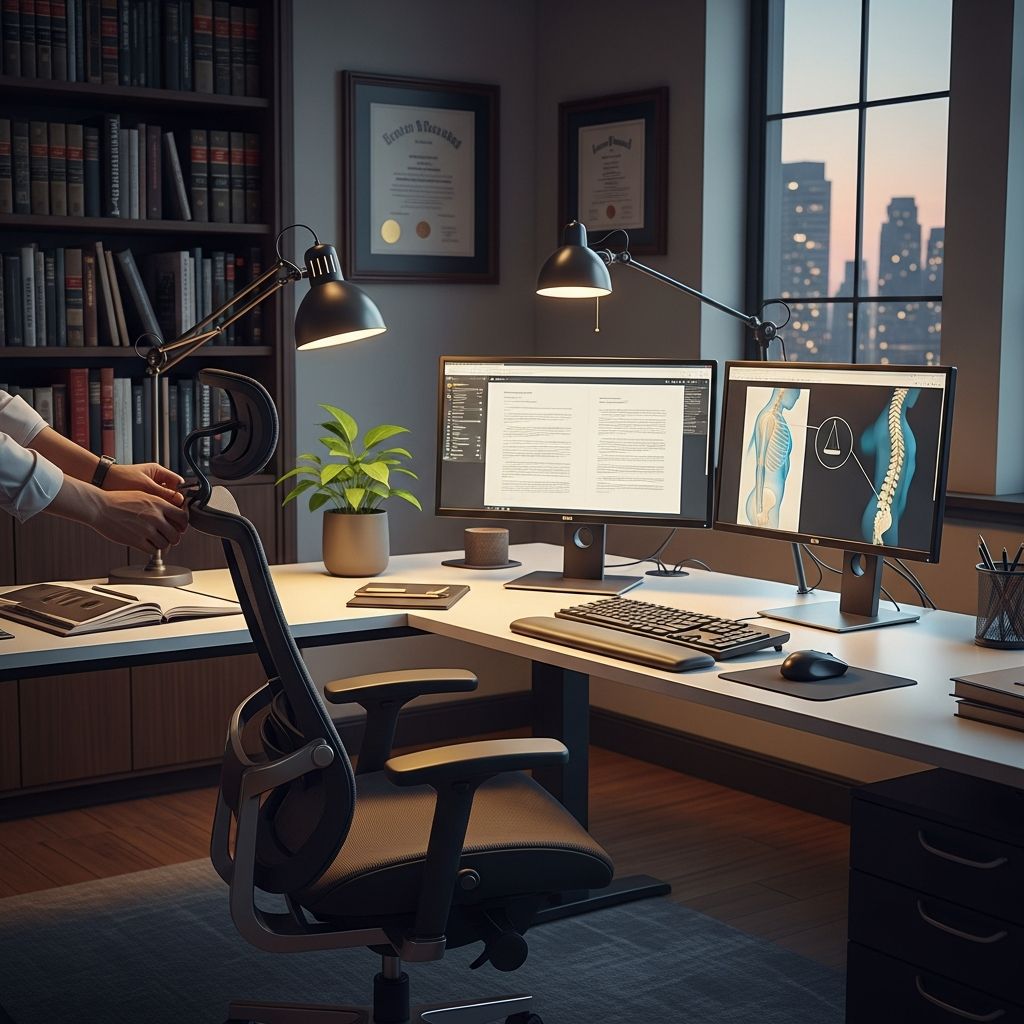
Lawyers often endure long hours hunched over documents, screens, and keyboards, leading to chronic discomfort in the neck, back, and wrists. Implementing targeted ergonomic adjustments transforms high-stress legal work environments into supportive spaces that promote physical well-being and sharpen mental acuity.
Why Ergonomics Matter in Legal Practices
In demanding legal professions, where billable hours equate to prolonged sitting, poor workstation design contributes to musculoskeletal disorders affecting up to 40% of office workers annually. The Occupational Safety and Health Administration (OSHA) emphasizes that ergonomic interventions reduce injury risks, with studies showing decreased absenteeism and higher productivity in optimized setups. For attorneys drafting motions or negotiating via video calls, aligning body mechanics with workspace tools prevents strain accumulation.
Key benefits include sustained energy levels during marathon depositions, fewer distractions from aches, and compliance with workplace health standards. Mayo Clinic research confirms that proper office ergonomics mitigates common issues like carpal tunnel syndrome and lower back pain by supporting natural spinal alignment.
Selecting the Ideal Chair for Extended Legal Sessions
A superior chair forms the cornerstone of any lawyer’s ergonomic foundation. Prioritize models with adjustable height, lumbar support, and breathable mesh backs to accommodate varying body types and case review marathons.
- Height Adjustment: Set so feet plant flat on the floor, knees bend at 90 degrees, and thighs remain parallel to the ground. This positioning distributes weight evenly, easing spinal pressure.
- Lumbar Reinforcement: Built-in or add-on supports cradle the lower back’s natural curve, countering forward lean common during contract scrutiny.
- Armrests: Padded, adjustable rests keep elbows at 90 degrees, shoulders relaxed, preventing upper body tension.
Invest in chairs certified by standards like BIFMA for durability during 8+ hour days. Physical therapists recommend testing chairs in seated positions mimicking legal tasks, such as typing briefs or phone conferencing.
Optimizing Desk and Monitor Configurations
Desk setup directly influences posture during research and client consultations. An ill-positioned monitor forces neck craning, while a low desk strains forearms.
| Component | Ideal Position | Benefit |
|---|---|---|
| Desk Height | Forearms parallel to floor, elbows at 90 degrees | Relaxes shoulders, reduces arm fatigue |
| Monitor | Top at eye level, 20-30 inches away | Prevents forward head posture |
| Keyboard Tray | Wrists straight, slight negative tilt | Avoids wrist extension strain |
Employ sit-stand converters for alternating positions, vital for lawyers toggling between standing presentations and seated analysis. Position secondary monitors for easy reference without twisting.
Mastering Posture Techniques for Desk-Bound Attorneys
Even premium equipment falters without disciplined posture. Maintain a neutral spine by aligning ears over shoulders and hips.
- Sit fully back against the chair’s lumbar area.
- Keep screens at arm’s length to minimize eye and neck movement.
- Avoid crossing legs; use footrests if needed for stability.
Regular self-checks—every 30 minutes—ensure compliance. Chiropractic guidelines stress that neutral positioning halves back pain incidence in prolonged sitters.
Incorporating Movement and Micro-Breaks
The human frame thrives on motion, not stasis. OSHA advocates the 20-20-20 rule: every 20 minutes, view 20 feet away for 20 seconds, extending to full breaks hourly.
Schedule standing stretches:
- Neck Rolls: Gently circle head 5 times each direction to release tension from phone huddles.
- Shoulder Shrugs: Elevate and drop shoulders 10 times, countering shrugging during intense reading.
- Seated Twists: Rotate torso side-to-side, holding 15 seconds per side for spinal mobility.
Walk during calls or use pacing for dictation, burning calories and refreshing circulation essential for afternoon court prep.
Essential Accessories for Legal Ergonomics
Augment core setups with tools targeting lawyer-specific strains.
- Ergonomic Keyboard/Mouse: Split designs and vertical mice keep wrists neutral, staving off repetitive stress from e-filing.
- Document Holders: Elevate papers to eye level alongside screens, eliminating head dips during discovery reviews.
- Footrests and Wrist Pads: Stabilize lower legs and cushion forearms for all-day comfort.
- Headsets: Wireless models free hands and necks from cradling during client intakes.
Budget $100-300 for a kit yielding exponential health returns.
Addressing Remote and Hybrid Legal Workspaces
With virtual hearings proliferating, home offices demand equal rigor. Convert dining tables into ergonomic hubs using portable risers and lap desks. Ensure consistent lighting to curb eye strain from late-night amendments. Track setups with apps reminding posture resets, blending flexibility with health safeguards.
Long-Term Strategies and Office Policies
Firms should conduct ergonomic audits, training associates on setups. Wellness programs incorporating yoga or physio consultations yield ROI via reduced claims. Track pain logs to refine interventions, fostering a culture prioritizing sustainability over burnout.
Frequently Asked Questions (FAQs)
What is the best chair height for lawyers?
Adjust until feet are flat, knees at 90 degrees, and thighs parallel—typically 17-21 inches from floor.
How often should I take breaks in a law office?
Every 30-60 minutes for 1-2 minutes of movement to prevent stiffness.
Can standing desks help with back pain?
Yes, alternating positions reduces disc pressure by 30-50% per studies.
Are ergonomic mice worth it for typing-heavy work?
Absolutely; they cut wrist strain by promoting neutral grips.
How to fix neck pain from computer use?
Raise monitor to eye level and perform daily neck stretches.
References
- Creating a Pain-Free Workspace: 5 Tips and Ergonomic Tricks — LA Spine Doctor. 2023-05-15. https://www.laspinedoc.com/creating-a-pain-free-workspace-5-tips-and-ergonomic-tricks-to-prevent-back-pain-for-office-workers/
- Ergonomics 101: Office Setup Tips for a Pain-Free Day — Enos Chiropractic. 2024-02-10. https://www.enoschiro.com/blog/ergonomics-101-office-setup-tips-for-a-pain-free-day
- Chronic Pain and Workplace Ergonomics: 10 Tips — Naraset. 2023-11-20. https://www.naranet.org/blog/post/chronic-pain-and-workplace-ergonomics-10-tips-to-support-comfort-and-productivity
- 11 Ergonomics Secrets To Keep Physiotherapists Away — OSHA Outreach Courses. 2024-08-05. https://www.oshaoutreachcourses.com/blog/ergonomic-tips-healthy-workplace/
- Office Ergonomic Tips to Prevent Pain — GoHealth Urgent Care. 2023-09-12. https://www.gohealthuc.com/library/office-ergonomic-tips-to-prevent-pain
- Office Ergonomics: Your How-To Guide — Mayo Clinic. 2025-01-18. https://www.mayoclinic.org/healthy-lifestyle/adult-health/in-depth/office-ergonomics/art-20046169
- Office Ergonomics: Avoiding Pains and Strains — Avera Health. 2024-03-22. https://www.avera.org/balance/medical-minute/office-ergonomics-avoiding-pains-and-strains-in-the-workplace/
Similar Articles








Read full bio of Sneha Tete




