
Do Call-Blocking Tools Threaten Privacy?
A practical look at how robocall blocking works, what data it uses, and how to protect your privacy.
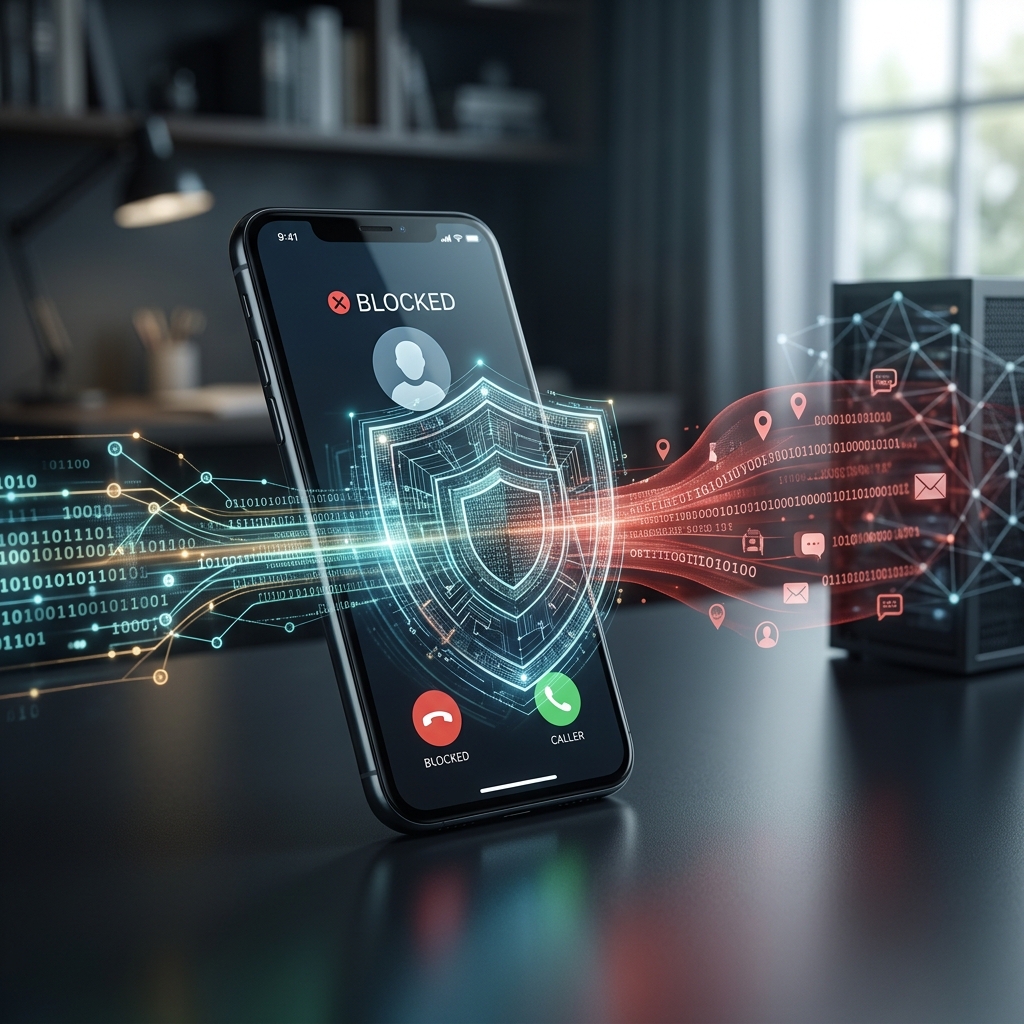
Robocalls are more than an annoyance: they are a common channel for scams, unwanted sales pitches, and intrusive automated messages. Federal guidance says blocking tools can help stop many illegal calls before they reach you, and many phone makers and carriers now include built-in filtering features. At the same time, some people worry that using these tools requires sharing too much call data, phone history, or device information with a third party.
The privacy question is real, but it is also manageable. The key issue is not whether call-blocking tools are useful; it is how much information each tool collects, where that information goes, and whether the service relies on broad call analysis or only on your device’s local settings. Understanding that difference helps you choose a tool that reduces spam without creating a new privacy problem.
Why Robocall Filtering Became So Common
Robocall filtering spread quickly because unwanted calls became a major consumer problem. The FTC explains that blocking software can stop many scam calls and illegal robocalls before they ring through, and it recommends call-blocking apps and device tools as practical defenses. Carriers such as AT&T, Verizon, and T-Mobile also offer built-in blocking or scam-identification features, which shows that call screening has become part of the modern phone experience rather than a niche add-on.
That growth matters for privacy because the more call-screening services people use, the more phone metadata may be processed by carriers or app developers. Metadata usually means information about a call rather than its spoken contents, such as the caller’s number, time, frequency, and whether the call was flagged as suspicious. Even when no conversation is recorded, this type of data can still be sensitive because it can reveal patterns about a person’s contacts, habits, or location.
How Call-Blocking Tools Usually Work
Most robocall filters use one of three approaches: device-based blocking, network-based screening, or app-based prediction. The FTC says many call-blocking apps act like a filter by using call data, user reports, and other sources to estimate which calls are illegal or likely scams. Carrier tools work in a similar way, but they may operate at the network level before a call reaches your phone.
In practical terms, that means the service may compare incoming call details against a database of suspicious numbers, look for patterns that resemble mass dialing, or show a warning label so you can decide whether to answer. Some services simply let you block known numbers, while others actively label calls as spam or automatically route them away. The more advanced the system, the more it tends to depend on aggregation and analysis of call data.
| Method | How it helps | Possible privacy tradeoff |
|---|---|---|
| Phone settings | Blocks specific numbers or silences unknown callers | Usually minimal, because it stays on the device |
| Carrier tools | Flags spam before the phone rings | May process call metadata through the provider |
| Third-party apps | Uses databases and user reports to predict scams | May collect broader contact or call data depending on permissions |
What Privacy Concerns Are Most Relevant
The most important privacy concern is data exposure. A robocall blocker may need access to your call logs, contacts, or spam reports to work well. If an app or service asks for more permissions than it reasonably needs, that is a sign to review the terms carefully. A tool that can identify spam by examining your call activity may be effective, but it should not demand unrelated access to photos, messages, or location unless that access is clearly justified.
Another concern is sharing information with outside databases. The FTC notes that app makers may use call data and reports from users, the FTC, and other sources to predict illegal calls. That can improve accuracy, but it also means your phone number or call pattern may become part of a broader analytical system. In many cases, this is similar to how email spam filters work, but people often think more carefully about phone calls because they are tied to a more personal device.
A third issue is mistaken labeling. If a service marks a legitimate call as spam, you may miss an appointment reminder, school notification, or business call. While that is not strictly a privacy problem, it can lead people to accept overly broad permissions or disable protection entirely. A better approach is to use a layered setup: start with basic blocking, then add stronger filtering only if needed.
How to Reduce Risk While Using Call Blocking
You do not have to choose between privacy and protection. The FTC recommends blocking tools, but it also suggests practical steps that reduce exposure to scams and unnecessary data sharing. For most people, the safest path is to use the least invasive tool that solves the problem.
- Use built-in phone settings first, since they often keep blocking decisions on the device.
- Review app permissions before installing a third-party blocker.
- Avoid services that request access to more data than they need.
- Check whether your carrier offers spam filtering with a clear privacy policy.
- Register your number with the National Do Not Call Registry for legitimate telemarketing control.
- Report illegal robocalls rather than interacting with them, because engagement can increase exposure to more calls.
If a tool supports local-only blocking, that is often the most privacy-friendly option. Local-only means the phone itself handles the block list or silencing rule without sending much information to a remote server. In contrast, cloud-based screening may be more accurate because it can compare calls against a larger database, but it can also require more data processing outside your device.
Built-In Phone Features Versus Third-Party Apps
Phone manufacturers and carriers provide a useful starting point. The FTC says many cell phones already include settings that let you block specific numbers, and many carrier services can help identify or block unwanted calls. Consumer Reports also notes that major carriers offer their own tools, such as AT&T Call Protect, T-Mobile Scam ID and Scam Block, and Verizon Call Filter options.
Built-in features usually involve less privacy risk because they are integrated into the phone ecosystem and often require fewer separate permissions. Third-party apps can offer stronger filtering, but they may depend on broader data sharing to build their spam databases. That does not automatically make them unsafe; it simply means users should compare the privacy policy, permission requests, and reputation of each tool before installing it.
If your main goal is to stop a few recurring numbers, manual blocking may be enough. If your main goal is to cut down widespread scam traffic, a carrier or app-based filter may be more effective. The privacy tradeoff grows as the tool becomes more aggressive and more data-driven.
What the Law Says About Robocalls
It helps to separate blocking tools from the underlying law. The FTC says a robocall trying to sell you something is illegal unless the company has your written permission to call you that way. It also explains that the National Do Not Call Registry is designed to stop sales calls from real companies that follow the rules, although it does not stop all illegal robocalls. California’s consumer guidance similarly points people to the Do Not Call Registry and to federal complaint channels for unlawful calls.
That matters because privacy concerns should not distract from the larger legal reality: unwanted calls are often unlawful in the first place. Blocking is a defense, not a waiver of rights. If you receive illegal robocalls, the FTC says you should hang up, avoid pressing numbers, and report the call instead of engaging with the caller.
Practical Signs a Tool Respects Your Privacy
When comparing robocall blockers, look for signs that the service is designed with limited data use in mind. Clear explanations, narrow permission requests, and transparent settings are all good indicators. A responsible service should explain what it collects, why it collects it, and how long it keeps it.
Helpful privacy signals include:
- It lets you block or silence calls without creating a public profile.
- It explains whether data is stored locally or in the cloud.
- It gives you control over reporting and sharing settings.
- It does not require access to unrelated phone features.
- It provides a way to delete or limit stored data.
If a service is vague about its data practices, treat that as a warning sign. In privacy terms, an opaque tool is harder to trust than one that plainly describes how it filters calls.
Frequently Asked Questions
Does blocking robocalls reveal my contacts?
Not necessarily. Basic device blocking often stays on your phone, but some carrier and app-based tools may analyze call metadata to identify scams. The privacy impact depends on the service and its permissions.
Is a call-blocking app safer than carrier filtering?
Not always. Carrier tools may involve less setup and can be easier to trust if they are built into your existing service, while apps may offer more customization but can request broader permissions. The safest choice depends on the app’s data practices.
Can I block robocalls without installing anything?
Yes. Many phones let you block individual numbers or silence unknown callers, and carriers also offer built-in features on some plans and devices.
Should I answer suspicious calls just to see who it is?
No. The FTC advises hanging up on illegal robocalls and not interacting with them, since engagement can expose you to more unwanted calls. Unknown callers are safer to ignore or let go to voicemail.
What is the best privacy-first approach?
Start with device settings, then add a carrier tool if needed, and only install a third-party app if you still need stronger filtering. That keeps data sharing as limited as possible while still reducing spam.
Choosing a Balanced Approach
Robocall blocking does not have to be an all-or-nothing privacy decision. For many users, the best choice is a layered one: use your phone’s built-in controls, register for the Do Not Call Registry, and add carrier or app-based screening only when the basic tools are not enough. That strategy reduces nuisance calls while limiting the amount of data any one company needs to process.
The broader lesson is simple. Call-blocking tools are designed to protect you, but they work best when you understand what they can see. If you choose services with clear permission rules and a narrow privacy footprint, you can cut down robocalls without giving up more information than necessary.
References
- The Best Ways to Block Robocalls — Consumer Reports. 2024-11-08. https://www.consumerreports.org/robocalls/the-best-ways-to-block-robocalls-a1048700708/
- How To Block Unwanted Calls — Federal Trade Commission. 2025-03-12. https://consumer.ftc.gov/articles/how-block-unwanted-calls
- How to Block Spam Calls & Robocalls — Verizon. 2025-02-18. https://www.verizon.com/about/account-security/robocalls
- Block Robocalls and other Unwanted Calls — AT&T Support. 2025-06-04. https://www.att.com/support/how-to/robocalling/
- Leave Me Alone! — California Department of Justice. 2025-01-15. https://oag.ca.gov/privacy/facts/other-privacy/leave-me-alone
Similar Articles








Read full bio of Sneha Tete


