
Digital Calendar Management for Legal Practice
Streamline your law firm's deadline management with intelligent scheduling solutions.
Understanding the Importance of Systematic Deadline Tracking in Law
The legal profession operates within a framework of rigid timelines and non-negotiable deadlines. Unlike many other industries where missed deadlines may result in minor inconveniences, overlooked court dates or filing deadlines in legal practice can have catastrophic consequences. Clients may lose their cases, settlements may become null and void, and a law firm’s reputation can suffer irreparable damage. This reality underscores why legal professionals cannot rely on traditional methods of deadline management, such as paper calendars or basic office scheduling tools.
Every jurisdiction maintains its own set of procedural rules that dictate when documents must be filed, when hearings must occur, and what notice periods are required before certain actions can take place. These rules vary significantly across states and federal jurisdictions, making it exceptionally challenging for attorneys to manually track all applicable deadlines across multiple cases simultaneously. When a lawyer manages cases in various jurisdictions, the complexity multiplies exponentially. Without a systematic approach to deadline management, even the most conscientious legal professional can inadvertently allow a critical date to pass.
The Evolution from Manual Systems to Digital Solutions
Historically, law firms managed their schedules using physical calendars, handwritten notes, and paper-based filing systems. Partners and associates would maintain separate calendars for their own cases, creating information silos and making firm-wide coordination difficult. Administrative staff would spend considerable time updating calendars, creating reminders, and attempting to synchronize information across the practice. This manual approach consumed vast amounts of labor while remaining vulnerable to human error and miscommunication.
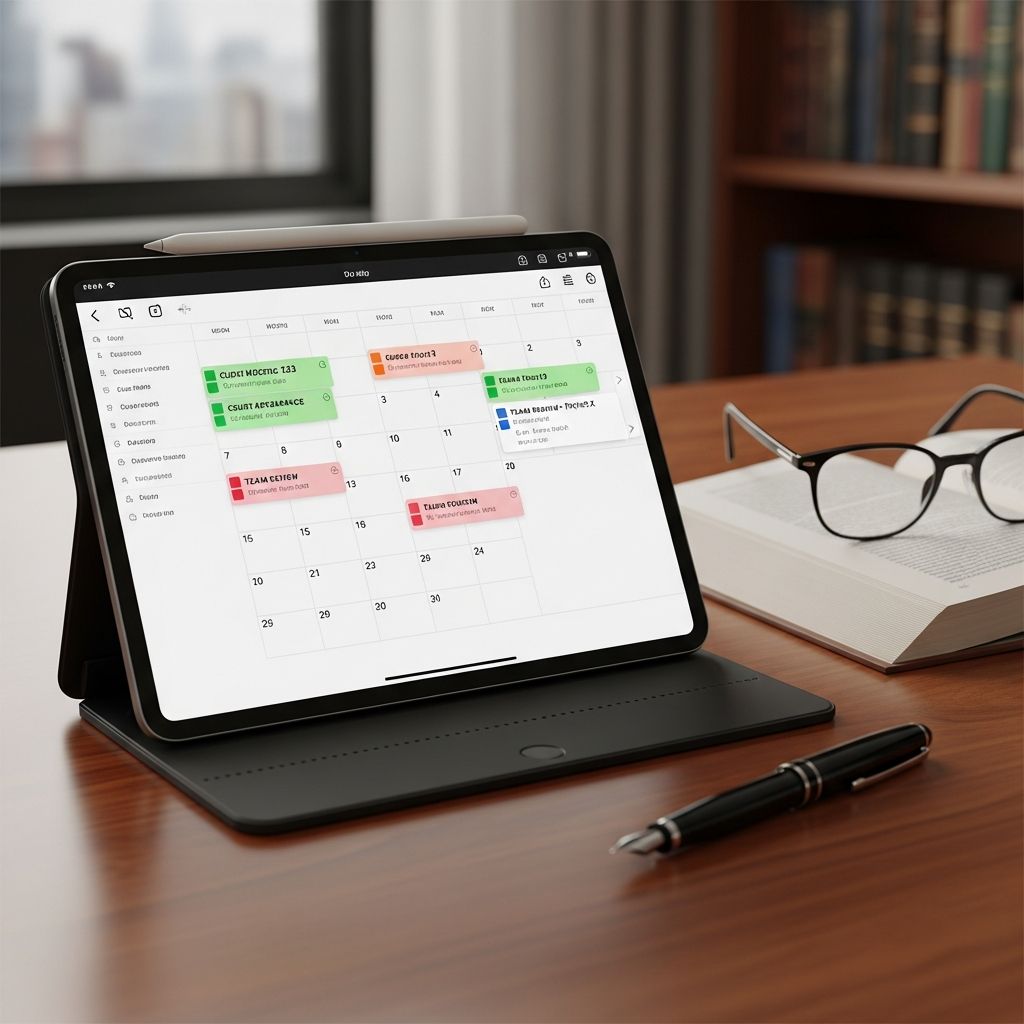
The transition to digital calendar management represents a fundamental shift in how law firms operate. Modern legal calendaring software provides a centralized platform where all deadlines, court dates, and important events are stored and managed systematically. This digital transformation has become increasingly widespread, with current adoption rates among legal professionals demonstrating the clear value these systems provide to contemporary law practices.
How Intelligent Deadline Recognition Enhances Accuracy
One of the most powerful features of modern legal calendar systems is their ability to automatically calculate deadlines based on jurisdiction-specific court rules. Unlike generic calendar applications such as Outlook or Google Calendar, which offer only basic scheduling functionality, sophisticated legal calendaring platforms incorporate the procedural rules of specific courts and jurisdictions directly into their systems.
When a case is entered into the system, the software automatically applies relevant filing deadlines, response periods, and other time-sensitive requirements based on the applicable jurisdiction and case type. If a court rule changes or if a key deadline shifts, the system recalculates all dependent deadlines automatically, eliminating the need for manual recalculation. This rules-based approach virtually eliminates the arithmetic errors and oversight that commonly occur when lawyers manually compute deadlines.
The accuracy advantages extend beyond simple deadline calculation. Advanced systems track:
- Jurisdictional holidays and closures that affect filing deadlines
- Court-specific requirements for document formatting and filing procedures
- Statute of limitations for various types of claims
- Notice requirements for different procedural motions
- Discovery cutoffs and trial preparation schedules
The Accessibility Advantage: Managing Cases from Multiple Locations
Modern legal professionals often find themselves working from various locations throughout their day. An attorney might begin their morning in the office, proceed to a client meeting, then travel to the courthouse, and potentially finish work from home. In this mobile environment, traditional office-based calendar systems become insufficient.
Cloud-based legal calendaring software provides universal access to case information and deadlines from any internet-connected device. Whether working from a desktop computer, tablet, or smartphone, lawyers can instantly view their calendars, check upcoming deadlines, and verify case information. This accessibility is particularly crucial for attorneys who handle emergency matters or who practice in litigation areas requiring frequent courtroom appearances.
The mobile accessibility feature extends beyond simple viewing. Modern systems allow lawyers to update calendars, assign tasks, record case information, and communicate with team members while away from the office. Real-time synchronization ensures that changes made on one device immediately appear on all others, preventing the confusion that occurs when different versions of information circulate throughout a firm.
Strengthening Team Coordination Through Centralized Information
Law firms are collaborative environments where multiple professionals contribute to case management. Partners oversee strategy, associates handle specific tasks, paralegals manage administrative details, and office managers coordinate scheduling. When each team member maintains separate calendars or uses disconnected systems, critical information fails to reach everyone who needs it.
Integrated legal calendar software creates what specialists call a “single source of truth”—a centralized location where all deadlines, events, and related case information are stored and continuously updated. When one team member records a new deadline, updates a hearing date, or notes important case information, that information becomes immediately visible to everyone with appropriate access permissions.
This shared visibility enables:
- Partners to monitor case progress and staff productivity across the entire firm
- Associates to understand their responsibilities and collaborate with colleagues on shared matters
- Paralegals to coordinate administrative tasks and support needs across multiple cases
- Office managers to allocate resources efficiently based on workload and timeline requirements
Beyond mere information sharing, many systems enable team members to assign tasks to specific individuals, with automated reminders ensuring accountability and follow-through. This capability transforms deadline management from a passive information display into an active management tool that actively drives case progress.
Preventing Catastrophic Oversights Through Automated Notifications
Even the most detail-oriented attorney cannot maintain perfect awareness of every deadline across multiple cases handled simultaneously. The human mind has cognitive limitations, and busy professionals inevitably focus on immediate concerns at the expense of distant deadlines until they suddenly become urgent.
Automated reminder systems address this cognitive reality by providing proactive notifications as deadlines approach. Legal calendaring software can be configured to send alerts via multiple channels—email, SMS text messages, in-application notifications, or desktop alerts—at customizable intervals. A lawyer might receive initial warnings thirty days before a major filing deadline, followed by more frequent reminders as the deadline approaches, and final alerts on the day the deadline occurs.
These automated reminders serve multiple functions. They ensure that important dates never slip through the cracks unnoticed. They prompt the attorney at appropriate times to begin preparation for upcoming events. They facilitate communication with clients about upcoming deadlines. And they provide evidence of diligent deadline tracking if professional responsibility questions ever arise.
Financial and Operational Advantages of System Integration
Beyond the core function of deadline management, legal calendaring software delivers significant operational and financial benefits to law firms. The elimination of manual calendar maintenance reduces administrative labor costs. The prevention of missed deadlines protects against malpractice liability and maintains client satisfaction. The improved efficiency from reduced scheduling errors and better case coordination increases billable hours and improves profitability.
Many modern legal calendar systems integrate seamlessly with other essential law firm software, including case management systems, time tracking applications, and billing platforms. This integration eliminates the redundant data entry that occurs when information must be manually transferred between separate systems. When a deadline is recorded in the calendar system, that information automatically flows to billing systems, project management tools, and client communication platforms. This connectivity creates operational efficiencies that multiply across the firm.
Scalability represents another significant advantage. Whether a law firm has three lawyers or three hundred, the same software platform can accommodate growth without requiring wholesale system replacement. Firms can add users, customize rules for different practice areas, and expand to new jurisdictions simply by updating system configuration.
Security and Confidentiality Protections
Law firms handle profoundly sensitive client information that must be protected from unauthorized access and data breaches. Digital systems create potential security risks that paper-based systems do not present. Reputable legal calendaring software addresses these concerns through multiple protective measures including encryption, user authentication protocols, role-based access controls, and regular data backups.
Cloud-based systems specifically benefit from the security infrastructure maintained by professional data center operators. These facilities include physical security measures, redundant systems to prevent data loss, and compliance with legal and regulatory requirements for confidential information handling. Most modern legal software providers undergo regular security audits and maintain certifications demonstrating compliance with industry standards for data protection.
Comparing Technology Options and Implementation Considerations
| Technology Type | Deadline Accuracy | Team Collaboration | Mobile Access | Implementation Cost |
|---|---|---|---|---|
| Generic Calendar Tools | Manual calculation required | Limited sharing features | Basic functionality | Low to minimal |
| Legal-Specific Software | Automatic rules-based calculation | Full collaboration features | Full mobile functionality | Moderate to higher |
| Integrated Practice Management | Automatic rules-based calculation | Full collaboration features | Full mobile functionality | Higher investment |
When selecting a calendar solution, law firms should prioritize systems that integrate smoothly with their existing software infrastructure rather than introducing additional complexity. The optimal solution centralizes information in one location while maintaining compatibility with tools the firm already uses for case management, time tracking, and billing.
Frequently Asked Questions About Legal Calendar Software
Q: Can generic calendar tools like Outlook adequately manage legal deadlines?
A: While basic calendar tools can record dates, they lack jurisdiction-specific deadline calculation, automated rule application, and integration with court requirements. Legal-specific software automatically applies applicable rules and recalculates dependencies, eliminating manual computation errors.
Q: How does rules-based calendaring improve deadline accuracy?
A: Rules-based systems encode the procedural requirements of specific courts and jurisdictions directly into the software. When a case is created or a key deadline changes, the system automatically calculates all dependent deadlines according to applicable court rules, eliminating human calculation errors.
Q: What happens if a court rule changes mid-case?
A: When court rules are updated in the system, all dependent deadlines automatically recalculate across all affected cases. This ensures that deadline changes are instantly reflected throughout the firm without requiring manual updates by individual lawyers.
Q: Can multiple team members access the same calendar simultaneously?
A: Yes, modern legal calendar software allows multiple users to access, view, and update shared calendars in real-time. Changes made by one user immediately synchronize across all devices and users with appropriate access permissions.
Q: How can automated reminders be customized for different deadline types?
A: Most systems allow customization of reminder timing, frequency, and delivery method for different deadline categories. A firm might set different reminder schedules for trial dates versus filing deadlines, with various notification channels including email, SMS, and in-app alerts.
Q: What security measures protect client confidentiality in cloud-based systems?
A: Reputable legal calendar software employs encryption, authentication protocols, role-based access controls, and regular data backups to protect sensitive information. Most providers maintain security certifications and undergo regular audits to ensure compliance with confidentiality requirements.
References
- 7 Benefits of Cloud-Based Legal Calendaring Software — CaseFox. 2024. https://www.casefox.com/blog/cloud-based-legal-calendaring-software-benefits/
- Legal Calendaring Software – Benefits & Key Features — Lexzur. 2024. https://www.lexzur.com/legal-calendaring-benefits-features/
- How Legal Calendar Software Makes Time Management Simple — Beacon Live. 2024. https://www.beaconlive.com/blog/legal-calendar-software
- Everything You Need to Know About Legal Calendaring Software — California Lawyers Association. 2024. https://calawyers.org/california-lawyers-association/everything-you-need-to-know-about-legal-calendaring-software/
Similar Articles








Read full bio of medha deb


