
Desk Essentials Every Legal Professional Should Own
Build a smarter, calmer, and more efficient legal workspace with practical desk essentials that support focus, accuracy, and client service.
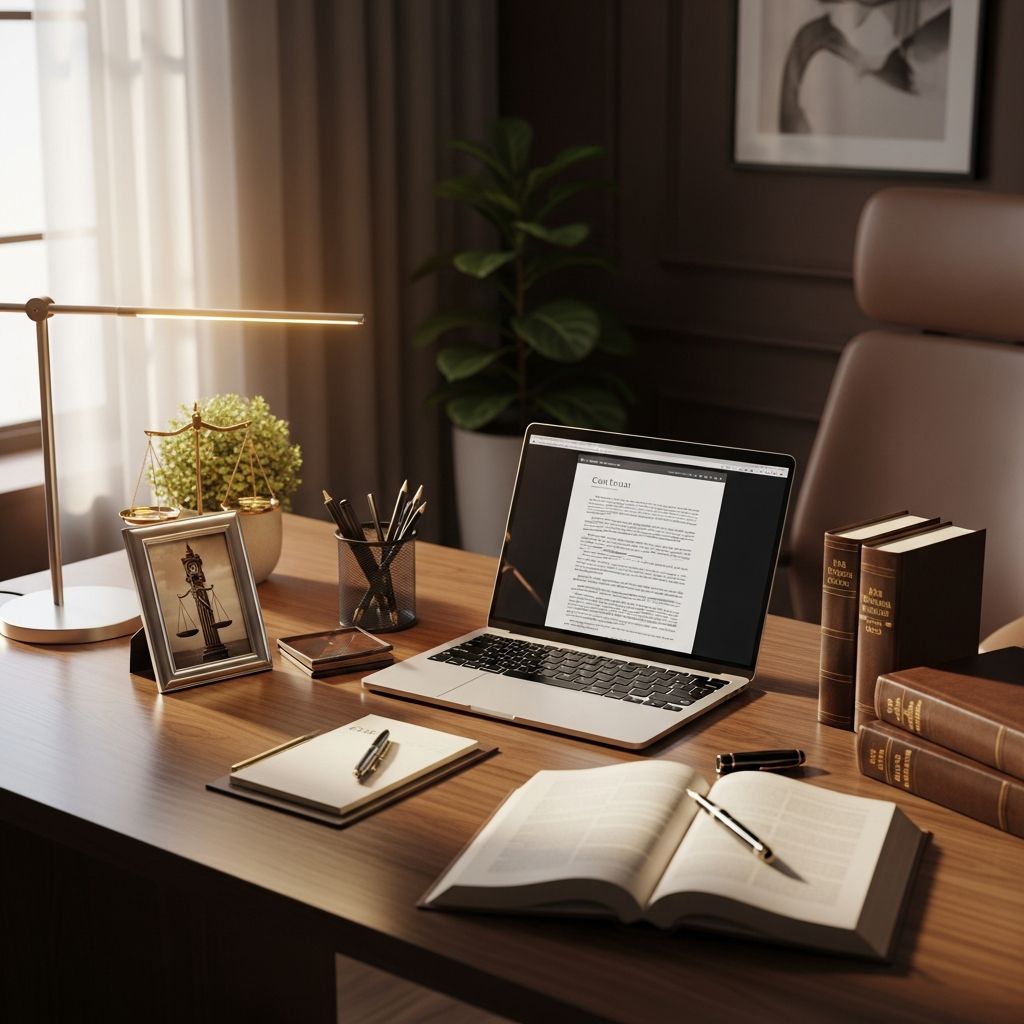
For legal professionals, a desk is more than just a piece of furniture. It is a hub for research, drafting, deadlines, and client communication. A thoughtfully equipped workspace can reduce errors, cut stress, and make it easier to deliver high-quality work under pressure. This guide walks through key items every modern legal professional should keep within arm’s reach to support productivity, focus, and professional presentation.
Why Your Desk Setup Matters in Legal Work
Legal work demands concentration, accuracy, and rapid access to information. Even small inefficiencies—like searching for a phone number or misplacing handwritten notes—can compound over time and affect client service and billable hours. Research on workplace ergonomics and environment shows that better setups can improve performance and decrease fatigue and musculoskeletal problems, which is especially relevant for professionals who sit for long periods and work at computers all day.
A well-designed desk environment should help you:
- Access key contacts and references in seconds
- Capture ideas and instructions without losing them
- Stay comfortable during long stretches of drafting or review
- Maintain confidentiality when working around others
- Project a professional image to colleagues, clients, and opposing counsel
1. Critical Contact Information at Your Fingertips
Legal professionals interact constantly with courts, agencies, clients, and co-counsel. Keeping important contact details immediately available can save precious time, particularly when filing deadlines or emergencies arise.
Key Contacts to Keep Close
- Court phone numbers and clerk’s offices
- Local process servers and couriers
- Frequent opposing counsel and co-counsel
- IT and e-filing support contacts
Even if your case management system stores these details, a small printed card, desk reference sheet, or pinned note with the most frequently used numbers can dramatically speed up routine calls—especially if your primary system is offline or you are on the phone already.
2. A Green Touch: Plants and Personal Comfort Items
Legal environments are often high-stress. Small design choices can make your desk feel less like a pressure cooker and more like a focused command center. One of the simplest upgrades is adding a plant or other calming visual element.
Benefits of a Desk Plant
- Provides a visual break from screens
- Can improve perceived air quality and well-being
- Makes the workspace feel more personal and inviting
Studies in office ergonomics and environmental psychology suggest that access to natural elements—like plants or natural light—can reduce stress and improve satisfaction at work. For busy legal professionals, even a low-maintenance plant can offer a subtle boost to mood and focus.
3. Organizers: Controlling the Paper Avalanche
Even in an era of digital files and practice management software, legal work still generates large volumes of paper: signed originals, exhibits, incoming mail, and court notices. Without a system, documents can quickly overwhelm your desk.
Useful Physical Organizers
- Letter trays for “In”, “Out”, and “To File” piles
- Vertical file stands for active matters
- Desktop drawers for stationery and small tools
- Document clips and labeled folders for quick sorting
Well-structured physical organization should complement digital tools like document management systems and practice management platforms, which help track versions, access rights, and searchability. Your desk should handle the immediate flow; your systems should handle the long-term retention.
4. Task Lighting for Long Drafting Sessions
Legal professionals frequently review dense documents and fine print. Relying solely on overhead lighting can cause eye strain, especially in windowless or low-light offices. A dedicated desk lamp with adjustable brightness and direction helps maintain comfort and accuracy.
Features to Look For in a Desk Lamp
- Adjustable arm or neck for targeted illumination
- Warm–cool color options to reduce glare
- Easy on/off controls to minimize disruption
- Stable base that does not eat up valuable desk space
In combination with proper monitor positioning and ergonomic seating, good lighting contributes to a healthier office environment and supports sustained concentration.
5. Checklists, Quick References, and Cheat Sheets
Law involves complex procedures and recurring tasks. Rather than relying on memory alone, many legal professionals benefit from concise, desk-side references for common workflows.
Examples of Helpful Quick References
- Filing requirement checklists for your main courts
- Service of process rules and deadlines by jurisdiction
- Standard steps for opening and closing a matter
- Billing codes or time entry categories commonly used in your practice
Combining written checklists with digital task management or practice management software reduces forgotten steps and supports consistency, especially for high-volume or multi-step procedures.
6. Hydration and Sustained Energy: Your Go-To Water Bottle
It is easy to lose track of basic needs when preparing for trial or working through a motion deadline. Keeping a dedicated water bottle or similar container at your desk nudges you to stay hydrated without leaving your workspace frequently.
While this seems minor, adequate hydration supports cognitive performance and energy levels over long days. Choosing a spill-resistant container with a lid can also help protect documents and devices from accidental damage.
7. Reliable Note-Taking Tools
Legal professionals are constantly receiving information in real time: phone messages, client instructions, judge’s comments, or ideas for arguments. Having a reliable way to capture and organize these thoughts is essential.
Analog Options
- Legal notepads for meetings and calls
- Sticky notes for short reminders and quick flags
- Whiteboard or dry-erase board for brainstorming and timelines
Digital Tools to Complement Paper
- Note apps like Microsoft OneNote or similar platforms
- Practice management systems with built-in note fields
- Document management software that stores annotated PDFs
Modern note-keeping and project-management tools allow legal professionals to capture information across devices and share it securely with colleagues, helping to avoid lost notes and miscommunications. A hybrid approach—paper for immediacy and digital for long-term retention—often works best.
8. Headset or Headphones for Calls and Focus
From client calls to virtual hearings, audio quality and privacy are central to effective legal communication. A dedicated headset or pair of headphones can improve both your listening and speaking experience.
Why a Headset Belongs on Every Legal Desk
- Clearer audio for virtual meetings and phone calls
- Hands-free note-taking during conversations
- Reduced background noise, which supports confidentiality in shared spaces
- Better ergonomics than cradling a phone between your shoulder and ear
For remote and hybrid work, pairing a good headset with secure video conferencing tools (such as those widely used in the legal sector) ensures you can participate professionally in depositions, negotiations, and internal meetings from almost anywhere.
9. Ergonomics and Comfort: Protecting Your Health
Legal professionals often spend long hours in one position, reading and typing. Over time, this can contribute to neck, back, and wrist issues. Ergonomic considerations at the desk are therefore more than a luxury—they are a risk-management strategy for your own health.
| Ergonomic Element | What It Helps With | Desk-Level Example |
|---|---|---|
| Chair support | Reduces back and hip strain | Adjustable lumbar support, adjustable height |
| Keyboard and mouse position | Decreases wrist and shoulder tension | Wrist rest, keyboard tray at elbow height |
| Monitor height | Prevents neck pain | Monitor riser so top of screen is at or slightly below eye level |
| Desk layout | Reduces reaching and twisting | Frequently used tools placed within easy arm’s reach |
Guidance from occupational health experts emphasizes that proper workstation setup can lower the risk of musculoskeletal disorders for computer-based workers, including attorneys and legal staff. Adding a footrest, document holder, or separate keyboard and mouse can often make a noticeable difference.
10. Discreet Technology for Daily Legal Work
While many core tools now live in the cloud—case management software, document review platforms, and e-filing portals—some technology still deserves space on or near your desk.
Hardware Worth Keeping Close
- Desktop or laptop with adequate processing power and security features
- Scanner access (either personal or nearby shared device) for digitizing incoming paper
- Backup drives or secure storage if your firm’s policies require local copies
Reliable standard office hardware, coupled with legal-specific software such as document management and practice management systems, forms the backbone of modern legal operations. Your physical desk setup should make it easy to connect and use these tools without clutter or constant cable juggling.
Putting It All Together: Designing Your Ideal Legal Desk
Every legal professional’s work is unique, but the underlying demands—accuracy, responsiveness, and confidentiality—are shared across practice areas. When arranging your desk, think in terms of functional “zones”:
- Primary work zone: keyboard, mouse, monitor, and notepad directly in front of you
- Reference zone: organizers, active files, checklists, and quick contacts within easy reach
- Comfort zone: plant, water bottle, lamp, and ergonomic accessories
- Communication zone: phone, headset, and video-conferencing setup
Revisiting your setup periodically—especially after role changes, new responsibilities, or a shift to remote work—ensures that your desk continues to support, rather than hinder, your effectiveness.
Frequently Asked Questions (FAQs)
Q: What is the single most important item to keep on a legal professional’s desk?
A: The most important item is whichever tool reliably helps you capture and manage information—often a combination of a notepad, digital notes, and your computer. Without a good system for recording calls, deadlines, and tasks, other improvements will have limited impact.
Q: How can I keep my legal desk organized with both paper and digital files?
A: Use simple physical categories for paper (such as “In”, “Out”, and “To File”) and match them to a structured digital system in your document or practice management software. Set aside short daily or weekly blocks to clear your desk and ensure everything is scanned or filed appropriately.
Q: Do I really need a separate headset if I already have a phone?
A: A headset or quality headphones improve sound clarity, protect confidentiality in shared spaces, and allow you to take notes hands-free. This is particularly valuable for virtual hearings, client conferences, and long negotiation calls.
Q: What small change can quickly improve comfort at my desk?
A: Adjusting monitor height and chair position often delivers immediate benefits. Your eyes should naturally rest near the top of the screen, and your elbows should be close to 90 degrees when typing. Adding a desk lamp and a plant can further reduce strain and increase comfort.
Q: How do digital tools fit into a traditional law office desk setup?
A: Digital platforms—such as legal research tools, document management, and practice management software—handle storage, search, and collaboration. Your physical desk should be arranged to support quick access to these tools via your computer, while also providing space for paper-based tasks that still matter in many courts and practice areas.
References
- 12 Common Business Tools Used by Attorneys — TimeSolv. 2023-05-10. https://www.timesolv.com/resources/blog/12-common-business-tools-used-by-attorneys/
- 13 Practical Lawyer Tools for Everyday Legal Work — BriefPoint. 2023-08-15. https://briefpoint.ai/lawyer-tools/
- Essential Office Setup: 11 Things Every Lawyer Needs — Attorney at Work. 2021-04-19. https://www.attorneyatwork.com/lawyer-essential-office-setup/
- Everything a Lawyer Needs to Do When Setting Up Their Home Office — Clio. 2021-09-01. https://www.clio.com/blog/lawyer-home-office/
- 10 Essential Tech Tools Every Legal Professional Needs to Know — PSM Partners. 2022-06-02. https://www.psmpartners.com/blog/10-essential-tech-tools-every-legal-professional-needs-to-know/
Similar Articles








Read full bio of Sneha Tete


