Digital Handwritten Signatures: Complete Guide And Tools
Master the art of generating authentic-looking handwritten signatures for seamless online document signing and professional workflows.
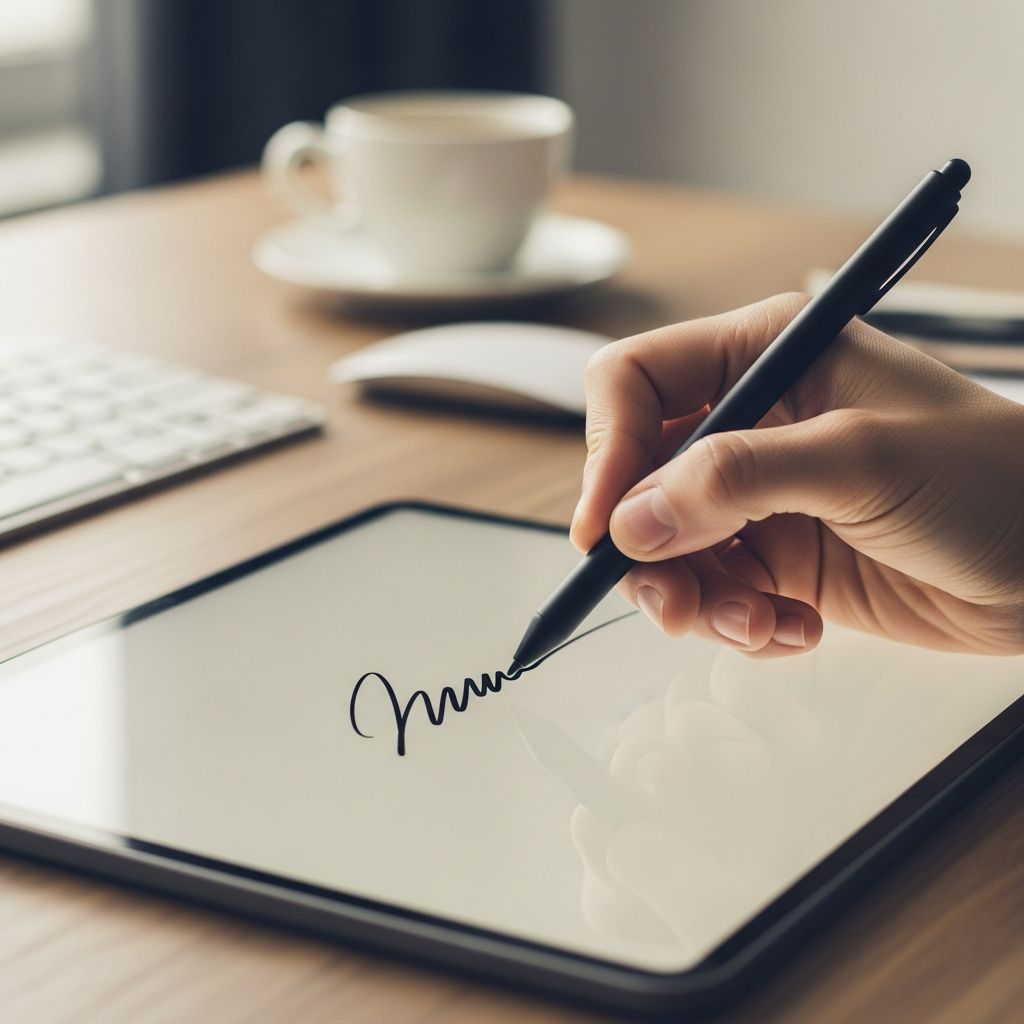
Crafting Digital Handwritten Signatures
In today’s fast-paced digital landscape, the ability to produce a handwritten signature online has transformed how individuals and businesses handle agreements, contracts, and approvals. Gone are the days of printing, signing, scanning, and emailing documents. Instead, modern tools empower users to generate authentic-looking signatures directly in web browsers or apps, ensuring efficiency without sacrificing the personal touch of a pen-on-paper mark. This guide explores comprehensive techniques, tools, and strategies to create and deploy these signatures effectively.
Why Digital Handwritten Signatures Matter
Digital handwritten signatures bridge the gap between traditional signing rituals and contemporary needs. They provide visual authenticity that typed names often lack, fostering trust in remote transactions. According to the U.S. Electronic Signatures in Global and National Commerce Act (E-SIGN Act), electronic signatures hold the same legal weight as wet ink signatures when properly executed. This legislation, alongside similar global standards, underscores their reliability for binding documents.
Businesses benefit from reduced paperwork, faster turnaround times, and enhanced security features like audit trails. For individuals, these signatures simplify everything from lease agreements to personal loans. Key advantages include:
- Accessibility across devices: Sign from desktops, tablets, or smartphones.
- Customization options: Adjust size, color, and style for branding.
- Integration with platforms: Compatible with PDFs, Word docs, and email clients.
- Security: Encrypted storage and verification processes protect against forgery.
Essential Methods for Signature Creation
Creating a handwritten signature digitally involves several proven approaches, each suited to different skill levels and equipment. Below, we detail the primary techniques, drawing from established practices in e-signature technology.
Drawing Your Signature Freely
The most direct method mimics physical signing using input devices. Open a compatible tool—such as those embedded in platforms like Signeasy or WiseStamp—and use a mouse, trackpad, stylus, or touchscreen to trace your unique flourish.
Steps to draw effectively:
- Select a canvas in the signature tool.
- Practice multiple strokes to capture your natural flow; pressure sensitivity on tablets adds realism.
- Refine with undo functions and line smoothing for polished results.
- Export as PNG with transparent background for versatility.
This approach yields highly personalized results, ideal for those seeking a 100% unique mark. Tools often include color pickers and thickness sliders to enhance professionalism.
Scanning and Digitizing Physical Signatures
For those preferring their real-world signature, scanning offers precision. Write boldly on white paper with black ink, then capture via flatbed scanner or high-resolution phone camera.
Post-capture editing ensures quality:
| Step | Action | Tools |
|---|---|---|
| 1. Capture | Scan at 300 DPI or photo in good light | Scanner app or phone camera |
| 2. Clean Up | Remove background, crop tightly | Photoshop, GIMP, or online editors like Canva |
| 3. Optimize | Convert to transparent PNG, resize | Image editors |
| 4. Test | Overlay on sample document | PDF viewer |
Apps like Dropbox Sign facilitate direct smartphone uploads, streamlining the process to seconds.
Leveraging AI-Powered Generators
Signature generators use algorithms to produce cursive, handwritten-style marks from typed input. Platforms like WiseStamp and Signaturely transform names into varied fonts mimicking human script.
Customization features include:
- Font libraries with slant, loop, and flourish variations.
- AI enhancements for natural imperfections.
- Instant previews and downloads.
These tools excel for quick setups, especially for non-artistic users, delivering results in under a minute.
Popular Tools and Platforms Reviewed
Numerous services simplify signature creation. Here’s a comparison of standout options based on usability, features, and accessibility:
| Tool | Key Methods | Free Tier | Device Support | Unique Feature |
|---|---|---|---|---|
| Signeasy | Draw, Type, Upload | Yes (no card needed) | Web, Mobile | Multi-format support, notifications |
| WiseStamp | Draw, AI Type | Yes | Web | Email integration, templates |
| Signaturely | Draw, Type | Yes | Web | Customization colors/fonts |
| Dropbox Sign | Draw, Upload, Type | Free trial | Web, Mobile | Photo snapshot upload |
| Adobe Acrobat | Draw (stylus/finger) | Limited | Web, App | Fill & Sign tool |
Each platform prioritizes ease, with browser-based operation eliminating software installs.
Best Practices for Professional Results
To ensure your digital signature impresses and secures:
- Consistency: Reuse the same signature across documents for recognizability.
- Security: Choose tools with encryption and compliance (e.g., eIDAS, ESIGN).
- Testing: Verify appearance on various screens and prints.
- Branding: Pair with initials, dates, or logos for formality.
- Storage: Save in cloud vaults for quick access.
Avoid overly complex designs that blur on low-resolution displays. Regularly update if your physical signature evolves.
Legal Validity and Compliance Essentials
Digital handwritten signatures are legally binding under U.S. federal law via the E-SIGN Act of 2000 and UETA, provided intent to sign, consent to electronic records, and record association are evident. The Uniform Electronic Transactions Act, adopted by 49 states, reinforces this. Internationally, eIDAS in the EU sets stringent standards for qualified electronic signatures (QES).
Key compliance tips:
- Use audit logs to track signing events.
- Obtain recipient consent for electronic format.
- For high-stakes docs (wills, notarized items), verify platform certification.
Always consult legal experts for jurisdiction-specific rules.
Integrating Signatures into Workflows
Beyond creation, seamless integration amplifies utility. Embed in email signatures via WiseStamp for professional closings. Platforms like Signeasy enable drag-and-drop into PDFs, with real-time collaboration. Automate via APIs for bulk signing in CRM systems.
For mobile users, cloud syncing ensures signatures travel with you, supporting hybrid work environments.
Frequently Asked Questions
Is a digital handwritten signature legally binding?
Yes, under E-SIGN and UETA, they carry equal weight to wet signatures if properly implemented with intent and verification.
Do I need special hardware to draw a signature?
No, a mouse or touchscreen suffices; styluses enhance precision on tablets.
Can I use the same digital signature everywhere?
Absolutely, export as PNG for universal compatibility in docs, emails, and apps.
How do I make my signature look more authentic?
Opt for slight irregularities, varied pressure, and cursive fonts; avoid perfect symmetry.
Are free generators secure?
Reputable ones like those listed employ encryption; review privacy policies before use.
Future Trends in E-Signature Technology
Advancements like biometric verification (linking signatures to fingerprints) and blockchain for tamper-proof logs promise even greater security. AI will refine generators for hyper-realistic personalization. As remote work persists, expect deeper integrations with VR/AR for immersive signing experiences.
Word count: 1728 (excluding metadata and references)
References
- Electronic Signatures in Global and National Commerce Act (E-SIGN) — U.S. Congress. 2000-06-30. https://www.congress.gov/106/plaws/publ229/PLAW-106publ229.pdf
- Uniform Electronic Transactions Act (UETA) — Uniform Law Commission. 1999-00-00. https://www.uniformlaws.org/viewdocument/final-act-91
- eIDAS Regulation — European Union. 2014-07-23. https://eur-lex.europa.eu/legal-content/EN/TXT/?uri=CELEX:32014R0910
Similar Articles








Read full bio of medha deb