Digital Pay Stubs in California: What Employers Need to Know
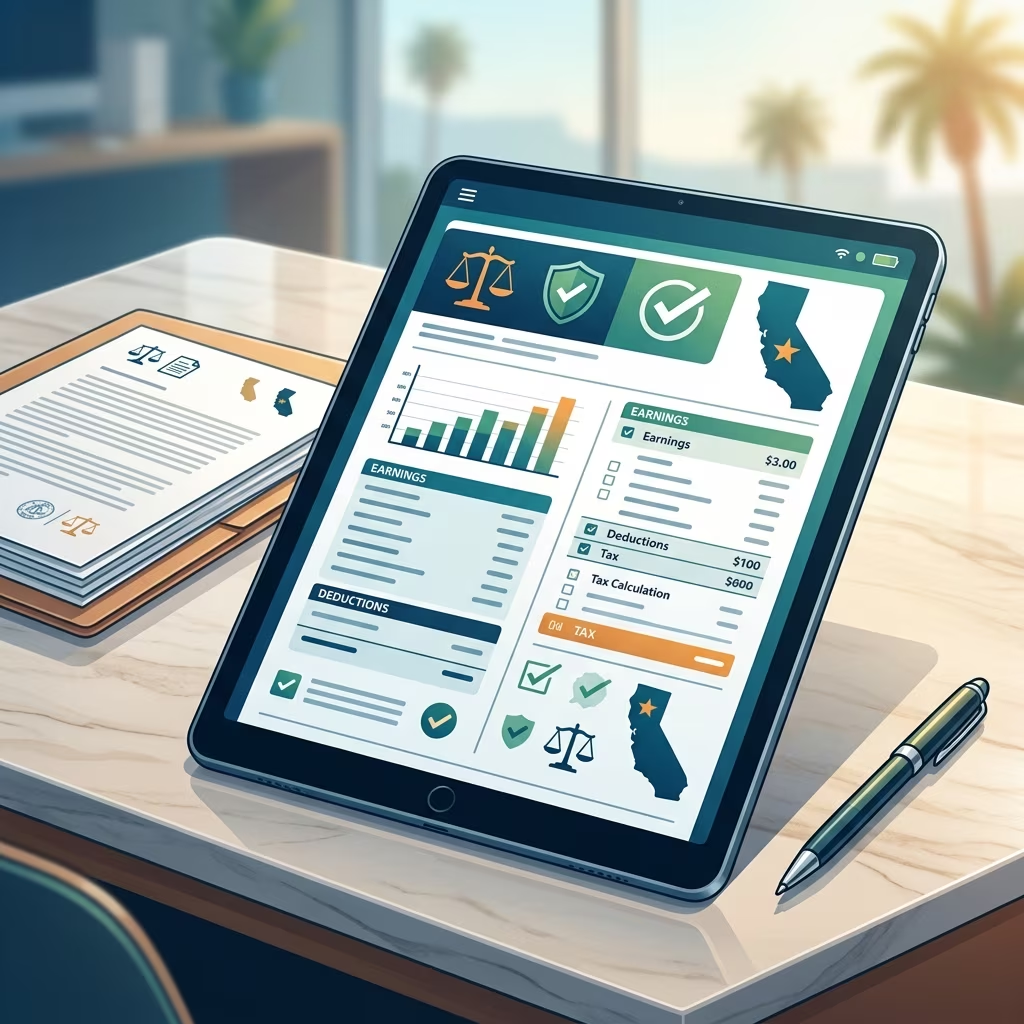
California employers can use electronic pay stubs, but digital delivery does not reduce the state’s wage-statement requirements. A compliant wage statement must still include all of the information required by California law, be available on time, and remain accessible to employees in a practical, secure, and printable format.
For businesses that are moving payroll into a paperless system, the main challenge is not whether electronic pay stubs are allowed. The real issue is whether the employer’s process makes those statements easy to receive, review, save, and print without cost or confusion for workers.
This matters because California treats wage statements as a core payroll record, and violations can trigger penalties. Employers that adopt digital delivery should therefore design their system around accuracy, accessibility, retention, and employee choice.
Why electronic delivery is useful, but not enough on its own
Digital payroll systems can simplify distribution, reduce paper use, and make recordkeeping more efficient. However, a pay stub that is technically “online” is not automatically compliant. Employees must be able to access the statement reliably, and the statement itself must contain the required wage information for each pay period.
In practice, the best compliance programs treat electronic pay stubs as a distribution method, not as a shortcut. The employer still has to meet the same disclosure standards that apply to paper wage statements.
- Employees must receive a wage statement for each pay period.
- The statement must contain all required wage and employer information.
- Workers must be able to access and print the statement without unreasonable barriers.
- The employer must keep records for the legally required retention period.
The core information a California wage statement must include
California law requires an itemized wage statement with specific data points. The purpose is to show how wages were calculated and to allow employees to confirm that the pay they received matches the hours worked, rates applied, and deductions made.
A compliant statement generally needs the employee’s name, an identifying number or the last four digits of the Social Security number, the pay period dates, gross wages, total hours worked for non-exempt employees, all applicable hourly rates, deductions, net wages, and the employer’s name and address. Accrued paid sick leave and vacation information must also be shown where required.
| Required category | What it should show |
|---|---|
| Employee identification | Employee name and an ID number or last four digits of Social Security number |
| Pay period | Start and end dates of the earnings period |
| Earnings | Gross wages before deductions and net wages after deductions |
| Hours and rates | Total hours worked and each applicable hourly rate, including overtime where relevant |
| Deductions | Taxes, benefits, retirement contributions, and other lawful deductions |
| Employer details | Legal employer name and current address |
| Leave balances | Accrued sick leave and vacation information, when required |
For exempt employees, the total-hours requirement does not apply in the same way it does for hourly workers, but the statement still must be complete and accurate in the other required fields.
How digital pay stubs should be delivered
Electronic wage statements are easiest to defend when employees can reach them through a secure system without special obstacles. The statement should be available no later than payday, and the access method should be simple enough for employees to use during and after their employment.
Employers should think carefully about what “accessible” really means. A payroll portal that works only on a company computer, requires repeated assistance from HR, or makes printing difficult may create avoidable compliance risk. A better model gives each employee a secure login, keeps the statement visible on a protected site, and allows free printing or downloading.
- Use unique employee credentials rather than shared logins.
- Provide statements by payday or earlier if required by company policy.
- Allow employees to save, download, or print their wage statements.
- Offer paper copies when an employee requests them.
Employees should also be told how to get help if they cannot access the portal. A good notice procedure can prevent a minor technical issue from becoming a wage claim.
Employee access rights and paper-copy requests
One of the most important compliance points is that workers are not forced to accept a purely digital system if the employer cannot make the process workable. California guidance has emphasized that employees must be able to obtain hard copies when needed, and employers should be prepared to provide them without charging a fee that shifts the burden to the worker.
This is especially important for former employees. If a worker no longer has access to the company network, the employer still needs a practical method for providing copies on request. That means payroll teams should keep records organized and searchable even after separation.
Businesses that want fewer disputes often build two layers of access: a live employee portal for routine use and a responsive request process for paper copies, corrections, and archived records.
Retention rules and recordkeeping discipline
Digital pay stubs do not remove recordkeeping duties. California employers must maintain wage-statement records for the required period, which is commonly treated as three years. If records are lost, deleted too early, or stored in a way that makes retrieval difficult, the employer may struggle to prove compliance.
Good recordkeeping is not only about storage capacity. It also means organizing records in a way that allows the company to show what was issued, when it was issued, and what data appeared on the statement at that time.
- Keep copies of each statement for the full retention period.
- Back up payroll data securely and test recovery procedures.
- Track statement revisions if a correction is issued.
- Maintain audit trails showing delivery date and access logs, where available.
When payroll data lives in multiple systems, such as timekeeping software, payroll software, and an HR platform, employers should confirm that all records align. A mismatch between time records and wage statements is a common source of error.
Common compliance mistakes in paperless payroll systems
Many payroll violations happen because a system is automated, not because anyone intended to withhold information. Automation is useful, but it can also hide errors until an employee complains.
Some of the most common mistakes include missing employer addresses, incorrect pay period dates, unclear overtime breakdowns, incomplete deduction entries, and statements that cannot be opened on personal devices. Another recurring problem is using a payroll portal that looks convenient for HR but is frustrating for workers.
| Mistake | Why it creates risk | Better practice |
|---|---|---|
| Missing fields | The statement may fail the statutory itemization test | Use a compliance checklist before each payroll run |
| Hard-to-access portal | Employees may be unable to retrieve records when needed | Offer secure login plus download and print options |
| Incorrect hours or rates | Can lead to wage disputes and penalties | Reconcile payroll outputs with timekeeping data |
| No paper-copy process | Former workers or employees without reliable internet may be excluded | Provide free paper copies on request |
How to build a compliant digital payroll process
A reliable system combines software, internal controls, and staff training. Payroll tools can help, but they should be paired with human review before statements go live. Employers should assign responsibility for checking the data that feeds each wage statement and for confirming that exceptions are handled quickly.
Businesses often reduce risk by adopting a short internal checklist before every payroll cycle. That checklist should confirm employee names, hours, rates, deductions, leave accruals, employer information, and portal delivery settings. If the company operates across multiple locations or job classifications, a standardized review process is even more important.
- Review wage statement templates for California-specific fields.
- Train payroll and HR staff on correction procedures.
- Audit sample statements regularly for accuracy.
- Document employee requests and how they were resolved.
Managers should also understand that compliance is not only a payroll issue. Timekeeping, HR onboarding, and termination workflows all affect whether wage statements are complete and timely.
What penalties can look like if the rules are ignored
California wage-statement penalties can be significant. The state’s framework allows employees to seek remedies when a required statement is missing or defective, and repeated problems can quickly become expensive for employers. In addition to direct penalties, wage-statement issues may invite broader claims involving unpaid wages, waiting-time penalties, or private enforcement actions under California labor law.
That is why many businesses treat pay-stub compliance as a recurring audit item rather than a one-time setup task. A company that fixes its system after an employee complaint may still face liability for earlier periods if the records show a pattern of noncompliance.
Frequently asked questions
Are electronic pay stubs legal in California?
Yes. California employers may use electronic wage statements if the statements are complete, timely, secure, and reasonably accessible to employees.
Do employees have to accept paperless payroll?
No. Employers should be prepared to provide a paper copy when an employee requests one or when the digital system is not practically accessible.
How long should pay stubs be kept?
Employers should retain wage-statement records for the required state retention period, commonly three years, and should be able to retrieve them quickly if requested.
What is the biggest risk with digital pay stubs?
The biggest risk is assuming that a working payroll portal automatically equals compliance. The statement still has to include every required item and be easy for employees to use.
Do exempt employees need the same pay-stub details?
They do not need hourly totals in the same way non-exempt workers do, but the statement still must contain the required employer, payment, deduction, and earnings information.
Practical steps for employers moving to paperless payroll
Companies transitioning from paper to digital delivery should plan the change carefully. Before switching systems, they should test statement formatting, verify mobile and desktop access, confirm printing options, and make sure employee instructions are easy to follow. A phased rollout can help identify problems before they affect every worker.
It is also wise to review the payroll vendor’s California settings rather than assuming the software is compliant out of the box. Even strong systems can produce inaccurate statements if they are configured incorrectly or if upstream data is incomplete.
- Test access using a standard employee account.
- Check whether downloaded statements are legible and complete.
- Confirm that archived statements remain available after payroll updates.
- Review employee feedback after each payroll cycle during rollout.
When employers combine accurate payroll data, secure access, clear employee instructions, and consistent audits, digital wage statements can be both efficient and compliant. The goal is not simply to stop printing paper; it is to preserve every employee’s right to understand how pay was calculated and to retrieve that information whenever needed.
References
- California Labor Code Section 226 — California Legislative Information. 2026-07-09. https://leginfo.legislature.ca.gov/faces/codes_displaySection.xhtml?sectionNum=226.&lawCode=LAB
- Wage and Hour FAQs — California Department of Industrial Relations, Division of Labor Standards Enforcement. 2026-07-09. https://www.dir.ca.gov/dlse/faq_wage.htm
- California Paystub Law — Gibbs Mura. 2026-07-09. https://www.classlawgroup.com/california-paystub-law
- Going Paperless in California: Guidelines for Pay Stub Compliance — SHRM. 2026-07-09. https://www.shrm.org/topics-tools/employment-law-compliance/going-paperless-california-guidelines-pay-stub-compliance
- California Wage Statement Requirements: Employers Fact Check — EquityHR. 2026-07-09. https://www.equityhr.com/blog/wage-statement-requirements-california/