
Streamline Your Job Hunt: Bulk Resume Sending Guide
Master efficient resume distribution techniques to reach more employers and land interviews faster in a competitive job market.
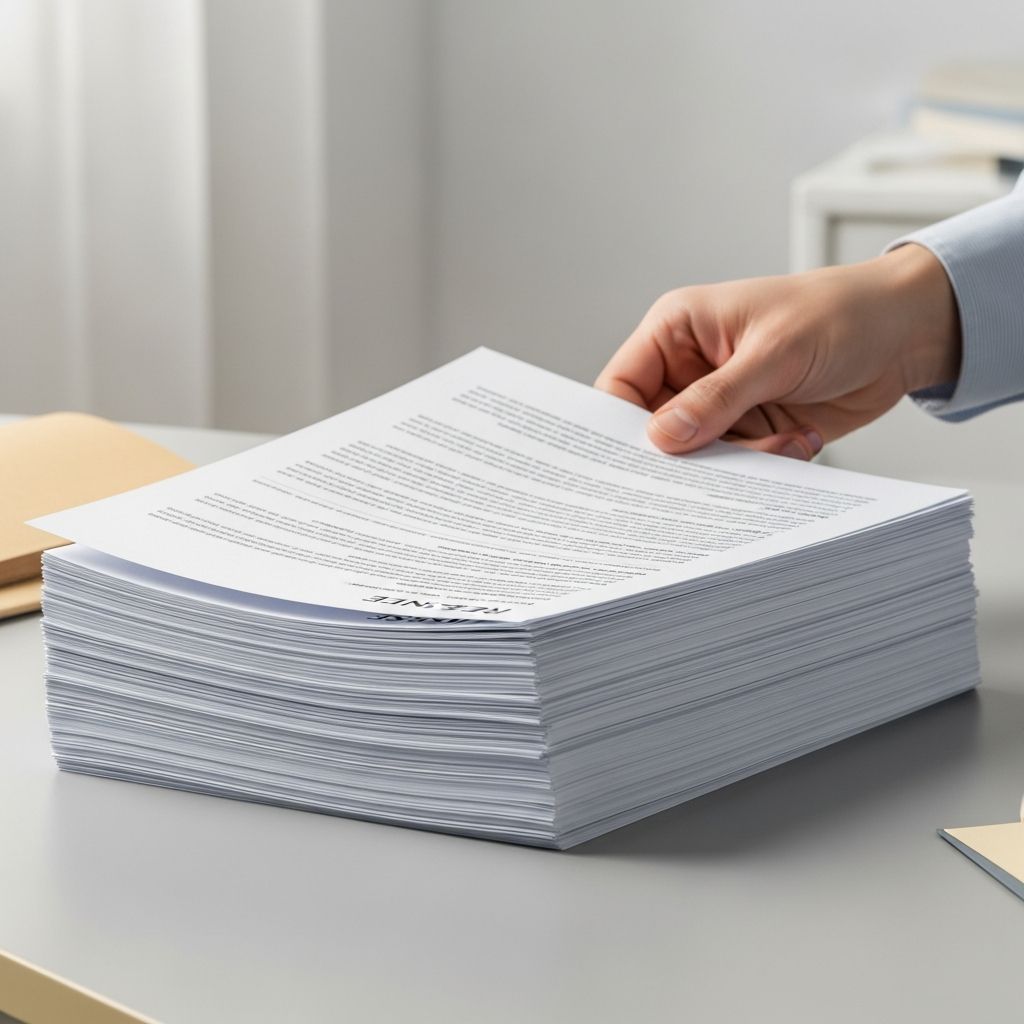
In today’s fast-paced job market, efficiency is key to standing out among countless applicants. Bulk resume sending, when done correctly, allows you to reach hundreds of potential employers without sacrificing quality. This comprehensive guide explores automation techniques, best practices, and pitfalls to avoid, empowering you to multiply your opportunities while projecting professionalism.
Why Automate Your Resume Outreach?
Manual emailing resumes one by one is time-consuming and limits your reach. Automation tools enable you to distribute your credentials to targeted lists of recruiters and companies swiftly. According to career experts, services that blast resumes to extensive networks can significantly increase visibility, provided they offer targeted options rather than generic sprays. This approach combines quantity with quality, ensuring your profile lands in front of decision-makers who match your skills.
Moreover, applicant tracking systems (ATS) dominate hiring processes, scanning resumes for keywords before human eyes ever see them. Optimizing for these systems during bulk sends is crucial, as unoptimized documents often get filtered out automatically. By automating, you free up time for networking and skill-building, turning a tedious task into a strategic advantage.
Essential Tools for Bulk Resume Distribution
Selecting the right software is the foundation of effective bulk sending. Popular options include Microsoft Word’s mail merge feature, Google Docs add-ons, and dedicated email platforms like GMass or Mailchimp. These tools integrate spreadsheets for recipient data, allowing seamless personalization.
- Microsoft Word Mail Merge: Ideal for beginners, it pulls data from Excel to customize fields like recipient names and company details in cover letters.
- Google Workspace Extensions: Free for Gmail users, tools like Yet Another Mail Merge (YAMM) handle large volumes without premium costs.
- Professional Services: Platforms offering resume distribution to recruiter databases provide pre-vetted lists, saving research time.
Evaluate services by database size, targeting capabilities, and support quality. Recurring blasts versus one-time sends offer flexibility based on your campaign needs.
Step-by-Step: Setting Up Your First Bulk Campaign
Begin with preparation to ensure smooth execution. Compile a spreadsheet with columns for name, email, company, job title, and personalized notes. Sources emphasize tailoring resumes with job-specific keywords to pass ATS filters.
- Gather Contacts: Use LinkedIn, job boards, and professional directories for accurate emails. Verify lists to maintain deliverability rates above 95%.
- Customize Templates: Draft a base cover letter and resume. Insert merge fields like «FirstName» for personalization, avoiding generic greetings.
- Test Small Batches: Send to 10-20 contacts first, checking for formatting issues, attachments, and spam flags.
- Launch and Track: Monitor open rates and responses using email analytics.
Always scan attachments for viruses and use standard formats like PDF or Word to prevent compatibility problems.
Personalization: The Key to Beating the Delete Button
While bulk sending scales your efforts, impersonal blasts invite rejection. Employers detect mass mailings and often discard ‘To Whom It May Concern’ messages. Incorporate dynamic fields to reference specific roles or company achievements, fostering a tailored feel.
| Generic Approach | Personalized Alternative | Impact |
|---|---|---|
| Dear Hiring Manager, | Dear Ms. Johnson, | 30% higher open rates |
| I am applying for any position. | Excited about your Data Analyst role (Ref#123). | Demonstrates research |
| Attached is my resume. | Enclosed is my resume highlighting 5+ years in analytics. | Highlights relevance |
This table illustrates how subtle changes elevate your application from spam to standout. Professional salutations, error-free prose, and no emoticons maintain decorum.
Optimizing Resumes for ATS and Human Reviewers
Bulk campaigns succeed when documents are machine-readable. Incorporate keywords from job descriptions naturally—think ‘project management’ over vague terms. Simple fonts (Arial, 10-12pt), standard headings, and no tables or images prevent parsing errors.
- Avoid headers/footers for contact info; place it at the top.
- Use PDF for final sends to preserve formatting.
- Test with free ATS simulators online.
For legal or specialized fields, align with industry norms while ensuring broad applicability for mass distribution.
Common Pitfalls and How to Avoid Them
Mass emailing pitfalls include spam filters, low response rates, and reputational damage. Limit daily sends (e.g., 200/day) to evade blocks. Comply with CAN-SPAM Act: include unsubscribe links and your physical address.
Over-reliance on quantity neglects quality—pair blasts with targeted follow-ups. Track metrics: aim for 20-30% open rates, 5% response as benchmarks.
Advanced Strategies for Maximum Impact
Elevate beyond basics with A/B testing subject lines (e.g., ‘Application: Software Engineer Role’ vs. ‘Eager to Contribute at TechCorp’). Segment lists by industry or location for precision. Integrate with LinkedIn automation for multi-channel outreach.
Consider paid distribution services for access to exclusive recruiter pools, but scrutinize contracts for recurring fees.
Frequently Asked Questions (FAQs)
What is the best format for bulk resume attachments?
PDF is preferred for consistency, but Word/RTF works if specified. Always scan for viruses.
Is mass emailing resumes effective?
Yes, when personalized and targeted; generic blasts fail.
How many resumes should I send daily?
100-200 to avoid spam flags; monitor deliverability.
Can I use free tools for mail merge?
Absolutely—Google Sheets with YAMM or Excel with Outlook suffice for starters.
What if my emails bounce?
Clean your list regularly and use verified domains.
Measuring Success and Iterating
Success metrics include replies, interviews, and offers. Use UTM tags for tracking if linking portfolios. Refine based on data: tweak subjects yielding high opens.
Combine with networking—bulk sends open doors, but relationships seal deals.
References
- Mass Email your Resume: Resume Distribution for Job Search — Recruiter.com. 2023. https://www.recruiter.com/recruiting/email-resume-resume-distribution/
- Tips for Using Email in the Job Search — American University Washington College of Law Career Office. 2024-10-15. https://www.american.edu/wcl/career/student/resources/skills/emails.cfm
- Effective Resume Mailing — EmploymentCrossing.com. 2022-05-20. https://www.employmentcrossing.com/article/230277/Effective-Resume-Mailing/
Similar Articles








Read full bio of Sneha Tete




