Building a Tech-Savvy Legal Resume That Gets Noticed
Learn how to showcase both legal expertise and technology skills on a modern resume that passes ATS scans and impresses hiring partners.
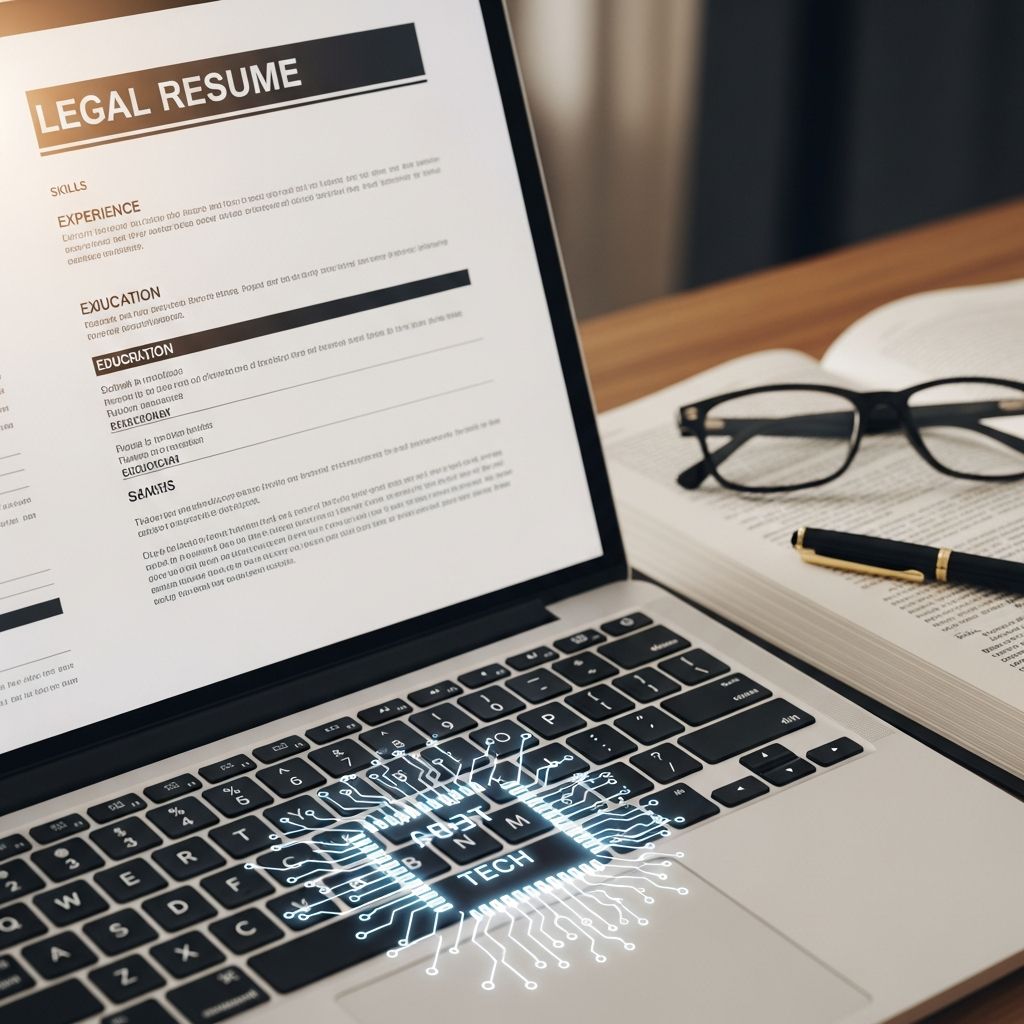
How to Craft a Tech-Savvy Legal Resume That Stands Out
Legal employers expect more than strong writing and research skills. Today, they also look for professionals who work efficiently with eFiling systems, practice management tools, document automation, and data-driven workflows. A resume that blends legal acumen with technology fluency gives you a measurable edge in a competitive market.
This guide explains how to present your legal background and technical capabilities in a clear, modern, and hiring-manager-friendly format.
1. Rethink Your Resume as a Legal-Tech Marketing Document
Your resume is not a list of tasks; it is a concise argument that you can deliver results with both lawyering skills and technology tools.
Before you start writing, define three points you want a reader to remember:
- Practice focus: e.g., litigation, corporate, compliance, IP, family law.
- Tech strengths: e.g., eDiscovery platforms, research databases, eFiling portals.
- Business impact: e.g., reduced turnaround times, improved accuracy, cost savings.
Return to these points as you write each section. Anything that does not support them can often be trimmed.
2. Write a Summary That Blends Legal and Technical Value
Replace vague objectives with a targeted, 2–4 line professional summary that quickly positions you as a tech-savvy legal professional.
Use your summary to:
- State your role and experience level (e.g., litigation associate, senior paralegal, legal operations manager).
- Highlight your primary practice areas.
- Mention 2–3 technology capabilities that are highly relevant to your target roles.
- Reference outcomes (e.g., efficiency, accuracy, client service, revenue, or risk reduction).
A focused summary also helps applicant tracking systems (ATS) and recruiters quickly match you to the right requisitions.
3. Structure Your Resume for ATS and Human Readers
Most law firms and corporate legal departments now use ATS software to screen resumes. A polished design is valuable, but it must remain machine-readable.
3.1 Use Standard Sections and Simple Layout
- Stick to conventional headings like Experience, Education, Skills, and Certifications.
- Avoid text boxes, complex graphics, or multi-column layouts that may confuse parsing tools.
- Use a clean, readable font (e.g., Arial, Calibri, Times New Roman) and consistent spacing.
3.2 Put the Most Relevant Information First
Organize content in reverse chronological order within each section and move the most practice-relevant and tech-relevant experience toward the top.
| Element | Tech-Savvy Best Practice |
|---|---|
| File format | Submit as .docx or PDF only if the posting allows; avoid images of text. |
| File name | Use a professional file name like lastname_legal_resume.pdf. |
| Section labels | Use standard titles so ATS recognizes sections (e.g., Experience, not Career Story). |
| Formatting | Rely on bullets, bolding, and spacing; avoid columns, headers, and footers where possible. |
4. Translate Legal Work into Impactful, Tech-Aware Bullet Points
Hiring partners and recruiters want evidence of results, not just duties. Each bullet point under your experience section should answer two questions:
- What legal work did you perform?
- How did technology help you deliver better outcomes?
4.1 Use Action Verbs and Specifics
Start bullets with strong verbs and name the tools or systems you used when relevant.
- Replace vague phrases like “assisted with” or “exposed to” with concrete contributions such as “drafted,” “analyzed,” “negotiated,” or “implemented.”
- Specify practice areas, types of matters, or regulations (e.g., employment discrimination, commercial contract disputes, GDPR compliance).
4.2 Quantify Wherever Possible
Where confidentiality allows, include metrics to show scale and impact.
- Matter volume (e.g., number of cases, transactions, or filings handled).
- Time savings through templates, automation, or workflow improvements.
- Reductions in errors, rework, or discovery costs.
- Revenue or value of deals or disputes (ranges are acceptable).
This approach helps transform your resume from a historical record into a forward-looking indicator of what you can deliver.
5. Showcase Legal Technology Skills Strategically
Technology skills are most persuasive when they are relevant and integrated into your legal work, not isolated in a long, generic list.
5.1 Prioritize the Tools That Matter in Legal Practice
Consider grouping your tools into focused categories in a Skills or Technical Skills section:
- Research & Analytics: Major legal research platforms, analytics tools.
- Case & Matter Management: Practice management or docketing software.
- Document & Workflow: eFiling portals, document automation, collaboration tools, PDF editing.
- Litigation Support & eDiscovery: Review platforms, trial presentation software.
Only list tools you can use competently in a professional setting; assume you may be asked to demonstrate familiarity during interviews.
5.2 Connect Tech Skills to Legal Outcomes
Whenever you mention software in your experience bullets, link it to a specific benefit:
- Faster drafting or turnaround times.
- Improved organization and tracking of deadlines.
- More accurate or comprehensive document review.
- Stronger, data-informed case strategy.
This reinforces that you are not simply listing tools, but using technology as part of your overall professional judgment.
6. Align with the Job Description and Legal Market Trends
Legal employers increasingly expect resumes to be tailored to specific postings. A generic document is easy to spot and rarely competitive.
6.1 Mirror Keywords Thoughtfully
Review each job description and identify:
- Core competencies (e.g., brief writing, contract negotiation, compliance advisory).
- Key technologies (e.g., specific case management systems, eDiscovery platforms).
- Subject-matter focus (e.g., healthcare, financial services, employment, privacy).
Integrate the relevant terms naturally into your summary, skills, and experience sections. This helps with ATS screening and signals that you understand the role’s priorities.
6.2 Adapt for Law Firm vs. In-House Roles
Law firm and corporate legal departments often value different emphases.
| Target Employer | Resume Emphasis |
|---|---|
| Law firm | Billable work, case/matter management, business development, client growth, court/agency experience. |
| In-house legal | Partnership with business units, risk management, cross-functional collaboration, workflow improvements, internal systems. |
In both cases, highlighting how you use technology to improve service, manage risk, and work efficiently is increasingly important.
7. Present Education, Credentials, and Learning Mindset
Your education and credentials demonstrate baseline qualifications, but they can also underscore your commitment to ongoing learning—especially in technology.
- Include law school, undergraduate degrees, and bar admissions in a clear, concise format.
- Add relevant certifications (e.g., eDiscovery training, project management, privacy credentials) in a separate Certifications section.
- Mention coursework, clinics, or capstones that involved legal tech, compliance systems, or data-intensive work when relevant to your target roles.
Career centers at law schools consistently emphasize the value of clearly presenting education and credentials while keeping the focus on what you can contribute to an employer.
8. Polish, Length, and Professional Presentation
Legal employers expect a high standard of written work. Your resume is an implicit writing sample.
8.1 Control Length and Density
- Early-career professionals: Typically one page is sufficient; add a second page only if you have substantial relevant experience.
- Mid- to senior-level: One to two pages, focused on the last 10–15 years and the most relevant roles.
- Use white space and short bullets to improve readability; avoid dense blocks of text.
8.2 Proofread to Legal Standards
- Check spelling, grammar, and punctuation meticulously—errors can signal carelessness.
- Ensure consistent formatting for dates, locations, and job titles across your document.
- Avoid first-person pronouns and filler phrases like “responsible for” or “duties included.”
Many law school career guides advise treating your resume as if you were filing a pleading: precise, consistent, and error-free.
9. Connect Your Resume to Your Online Professional Presence
Employers often cross-check candidates’ resumes against their LinkedIn or professional profiles.
- Include a LinkedIn URL if your profile is current and professional.
- Ensure titles, dates, and employers match between your resume and online profiles.
- Highlight the same themes—legal strengths, technology fluency, and measurable impact—across platforms.
This consistency is especially important for roles that involve client-facing work or legal operations, where digital professionalism is expected.
Frequently Asked Questions (FAQs)
Q: How many technology tools should I list on a legal resume?
Aim for a focused list of tools that you can use confidently and that are relevant to your target roles. Overlong lists can dilute credibility; prioritize depth of experience over breadth.
Q: Should I create a separate “Technical Experience” section?
You can, but it is more effective to integrate technology into your main Experience section and then reinforce it with a concise Skills section. This shows that tech skills are part of your everyday legal work, not an add-on.
Q: How do I show tech skills if my current firm uses older systems?
Emphasize how you improved processes with the tools available—such as organizing digital files, using templates, tracking matters in spreadsheets, or learning new research databases on your own. You can also highlight training, certifications, or pro bono work that involved more modern platforms.
Q: Is it acceptable to use a modern design template for a legal resume?
A clean, visually organized template is helpful, but prioritize readability and ATS compatibility. Avoid heavy graphics, multiple columns, or elements that may not parse correctly. Simple formatting with thoughtful use of bold and spacing is usually safest for legal roles.
Q: How often should I update my legal resume?
Update your resume whenever you complete a major matter, develop a new technical skill, or change roles. At a minimum, review it every six months so it remains ready for new opportunities and accurately reflects your current capabilities.
References
- How to Write a Winning Lawyer Resume: A Guide for 2025 — Final Draft Resumes. 2024-05-01. https://www.finaldraftresumes.com/post/how-to-write-a-winning-lawyer-resume-a-guide-for-2025
- Writing an Effective Resume for Law Positions — Touro University Jacob D. Fuchsberg Law Center, Office of Career & Professional Development. 2023-08-10. https://www.tourolaw.edu/careerservices/resume-writing-for-law
- Legal Resume Refresh: 2025 Best Practices That Land Interviews — LawCrossing. 2024-01-15. https://www.lawcrossing.com/article/900056372/Legal-Resume-Refresh-2025-Best-Practices-That-Land-Interviews/
- 11 Tips for Writing a Successful Lawyer Resume — Clio. 2023-09-20. https://www.clio.com/blog/lawyer-resume-tips/
- Career Planning Center: Legal Resume Guide — Marquette University Law School. 2022-07-01. https://law.marquette.edu/assets/career-planning/pdf/Legal-Resume-Guide.pdf
- Legal Resumes — UC Berkeley School of Law Career Development Office. 2022-09-01. https://www.law.berkeley.edu/careers/resources/legal-resumes/
- Resume Guide — Syracuse University College of Law Office of Career Services. 2021-08-01. https://law.syracuse.edu/wp-content/uploads/Resume-Guide.pdf
Similar Articles








Read full bio of medha deb