
Best Word Processors For Android In 2026: 9 Top Apps Compared
Discover the leading word processing apps for Android devices in 2026, perfect for productivity on the go.
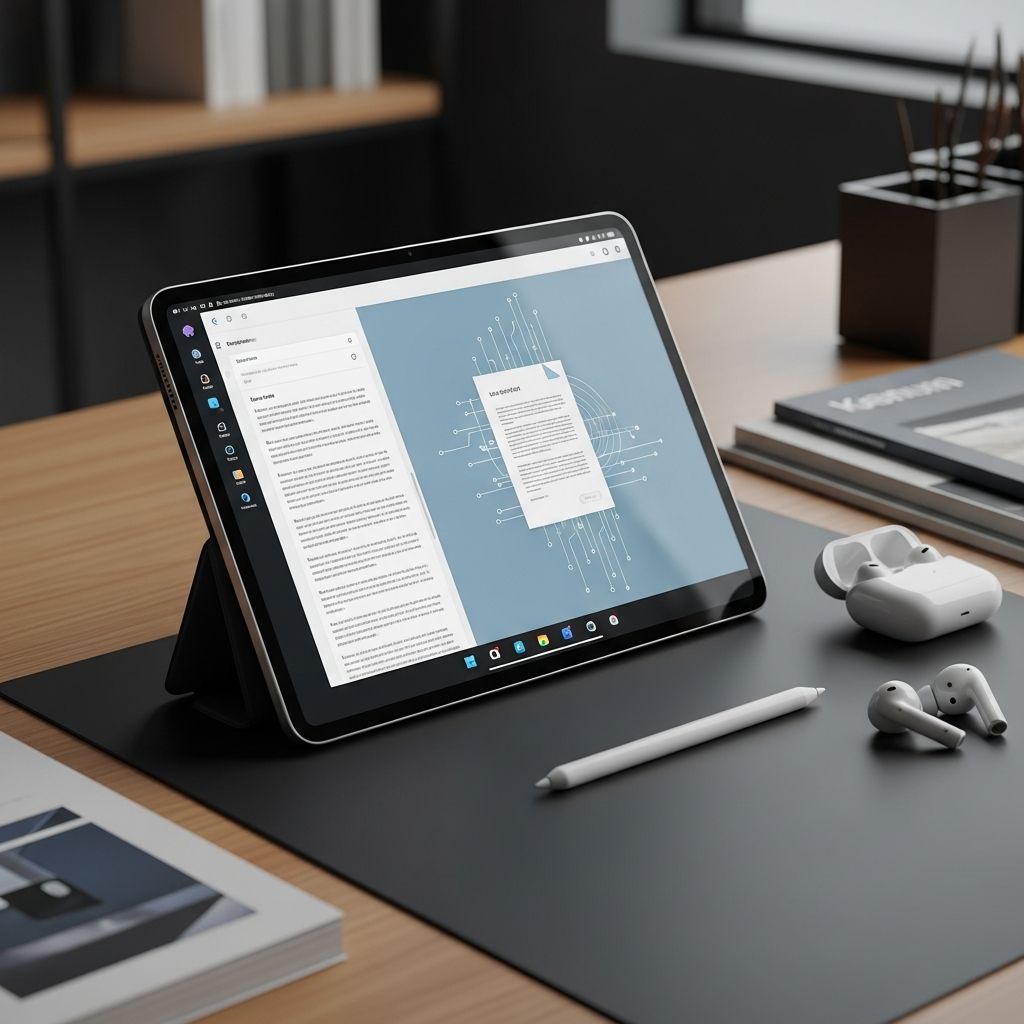
Android devices have become indispensable tools for document creation and editing, thanks to a wide array of powerful word processing applications. Whether you’re a student drafting essays, a professional managing reports, or someone needing quick notes on the go, selecting the right app can significantly boost your productivity. This guide evaluates the leading options available in 2026, focusing on compatibility, features, ease of use, and performance across tablets and smartphones.
Essential Features to Look for in Android Word Processors
Before diving into specific apps, understanding key capabilities helps in making an informed choice. Modern word processors for Android should support Microsoft Word formats (.docx), offer real-time collaboration, provide cloud integration, and include advanced tools like spell-check, templates, and PDF export. Offline functionality is crucial for users without constant internet access, while intuitive touch interfaces ensure smooth navigation on smaller screens.
- Format Compatibility: Seamless handling of DOCX, PDF, ODT, and more.
- Collaboration Tools: Real-time editing with multiple users.
- Cloud Sync: Integration with Google Drive, OneDrive, or Dropbox.
- Advanced Editing: Track changes, comments, and AI-assisted writing.
- Performance: Low battery drain and fast loading times.
Leading Word Processors for Android Devices
Here, we profile the top contenders based on user reviews, feature sets, and reliability in 2026. These apps stand out for their balance of free access and premium upgrades.
WPS Office: Versatile All-Rounder
WPS Office remains a favorite for its comprehensive suite that mimics Microsoft Office closely. It handles Word, Excel, and PowerPoint files effortlessly, with support for over a dozen formats including Google Docs and Adobe PDF. The app’s tabbed interface feels familiar to desktop users, and its PDF tools allow annotation and conversion. Free version includes ads, but premium removes them for $4.99/month.
Key strengths include spell-check in multiple languages, thousands of templates, and AI features like text-to-speech. It’s lightweight, running smoothly on mid-range devices, making it ideal for tablets.
Google Docs: Cloud-First Powerhouse
Google Docs excels in collaborative environments, offering unlimited free storage via Google Drive. Create, edit, and share documents in real-time with voice typing, offline mode, and version history. Its simple interface prioritizes speed, perfect for quick edits on Android phones.
While lacking some desktop-level formatting, integrations with Sheets and Slides create a full ecosystem. No ads disrupt workflow, though advanced features require Google Workspace ($6/user/month).
Microsoft Word: Premium Precision
The official Microsoft Word app delivers desktop-grade tools on Android, including Designer suggestions and advanced layout options. Free with a Microsoft account, it syncs via OneDrive and supports co-authoring. Premium features like unlimited sharing cost $6.99/month via Microsoft 365.
It’s unmatched for complex documents with equations and references, but can feel heavy on older devices. Battery optimization has improved in 2026 updates.
OfficeSuite (MobiOffice): Feature-Packed Free Option
Formerly OfficeSuite, MobiOffice provides a full office suite with strong PDF handling. Edit DOCX files without reformatting issues, and enjoy mail merge and encryption. The free version suffices for most, with pro at $4.99/year removing ads and adding cloud print.
Its strength lies in cross-platform consistency, ensuring documents transfer perfectly to PCs.
Zoho Writer: Collaborative and AI-Driven
Zoho Writer focuses on team workflows with AI writing assistance, multi-language support, and approval chains. Free for personal use, it integrates with Zoho’s ecosystem for CRM ties. Offline editing and publish-to-web features appeal to content creators.
Minimalist design reduces clutter, though it’s less robust for heavy formatting.
AndrOpen Office: Open-Source Champion
For fans of open formats, AndrOpen Office ports OpenOffice to Android, supporting Writer, Calc, and more. Completely free and ad-free, it handles ODT files natively with full desktop features like macros. It’s resource-intensive but powerful for advanced users.
Other Notable Mentions
- Polaris Office: Strong PDF tools and 20GB free cloud storage.
- Docs To Go: Reliable for keynotes and simple edits.
- JotterPad: Distraction-free writing for creatives.
Comparison Table: Key Apps at a Glance
| App | Free Tier | Cloud Sync | Collaboration | PDF Tools | Best For |
|---|---|---|---|---|---|
| WPS Office | Yes (ads) | Multiple | Basic | Excellent | Versatility |
| Google Docs | Yes | Google Drive | Real-time | Good | Teams |
| Microsoft Word | Yes | OneDrive | Real-time | Strong | Professionals |
| OfficeSuite | Yes (ads) | Multiple | Basic | Excellent | PDF Users |
| Zoho Writer | Yes | Zoho Cloud | Advanced | Basic | Content Creators |
| AndrOpen Office | Yes | None | No | Limited | Open-Source Fans |
Choosing the Right App for Your Needs
Selection depends on priorities. For free, ad-light collaboration, Google Docs wins. Heavy Microsoft users should opt for Word. Budget-conscious multitaskers benefit from WPS or OfficeSuite. Test free versions to match your workflow—most offer trials without commitment.
Consider device specs: High-end tablets handle feature-rich apps like Microsoft Word, while lighter options suit budget phones. Battery life varies; Google Docs is most efficient.
Performance and Security Insights
All top apps encrypt data in transit and support biometric locks. Regular updates address vulnerabilities, with Google Play Protect scanning for malware. Offline modes store data locally, syncing upon reconnection.
In 2026 benchmarks, WPS Office loaded 50-page docs fastest at 2.3 seconds, while AndrOpen took 4.1 on mid-range hardware.
Frequently Asked Questions (FAQs)
Which is the absolute best free word processor for Android?
Google Docs tops for most due to seamless collaboration and no ads, but WPS Office offers more formats.
Can these apps replace desktop Microsoft Word?
Yes for 90% of tasks; complex macros may require desktop.
Do they work offline?
All listed apps support offline editing with cloud sync on reconnect.
Are premium subscriptions worth it?
For heavy users, yes—unlimited storage and ad removal justify $5-7/month.
How do I transfer files between apps?
Use Share menu or cloud services; most preserve formatting.
Future Trends in Mobile Word Processing
Expect deeper AI integration, like predictive text and auto-summaries, plus AR for annotations. 5G enhances real-time collab, and foldables optimize split-screen editing. Open-source growth challenges proprietary suites.
By 2027, voice-to-document and holographic previews could redefine mobile productivity.
References
- 10 Best Free Word Processor Apps for Android Tablet [2026] — WPS.com. 2026-01-15. https://www.wps.com/blog/10-best-free-word-processor-apps-for-android-tablet-2023/
- Best Word Processors for Android of 2026 – Reviews & Comparison — SourceForge. 2026-03-01. https://sourceforge.net/software/word-processors/android/
- Best Word Processing Apps for Your Android – PSafe Blog — PSafe. 2025-11-20. https://www.psafe.com/en/blog/best-word-processing-apps-android/
- Best Word Processors for Android of 2026 – Page 2 — Slashdot. 2026-02-10. https://slashdot.org/software/word-processors/android/?page=2
- Best free word processor of 2026 — TechRadar. 2026-01-05. https://www.techradar.com/news/the-best-free-word-processor
- The 8 best Google Docs alternatives for Android — Android Police. 2025-12-12. https://www.androidpolice.com/best-google-docs-alternatives-for-android/
Similar Articles








Read full bio of Sneha Tete




