
Smart TV Privacy: 6 Simple Ways To Safely Stop Tracking In 2025
Learn how smart TVs collect data, what risks that creates, and how to reduce tracking at home.
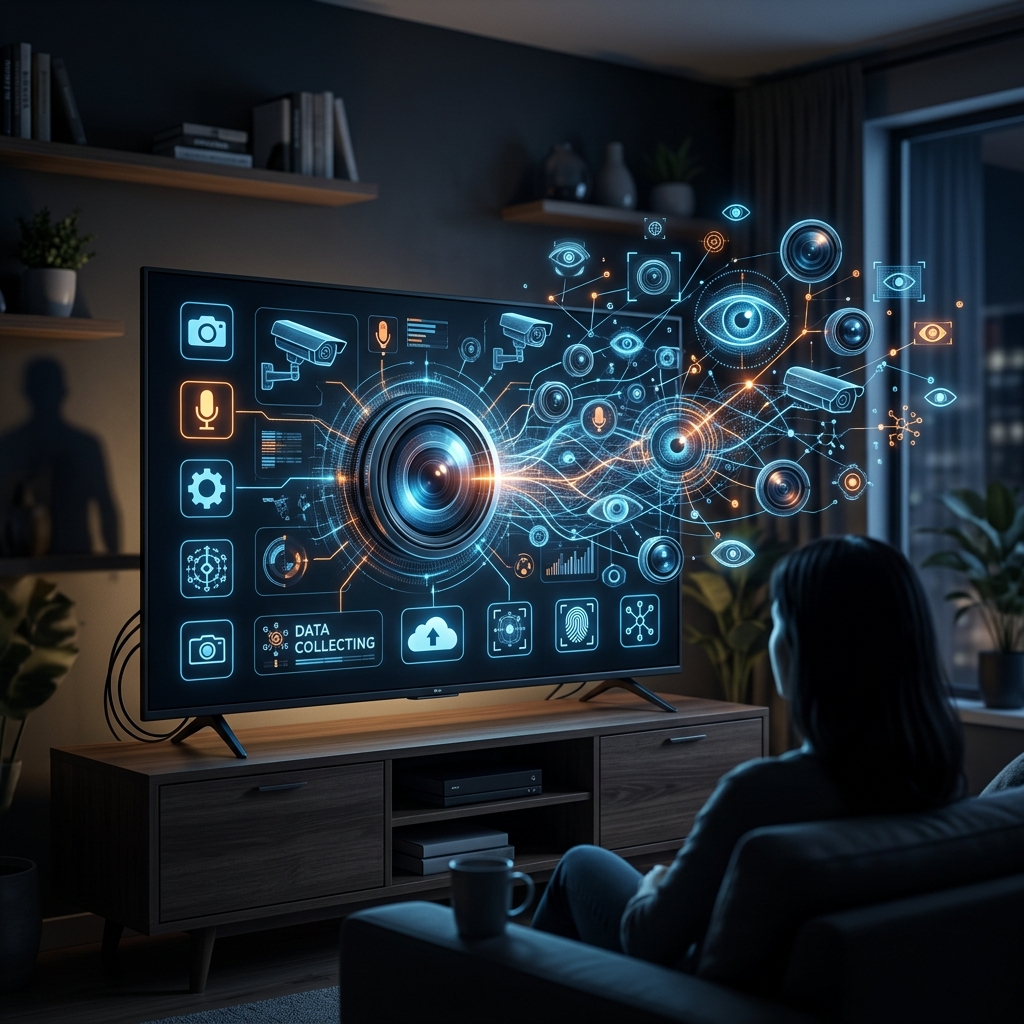
Smart TVs are convenient, but they also introduce a new kind of household privacy risk. Many models can collect viewing behavior, device identifiers, and other usage signals in the background, often through features designed for advertising, personalization, or product improvement.
The privacy issue is not limited to what you watch on the built-in apps. Research and consumer guidance show that some televisions can also analyze content passing through HDMI inputs, including game consoles, cable boxes, and streaming sticks, depending on the device and its settings.
Why Smart TVs Create Privacy Concerns
A traditional television displayed content without sending data back to a manufacturer. A smart TV is different because it is connected to the internet and may continuously communicate with company servers. That connection can improve features such as voice search, recommendations, and app updates, but it can also increase the amount of information the set shares.
One of the most discussed tracking methods is Automatic Content Recognition, often called ACR. ACR can identify what appears on the screen by comparing audio or visual samples against a reference database, allowing manufacturers or partners to infer viewing habits.
- It may create a profile of your entertainment preferences.
- It may support targeted advertising and recommendation systems.
- It may continue working even when you are using external devices.
What Information a Smart TV May Collect
The exact data collected depends on the manufacturer, model, software version, and settings. However, privacy disclosures and consumer reports commonly mention viewing history, app usage, advertising identifiers, device identifiers, IP addresses, and data about how users interact with the television and its apps.
Some systems also allow related services or applications to collect information about the content that appears on the screen. In practice, that means the TV may learn not only what service you use, but also what programs, ads, or games appear while the set is active.
| Type of data | Why it may be collected | Possible privacy impact |
|---|---|---|
| Viewing data | Recommendations, analytics, ad targeting | Reveals habits and preferences |
| Device identifiers | Account linking, diagnostics, ad measurement | Can help build a persistent profile |
| App usage data | Performance tracking and product improvement | Shows how often and when apps are used |
| Content recognition data | Content identification and advertising | Can expose what appears on the screen |
How Tracking Can Happen Without Much Notice
Privacy concerns often arise because many of these features are enabled by default or presented during setup in a way that encourages quick acceptance. Some televisions ask users to agree to data collection or ad personalization before the most relevant privacy controls are explained.
In addition, a TV may still communicate with servers while it appears to be turned off. Many sets remain in standby mode so they can receive updates, support voice features, or wake quickly when needed. That design can leave a quiet but persistent network connection in place.
- Standby mode may still allow background data exchange.
- Voice features may keep microphones ready for activation.
- Automatic updates may introduce new permissions or prompts.
Why the Risk Matters in a Home Setting
The biggest concern is not only advertising. A smart TV can sit in a shared living room, meaning it may observe content watched by multiple people, including children or guests. Over time, collected data can reveal routines, interests, household schedules, and even sensitive topics inferred from programming choices.
There is also a cybersecurity dimension. Like any internet-connected device, a smart TV can become a target if software is outdated or if unnecessary services remain enabled. That does not mean every TV is insecure, but it does mean the device should be treated as part of a home’s digital security perimeter.
How to Reduce Smart TV Tracking
You may not be able to eliminate all data collection, but you can usually reduce it. Consumer guidance from privacy and security organizations recommends reviewing the television’s privacy, viewing, and advertising menus soon after setup and again after major software updates.
- Turn off ACR or viewing recognition features.
- Disable interest-based or personalized ads where possible.
- Review app permissions, especially microphone or camera access.
- Decline optional data sharing prompts after updates.
- Reset the advertising ID if your TV offers that option.
- Check whether third-party apps are allowed to share data with the manufacturer.
Different brands use different menu labels, so privacy settings may appear under headings such as Privacy, Viewing Information, Smart TV Experience, Data Collection, Advertising, or User Agreements.
Brand Settings Can Look Different
Although the exact navigation varies, the goal is usually the same: limit content recognition, reduce ad personalization, and restrict sharing that is not necessary for basic device operation. Consumer Reports and PCMag both note that manufacturers frequently place these controls in privacy submenus rather than in the main setup flow.
That means users may need to look carefully rather than assume the first setup screen covers everything. Some settings may be buried in several layers of menus, and some options may only appear after the TV has already been registered or connected to a user account.
Simple Habits That Improve Privacy
Beyond menu settings, a few habits can make a meaningful difference. If you use an external streaming device, you may prefer to keep the TV’s own smart functions limited. If you rarely use internet-connected features, disconnecting the TV from Wi-Fi can reduce background reporting, though this also removes smart functionality.
- Use a network router to observe unusual device traffic if you want more visibility.
- Keep firmware updated so security fixes are installed promptly.
- Unplug the TV or use a power strip if you want a hard cutoff from standby mode.
- Review settings again after major software updates, since defaults can change.
What to Expect Going Forward
As televisions become more software-driven, privacy questions will likely grow more important, not less. Manufacturers have an incentive to improve advertising precision, measure engagement, and personalize recommendations, while consumers increasingly expect easy access to streaming, voice control, and content discovery.
That tension means the best approach is informed use. A smart TV can still be useful, but it works best when owners understand what data it may collect and intentionally choose which features are worth the trade-off.
Frequently Asked Questions
Can a smart TV track what I watch?
Yes. Smart TVs can use technologies such as ACR to identify content on the screen and collect viewing data for analytics, recommendations, or advertising purposes.
Does turning off the TV stop all data collection?
Not always. Some televisions remain in standby mode and may continue limited communication for updates, system functions, or voice features.
Can I disable smart TV tracking completely?
Usually not completely, but you can often reduce tracking by turning off ACR, opting out of personalized ads, and limiting app permissions.
Are external devices safer?
External devices can give you more control in some cases, but the TV itself may still collect data if it remains connected and its privacy features are enabled.
Where should I start if I want better privacy?
Start with the TV’s privacy menu, then review ad personalization, viewing data, and app permissions. After that, check the settings again after updates.
References
- The Silent Watchers: How Smart TVs Invade Your Privacy Even When You’re Not Watching TV — Universidad Carlos III de Madrid / relevant research summary. 2025-03-01. https://c3.unu.edu/blog/the-silent-watchers-how-smart-tvs-invade-your-privacy-even-when-youre-not-watching-tv
- Your Smart TV is That Nosy Neighbor — University of Maryland IT Security, Privacy, Audit, Risk and Compliance Services. 2025-01-01. https://it.umd.edu/security-privacy-audit-risk-and-compliance-services-sparcs/topic-week/your-smart-tv-nosy-neighbor
- How To Tell If Your Smart TV Is Spying on You — McAfee Blog. 2025-01-01. https://www.mcafee.com/blogs/privacy-identity-protection/whos-watching-whom-is-your-smart-tv-spying-on-you/
- How to Turn Off Smart TV Snooping Features — Consumer Reports. 2025-01-01. https://www.consumerreports.org/electronics/privacy/how-to-turn-off-smart-tv-snooping-features-a4840102036/
- Your TV Is Spying on You. Change This Setting to Stop It — PCMag. 2025-01-01. https://www.pcmag.com/explainers/your-tv-is-spying-on-you-change-this-setting-to-stop-it
Similar Articles








Read full bio of medha deb


