
7 Clear Indicators Your Computer Needs Replacing
Discover the seven critical warning signs that your aging computer is failing and it's time to invest in a modern upgrade for peak performance.
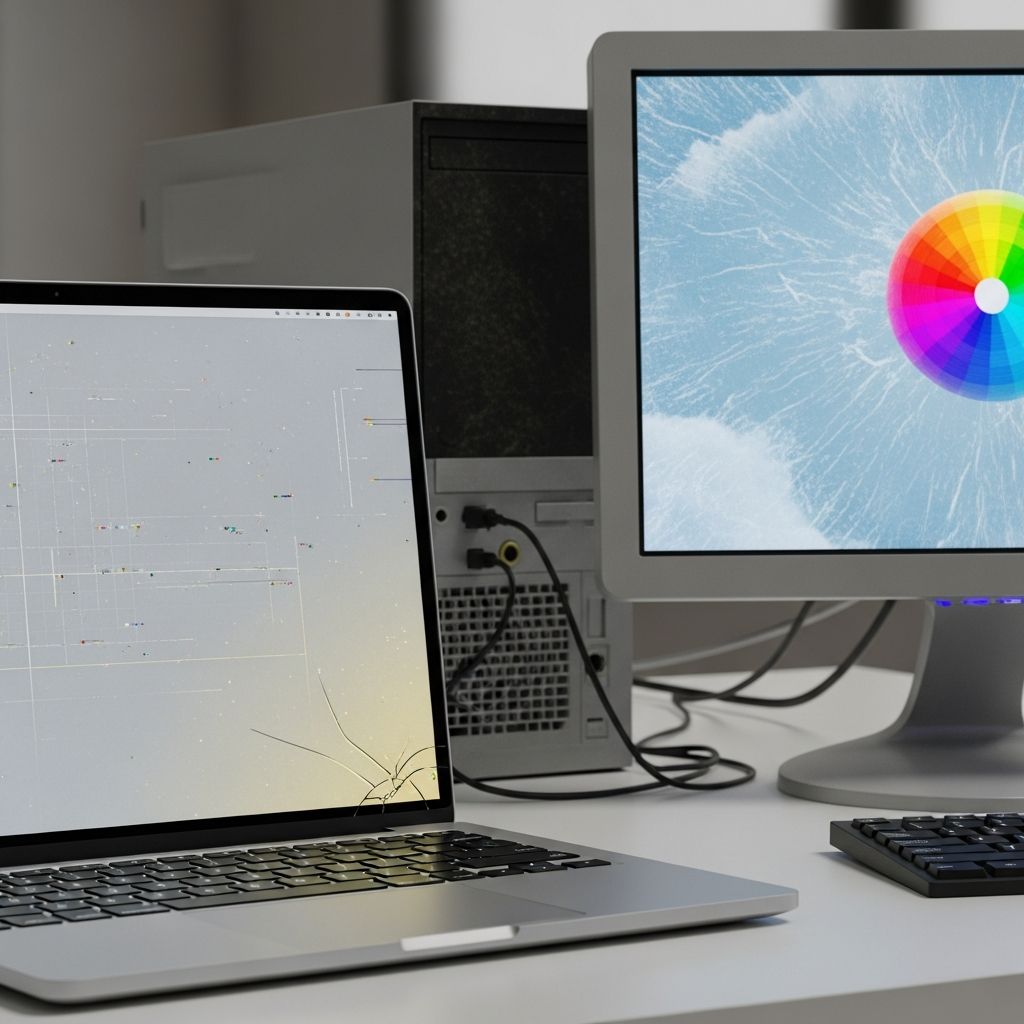
Your computer is the backbone of modern work, entertainment, and communication. When it starts underperforming, it disrupts everything from simple browsing to complex professional tasks. Recognizing the right moment to retire an old machine prevents frustration, data loss, and unnecessary repair costs. This guide explores seven definitive signals that scream for a replacement, backed by tech experts and real-world diagnostics.
Understanding Computer Lifespan Basics
Most desktops and laptops maintain optimal functionality for 3-5 years under normal use, though high-end workstations can stretch to 7-10 years with proper care. Factors like heavy multitasking, gaming, or creative software accelerate wear. According to Microsoft Support, consistent high CPU, memory, or disk usage in Task Manager is a primary red flag for hardware strain. Proactive monitoring via built-in tools helps gauge when upgrades outweigh repairs.
Beyond age, environmental factors such as dust buildup, power fluctuations, and software bloat contribute to decline. Regular maintenance—like cleaning internals and updating drivers—extends life, but no machine defies entropy forever. When symptoms compound, replacement ensures compatibility with emerging tech like AI-driven apps and 8K displays.
1. Persistent Sluggishness in Everyday Tasks
The most common complaint is a computer that crawls through basic operations. If boot times exceed 2-3 minutes, web pages load interminably, or file transfers crawl, your hardware is overwhelmed. This stems from fragmented hard drives, insufficient RAM (under 8GB for modern OS), or outdated processors unable to handle multithreading.
HP Tech Takes notes that software updates demand escalating resources; older systems falter under Windows 11 or macOS Sonoma requirements. Users report apps taking ‘longer than usual’ for common tasks, per Microsoft diagnostics. Solution? Test with Task Manager: if CPU hits 100% on idle browsing, upgrade RAM or switch to an SSD for 5x speed gains. Persistent issues post-optimization signal full replacement.
- Quick Check: Run Disk Cleanup and defrag; monitor via Resource Monitor.
- Threshold: Over 5 minutes for startup/shutdown.
2. Inability to Run Modern Applications
Today’s software—think Adobe Creative Cloud, Zoom 2026 editions, or AI tools like ChatGPT integrations—requires minimum specs that 5+ year-old PCs lack. Error messages like ‘System requirements not met’ or failed installations are non-negotiable alerts. Velocity Micro highlights that media PCs struggle with latest office suites or games, forfeiting security patches.
Gaming exacerbates this: low FPS, graphical glitches, and crashes indicate GPU obsolescence. Business users face compliance risks without updated browsers supporting TLS 1.4. If your setup rejects OS upgrades (e.g., no Windows 12 support), vulnerability to exploits skyrockets. Insation Technologies lists this as sign #2, urging SSD/processor swaps—but for machines over 7 years, total refresh is economical.
| Software Type | Common Failure Symptoms | Recommended Upgrade |
|---|---|---|
| Productivity (Office, Browsers) | Update blocks, slow rendering | 16GB RAM + SSD |
| Gaming/Editing | Lag, crashes, low res | New GPU/CPU |
| OS Updates | Incompatibility errors | Full PC replacement |
3. Random Crashes, Freezes, and Blue Screens
Unpredictable shutdowns during routine work point to failing components. The infamous Blue Screen of Death (BSOD) often signals RAM errors, overheating, or dying drives. FTC.net warns that ignoring these risks data corruption; backups are urgent. Waka.com echoes frequent crashes as a lifespan endpoint, even post-antivirus scans.
Triggers include multitasking overload or driver conflicts. If freezes occur weekly despite clean boots, hardware fatigue is culprit. Microsoft advises checking Event Viewer for error codes like KERNEL_SECURITY_CHECK_FAILURE. For laptops, this pairs with battery drain, compounding urgency.
4. Unusual Noises from Fans or Drives
A healthy PC hums quietly; grinding, clicking, or jet-engine fans scream distress. Business News Daily identifies noisy fans as early heat failure signs, leading to crashes. Dust-clogged vents force overwork, wearing bearings. Hard drive clicks indicate mechanical failure—imminent data loss.
Velocity Micro notes scraping sounds aren’t normal, even in gaming rigs. Laptops amplify this with poor ventilation. Quick fix: compressed air cleaning. Persistent racket? Component replacement costs rival new units. The20MSP lists this as sign #4, prioritizing safety to avoid fires from overheating.
5. Storage Space Exhaustion and Expansion Limits
Constant ‘low disk space’ popups disrupt workflows. Older HDDs max at 1-2TB affordably, but 4K videos and app caches demand more. Insation flags this as #4; external drives are band-aids. If upgrades hit motherboard limits (e.g., no M.2 slots), obsolescence is confirmed.
Microsoft correlates low storage with performance dips. Solution: SSD migration doubles speed, but for saturated systems, new chassis with NVMe support is ideal.
6. Diminishing Battery Life and Portability Woes (Laptops)
Laptop batteries degrade 20% yearly; under 2 hours unplugged signals replacement. Insation notes tethering to outlets defeats mobility. Swelling batteries pose hazards—immediate action needed. Paired with port failures (USB-C absent), it’s a full upgrade cue.
7. Escalating Repair Costs and Age Milestones
Post-warranty fixes for motherboards exceed $300, per Velocity Micro—cheaper than new $800 PCs. If over 5 years with multiple upgrades, diminishing returns apply. The20MSP and FTC.net agree: dated security invites breaches. Noisy fans + age >7 years? Replace preemptively.
Cost-Benefit Analysis: Repair vs. Replace
Upgrading RAM/SSD costs $100-300 but ignores CPU/GPU limits. New mid-range PCs start at $600, offering 10x performance. Calculate ROI: time saved from slowdowns (e.g., 30min/day) totals thousands yearly for pros.
| Option | Cost | Performance Gain | Lifespan Extension |
|---|---|---|---|
| RAM/SSD Upgrade | $150 | 3x | 1-2 years |
| Full Repair | $400+ | Minimal | Short |
| New PC | $700 | 10x | 5+ years |
Steps to Transition Smoothly
- Backup Everything: Use OneDrive/Google Drive or external SSDs.
- Assess Needs: Gaming? Prioritize GPU. Office? RAM-focused.
- Choose Wisely: Modular desktops for future-proofing; ultrabooks for portability.
- Recycle Old Gear: Programs like HP’s return trade-ins offer credits.
- Test New Setup: Benchmark with Cinebench/UserBenchmark.
Frequently Asked Questions (FAQs)
What if cleaning fixes my slow PC?
Cleaning helps temporarily, but recurring issues confirm hardware limits. Microsoft recommends monitoring post-maintenance.
Is 8GB RAM enough in 2026?
No—16GB minimum for smooth multitasking; 32GB for pros.
Can I upgrade an old laptop?
Limited; soldered components restrict changes. Desktops offer more flexibility.
How often should I replace my computer?
Every 4-6 years for optimal security/performance.
Does cloud storage eliminate upgrade needs?
No—local processing power remains essential for apps.
References
- Signs that It’s Time to Upgrade Your Computer — Insation Technologies. 2024. https://insationtech.com/signs-its-time-to-upgrade-your-computer/
- When to Upgrade Your Desktop PC: Top 10 Signs — HP Tech Takes. 2024. https://www.hp.com/us-en/shop/tech-takes/time-for-desktop-upgrade
- 8 Signs You Need a New Computer — Velocity Micro. 2024. https://www.velocitymicro.com/blog/8-signs-you-need-a-new-computer/
- How to know it’s time for a new PC — Microsoft Support. 2025-04-01. https://support.microsoft.com/en-us/windows/how-to-know-it-s-time-for-a-new-pc-7be6ab00-d111-4834-bf47-123528f36994
- 5 Signs It Is Time To Upgrade a Computer — FTC.net. 2024. https://www.ftc.net/blog/5-signs-it-is-time-to-upgrade-a-computer/
- How Long Do Computers Last? 10 Signs You Need a New One — Business News Daily. 2024. https://www.businessnewsdaily.com/65-when-to-replace-the-company-computers.html
Similar Articles








Read full bio of medha deb




